From your product page to a matching set, in three steps.
Set your brand up once. Then pick a scene, choose your sizes and press Generate. You get photos and videos of your real product, framed for every channel, that look like one shoot.
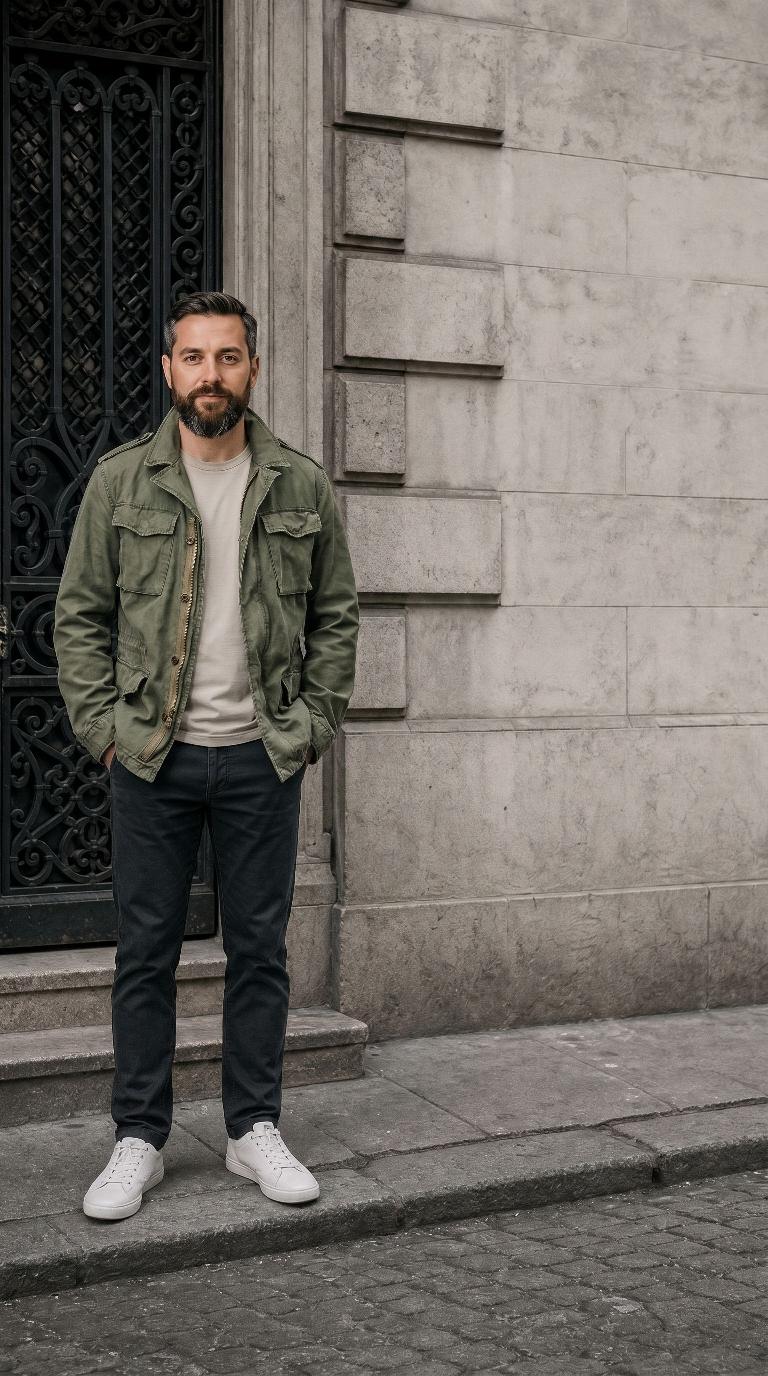
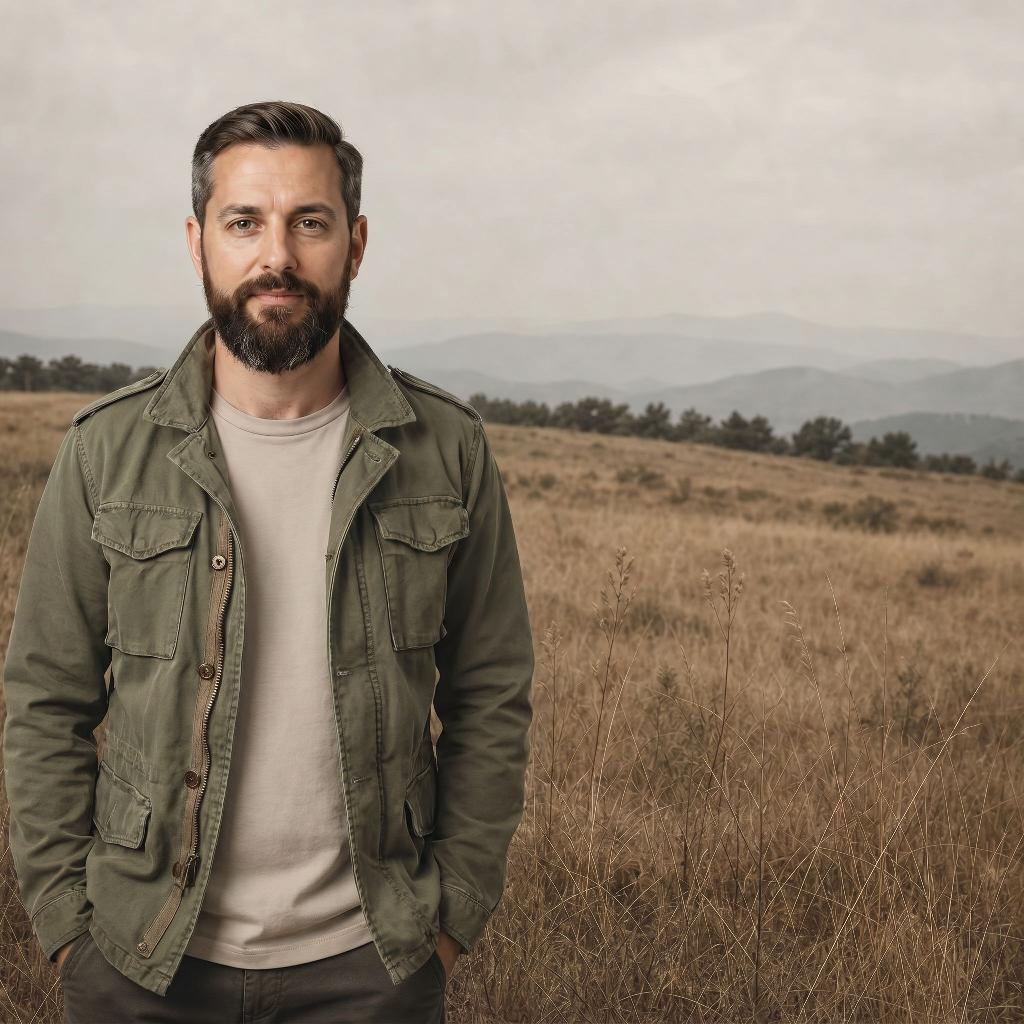
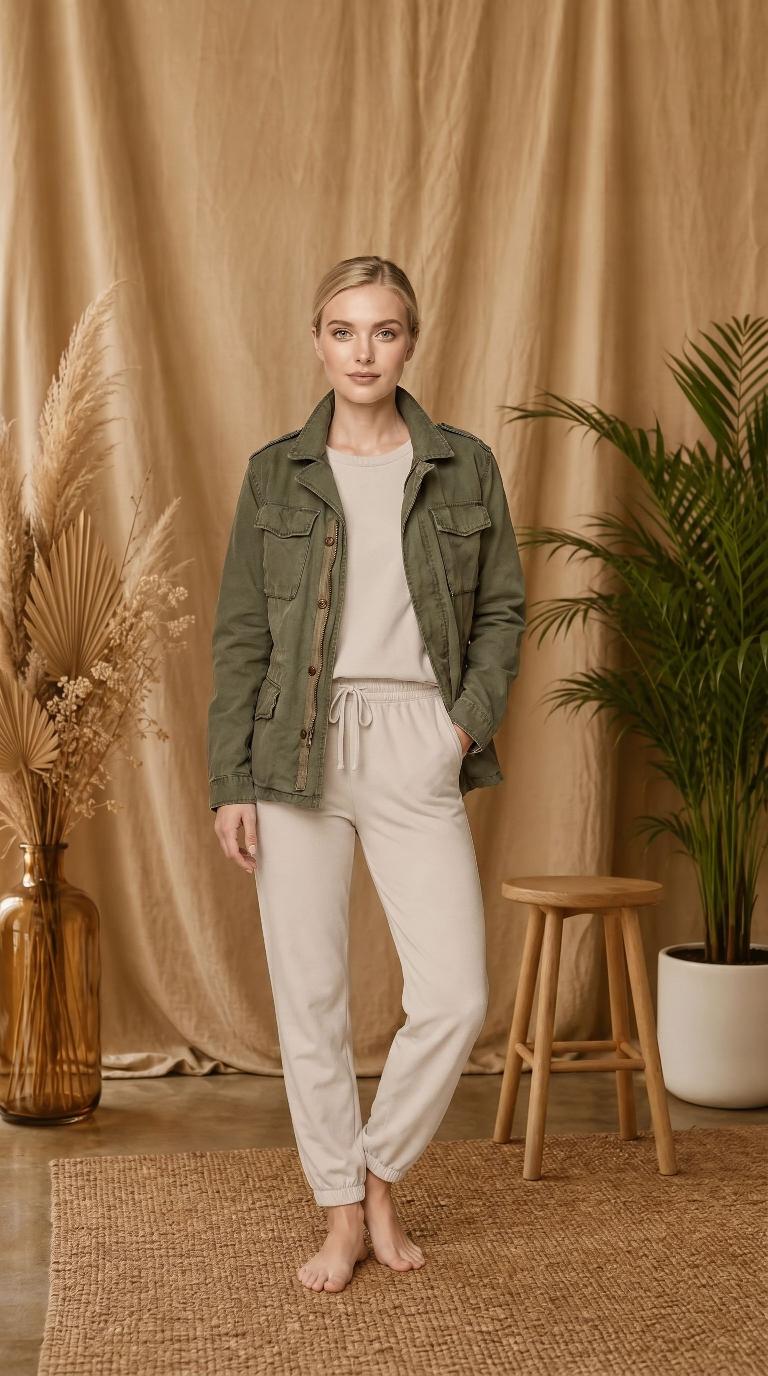
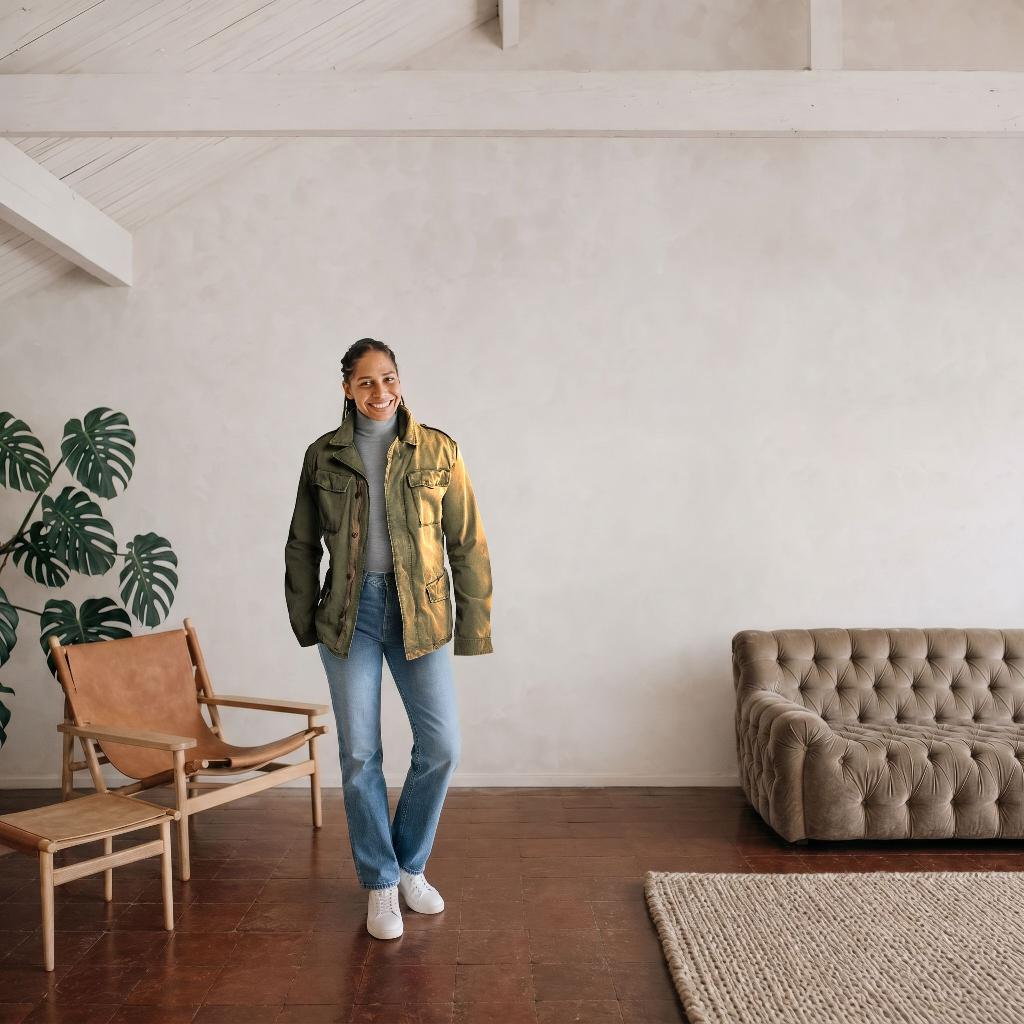
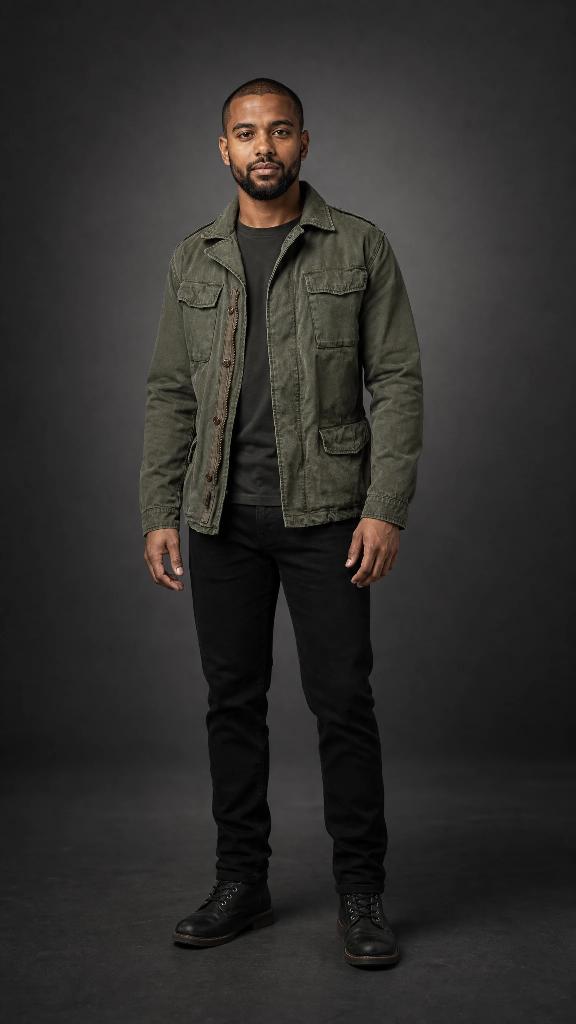
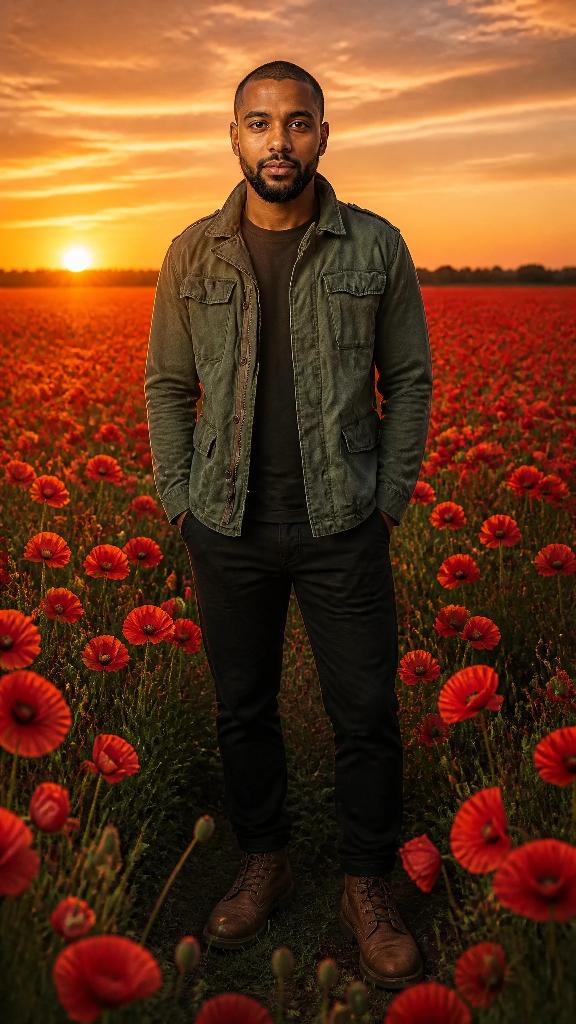
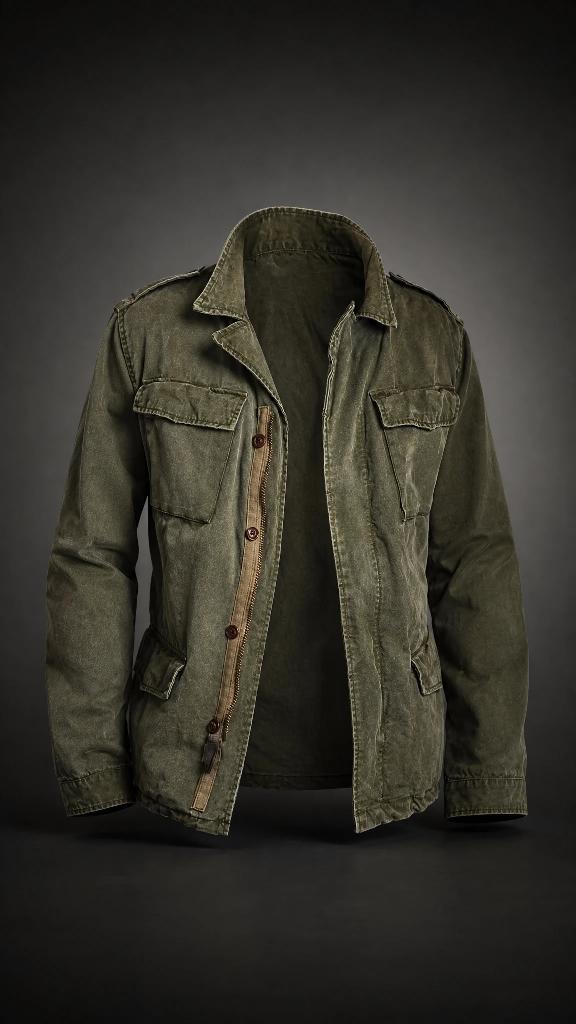
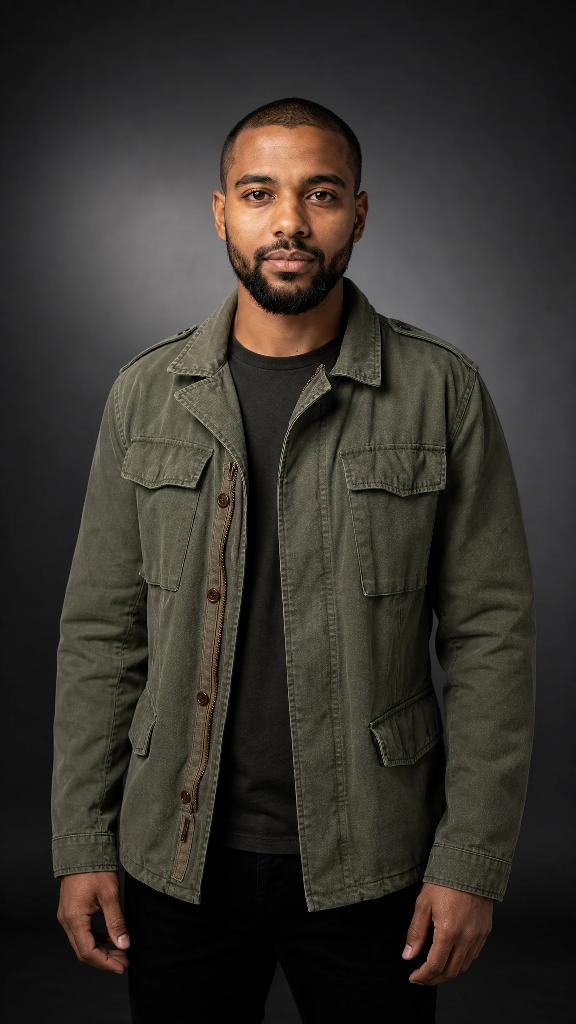
One jacket, one product photo, six scenes. Every image on this page was made in Artwurk.
Set up your brand, once
On Brand Profiles, paste a link to your product page. We draft the profile for you: name, colors, style and a product photo. Nothing is saved until you check it and press Save.
- No link? Upload product photos and press Fill in details from these images.
- Your product photos are what keep the real item, its colors, logo and shape, in every shot.
- Want the same person every time? Add them once in Subjects.
Pick a scene in Studio
In Studio, choose your brand and, if you like, a subject. Then pick a ready-made scene from the preset library, or describe your own in a sentence.
- Choose your sizes: Square post, Story / Reel, Landscape, Short video, Landscape video, up to 10 of each.
- Each photo size has a Shot setting, from Wide to Close or the product alone. A video follows the framing of the photo it starts from.
- We pick the AI models for you.
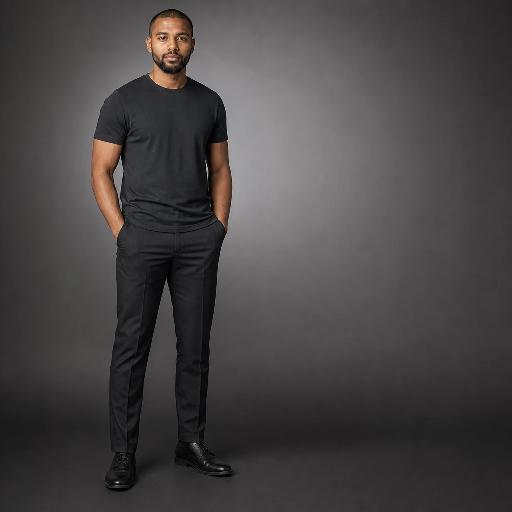
Get a set that belongs together
Press Generate batch and the set fills in: the same product, the same person and the same scene, each size composed for its own frame instead of cropped from one image.
- Download what you like. Redo any single shot without touching the rest.
- Tweak in Studio reloads a past batch's settings so you can change one thing and run it again.
- Every batch is kept in History.
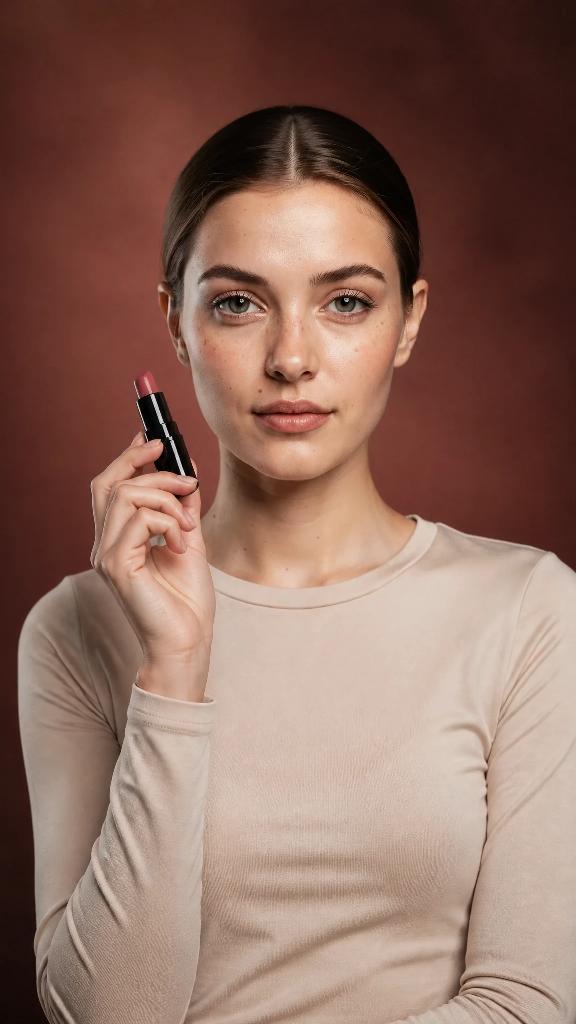 Story
Story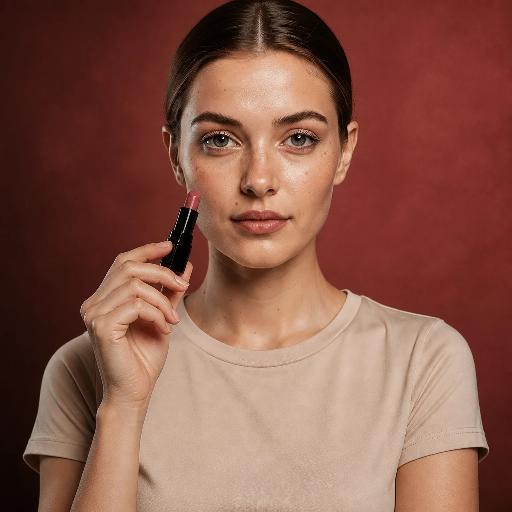 Square
One batch: story, square and landscape. The video was animated from the landscape photo.
Frame it your way
Same jacket, same model, same studio. Only the Shot setting changes, so you decide how much of the frame your product gets.
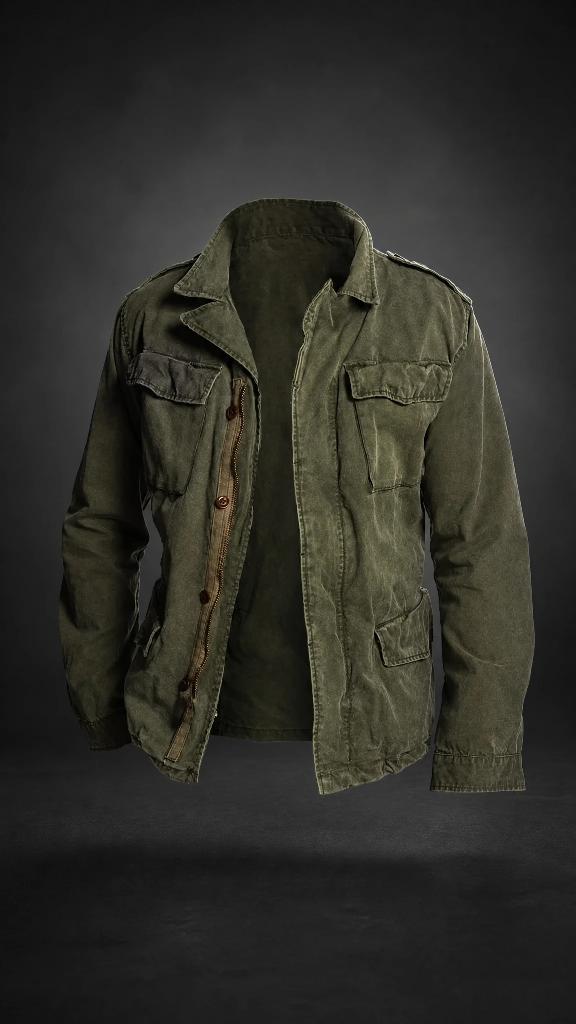
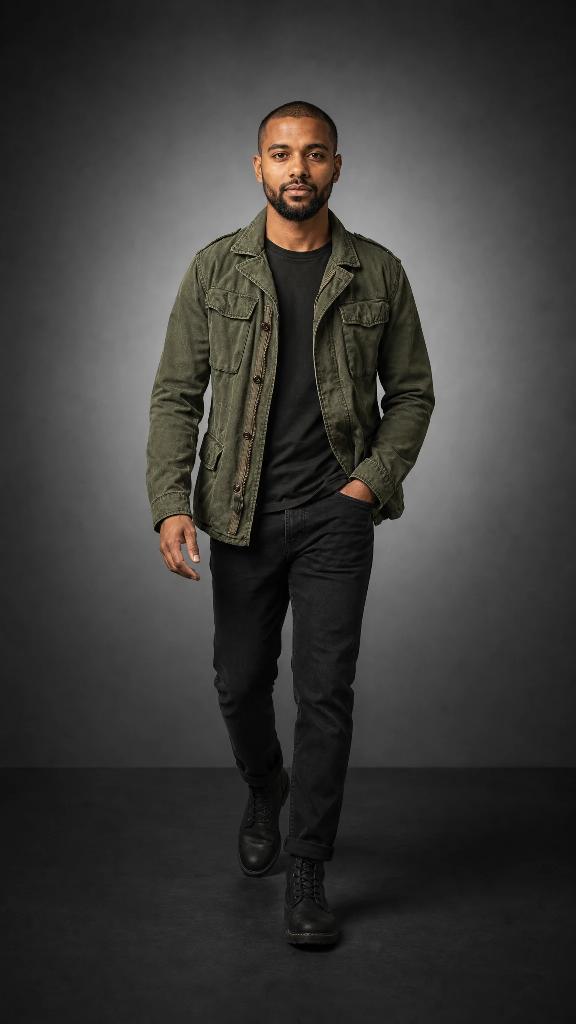
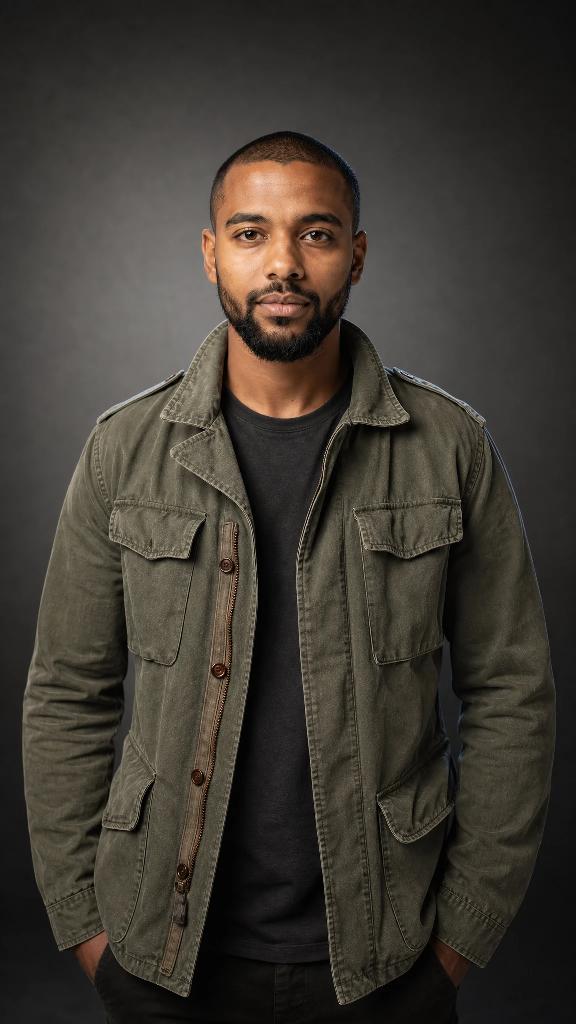
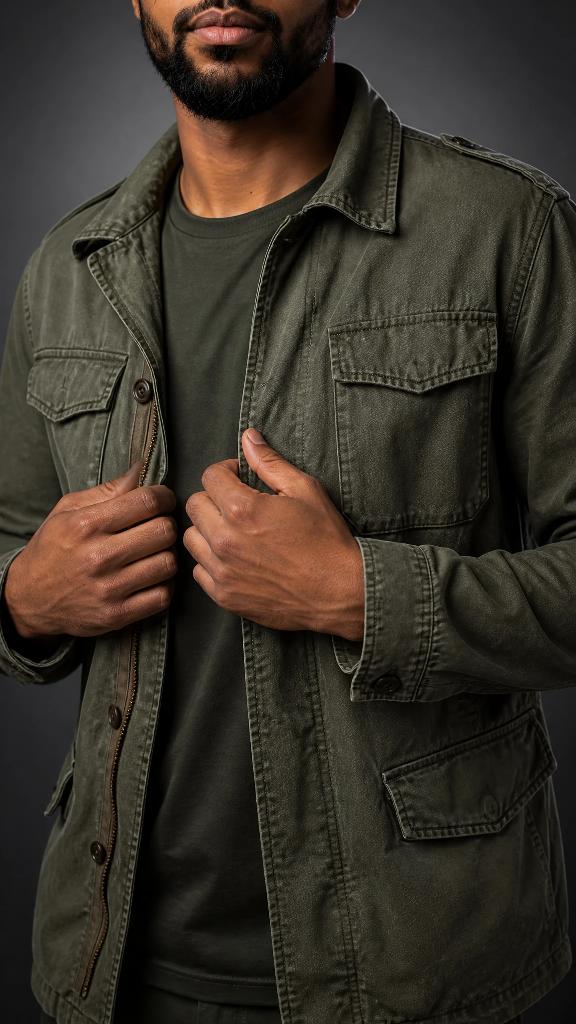
Photo and video match
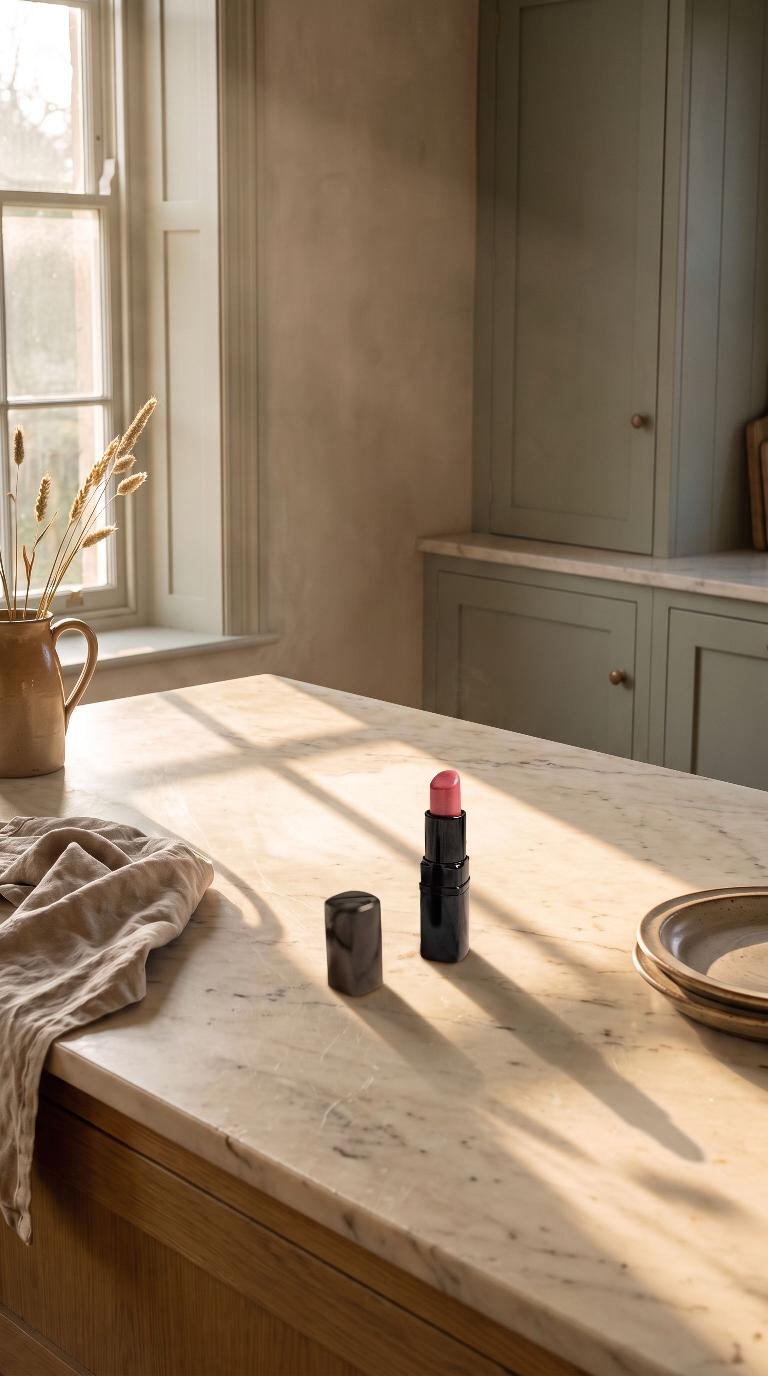
A video starts from one of your photos, so the product, the setting and the light carry straight over. It looks like the same shoot because it is. This pair came back from one Generate.
Add a Short video or Landscape video to a batch and it comes back with the photos.
 Photo
Photo