Ads that look like your brand.

  • Add your product once → describe a scene or pick one
  • Create batches of matching photos and videos
  • Your real product, every shot, every time

No credit card required

One scene in. A finished campaign out.

Photos and videos that match each other, sized for everywhere you post, on-brand from the start


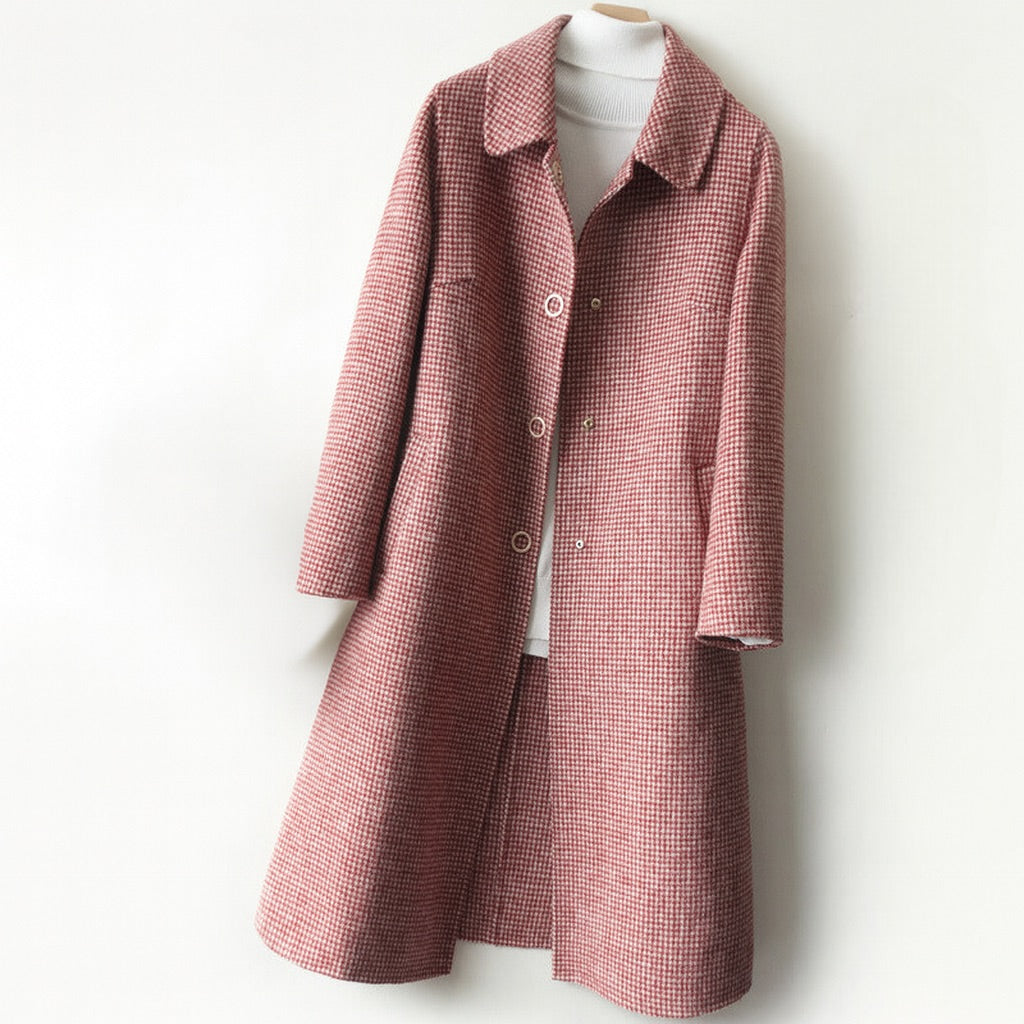
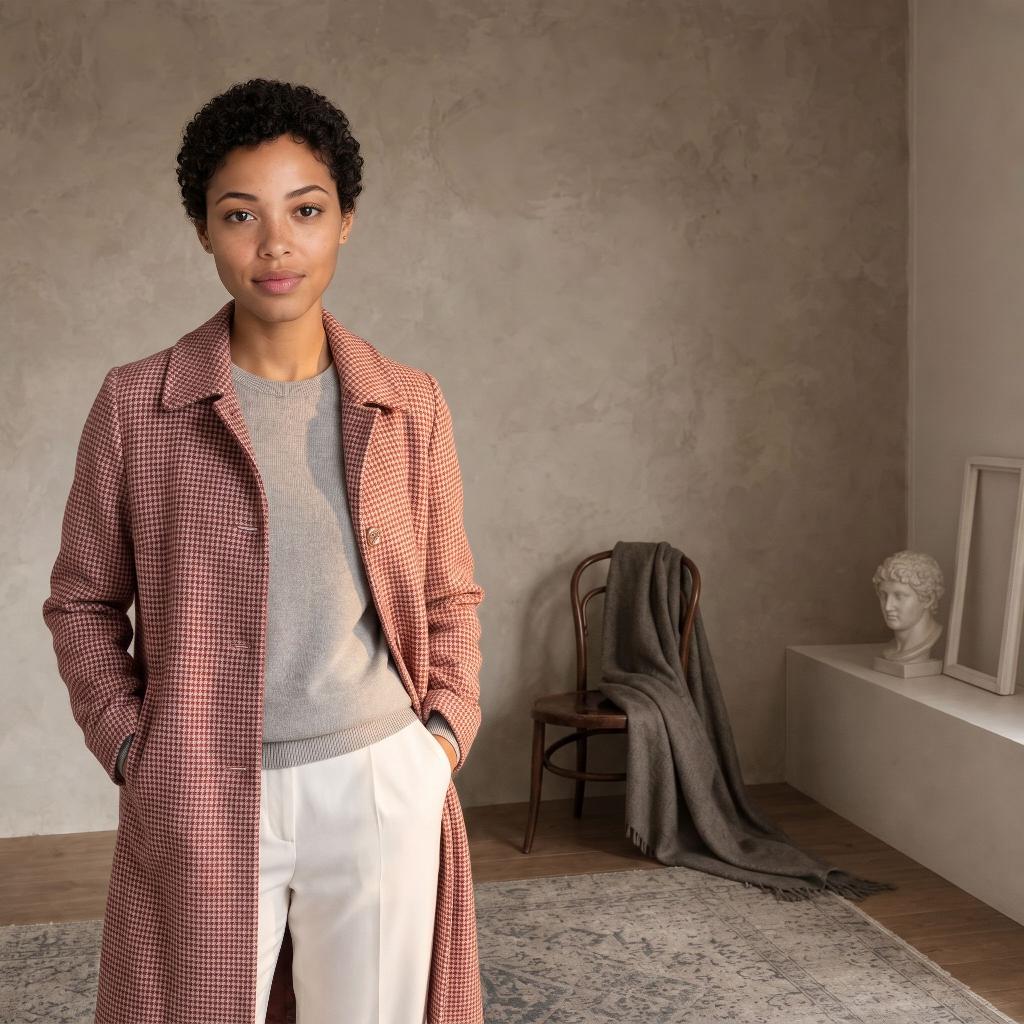
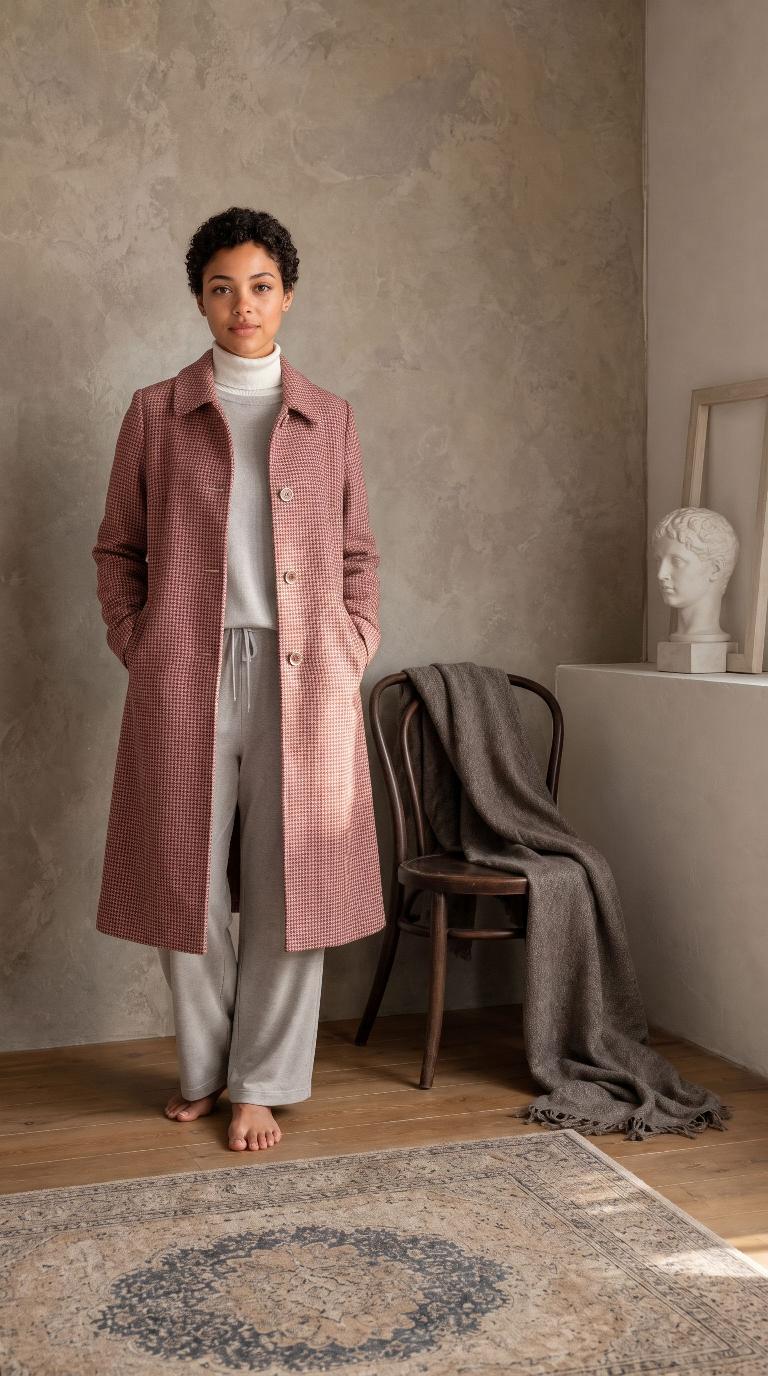
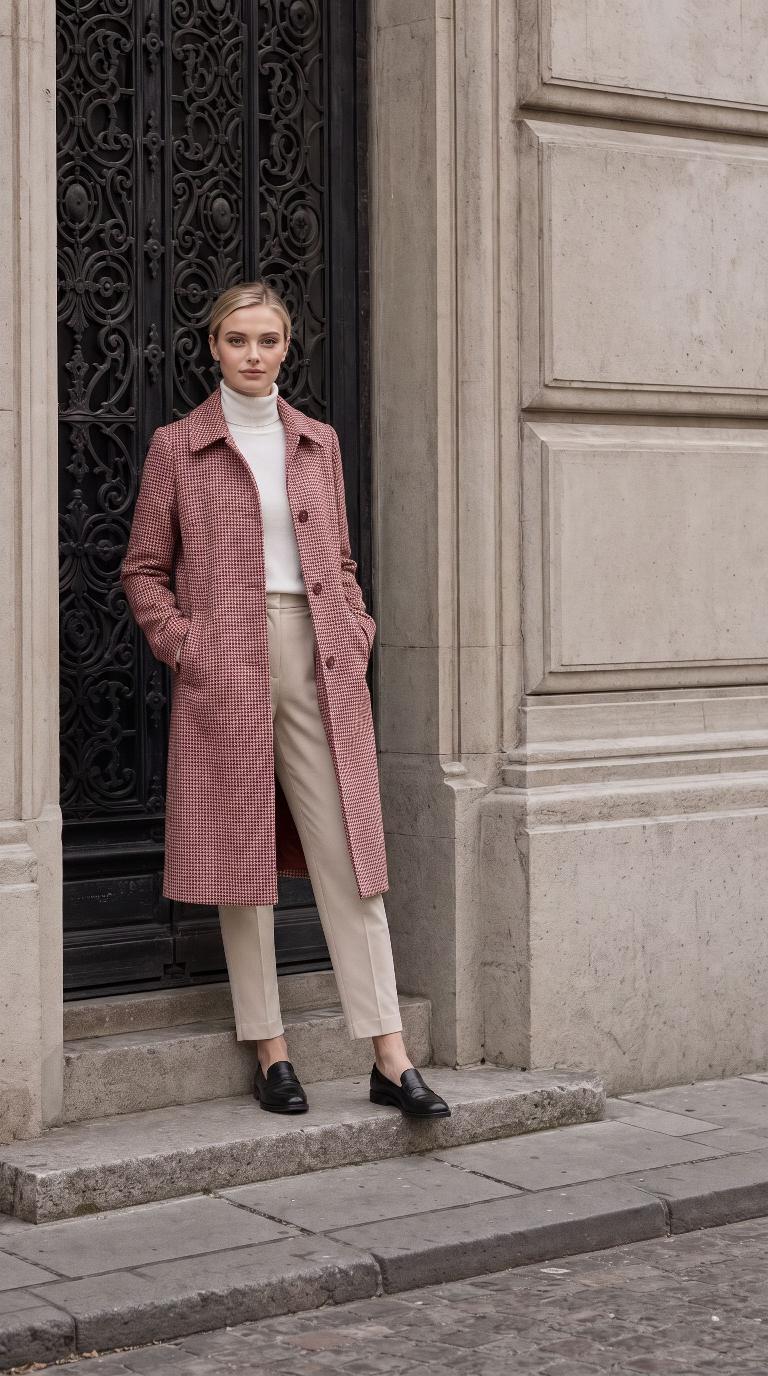
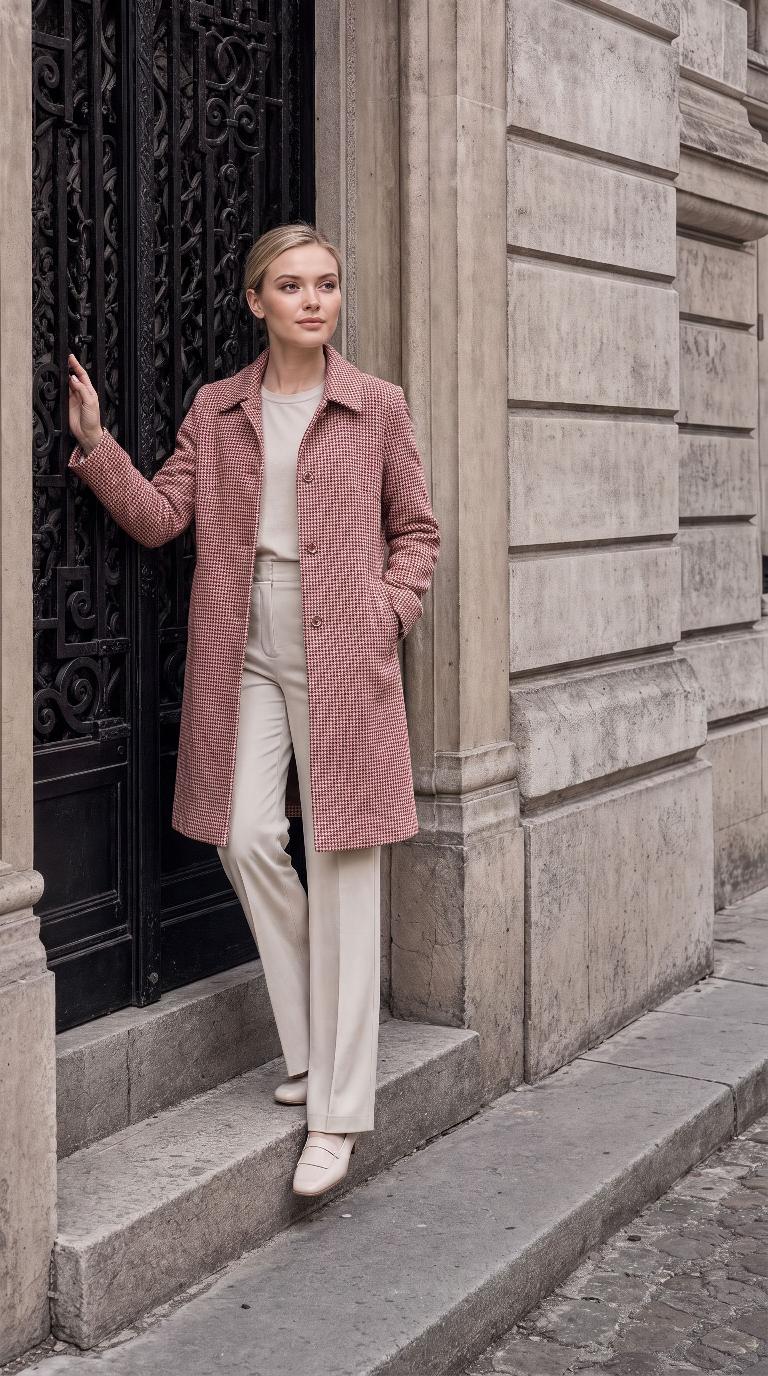
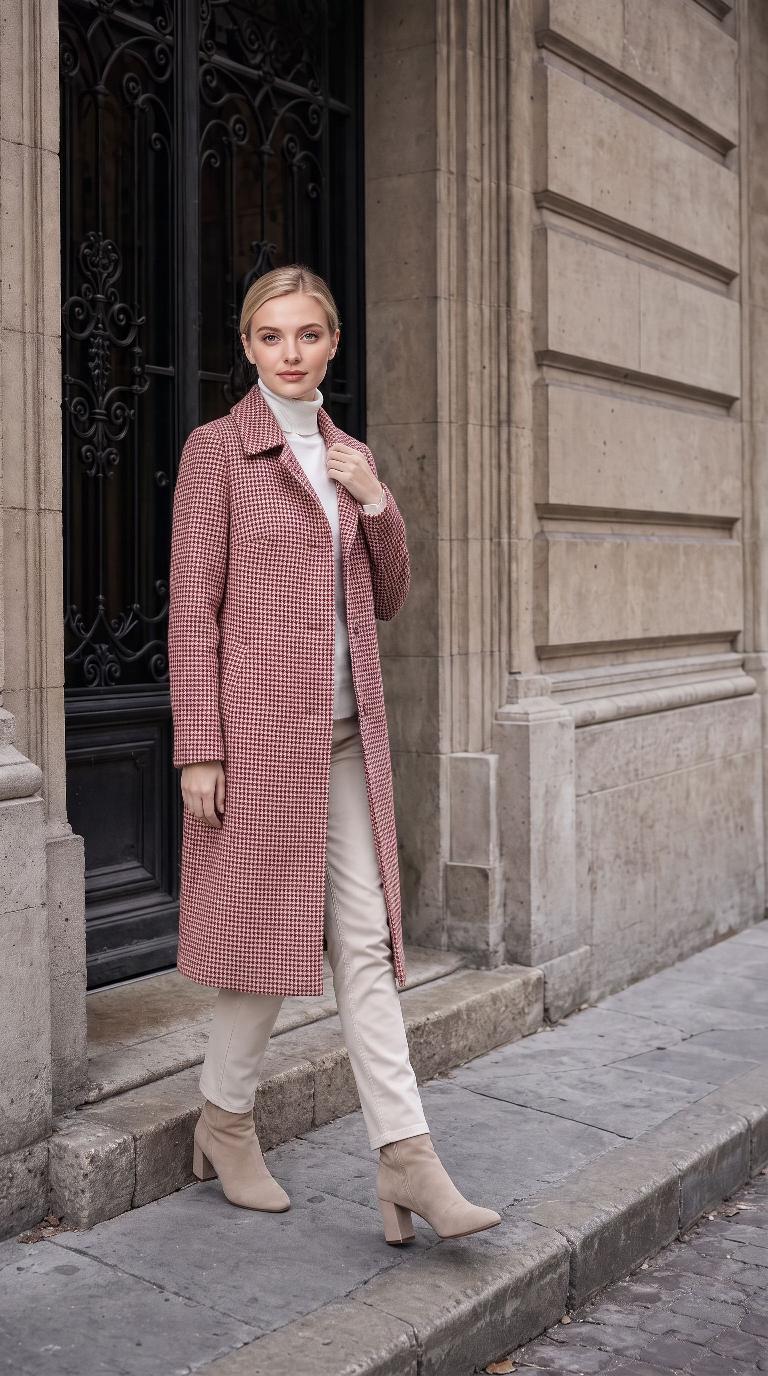
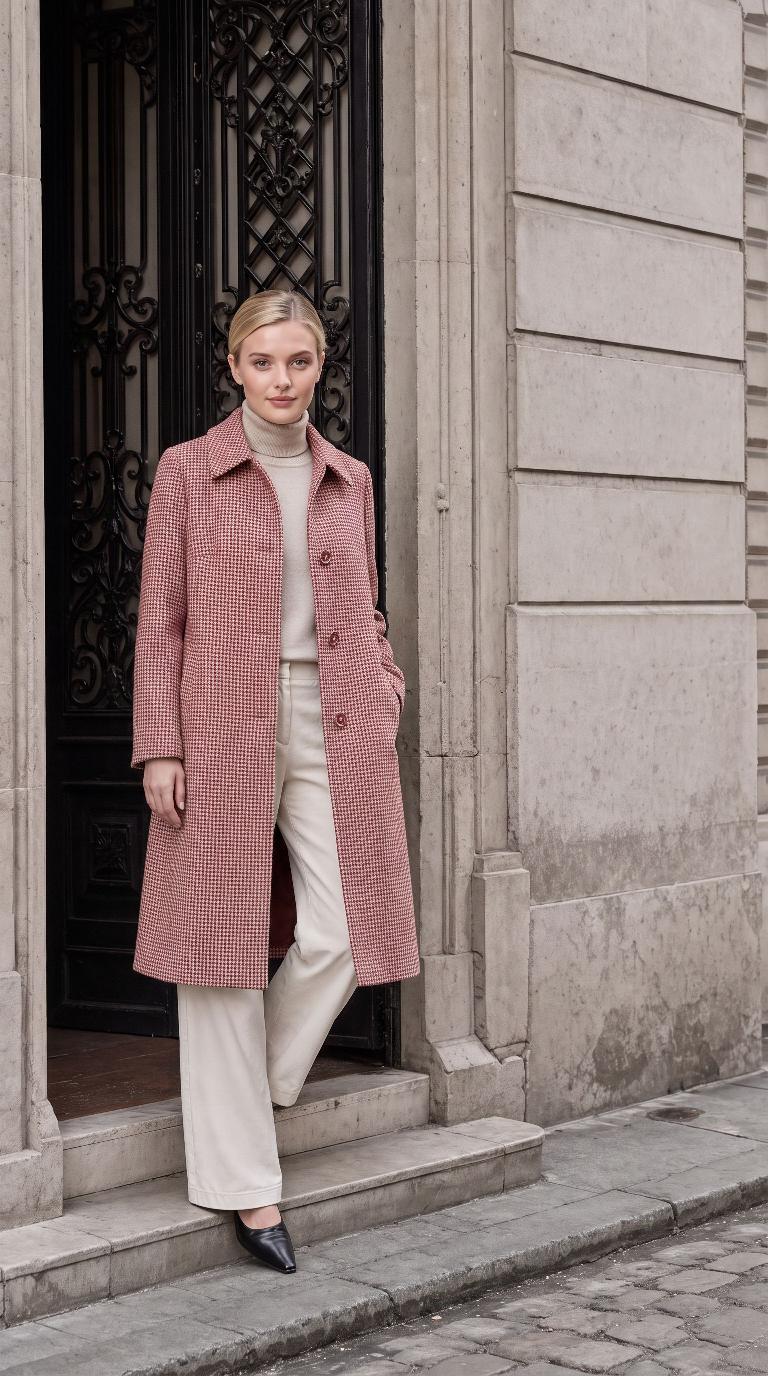
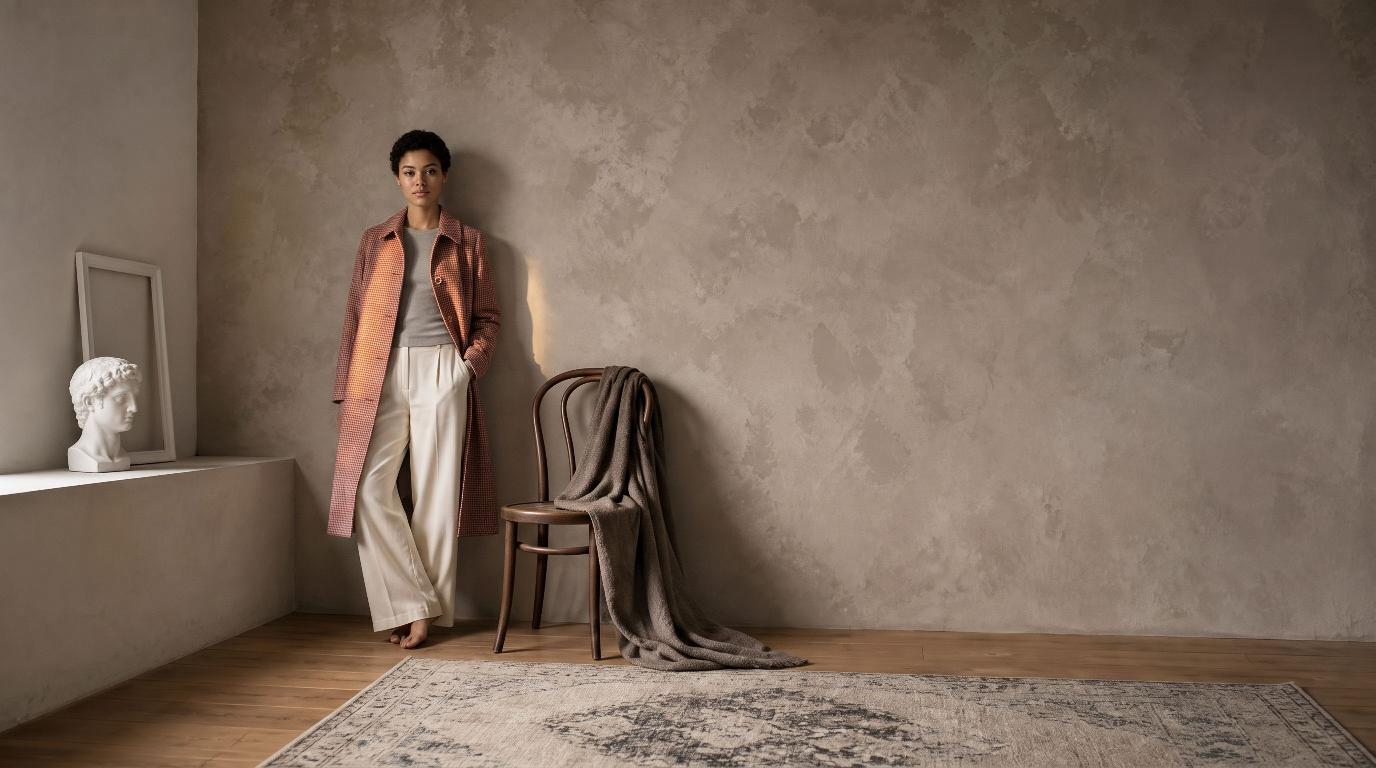
On-brand photo: Wool coat on the brand model Wool coat
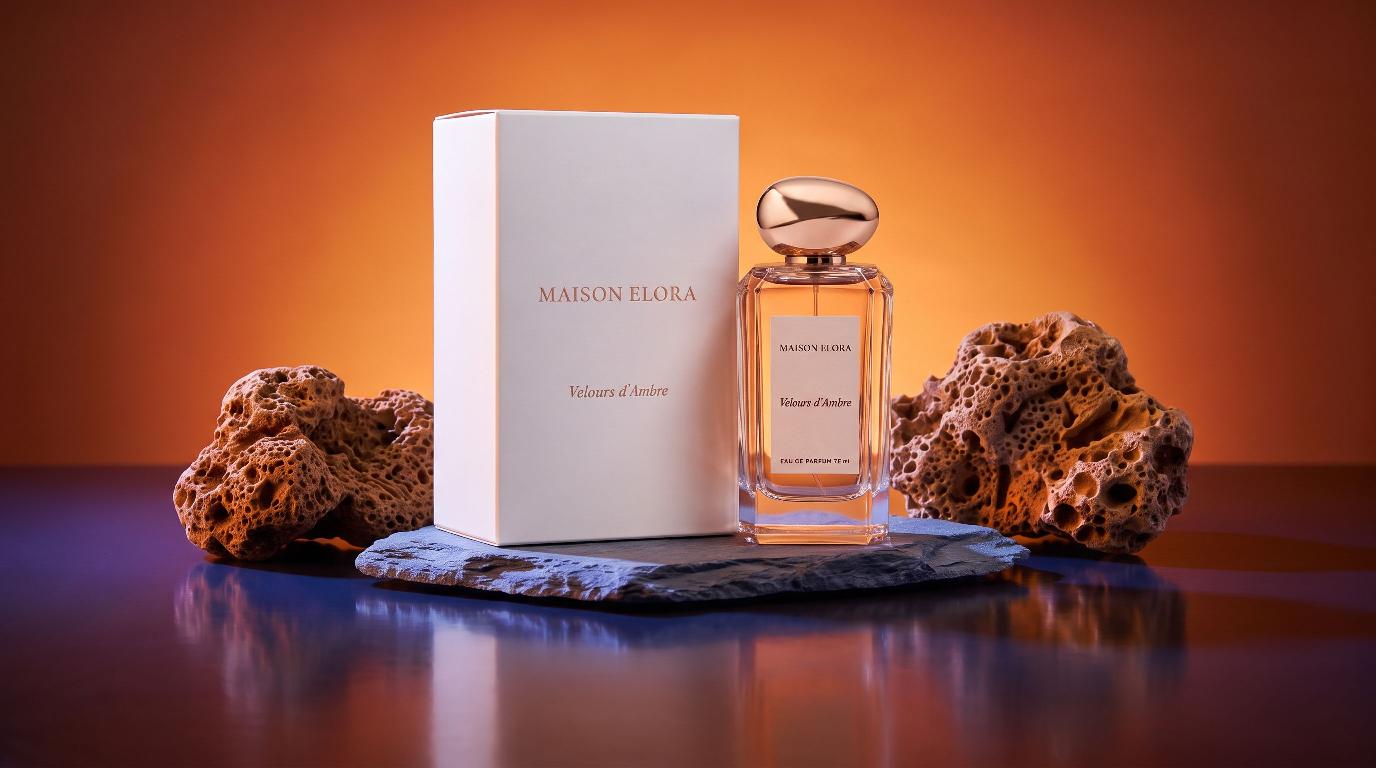
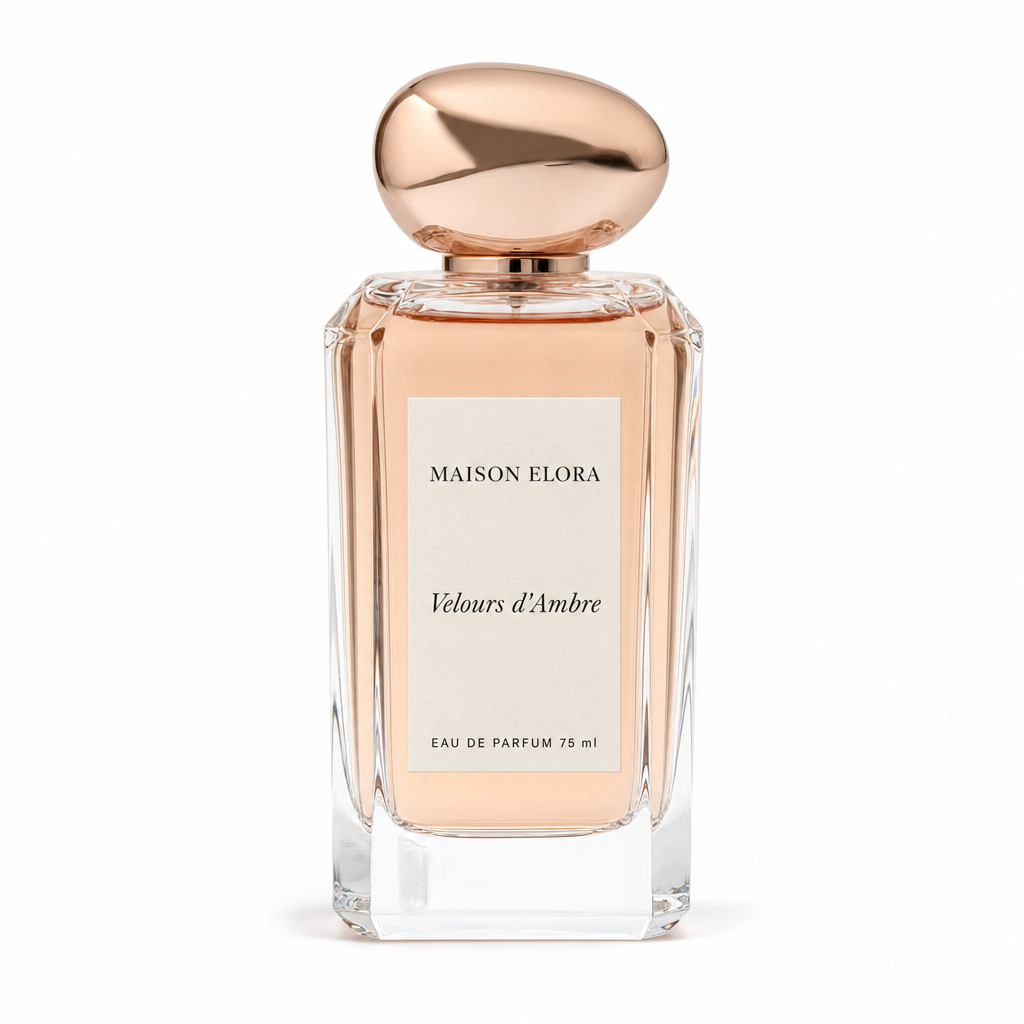
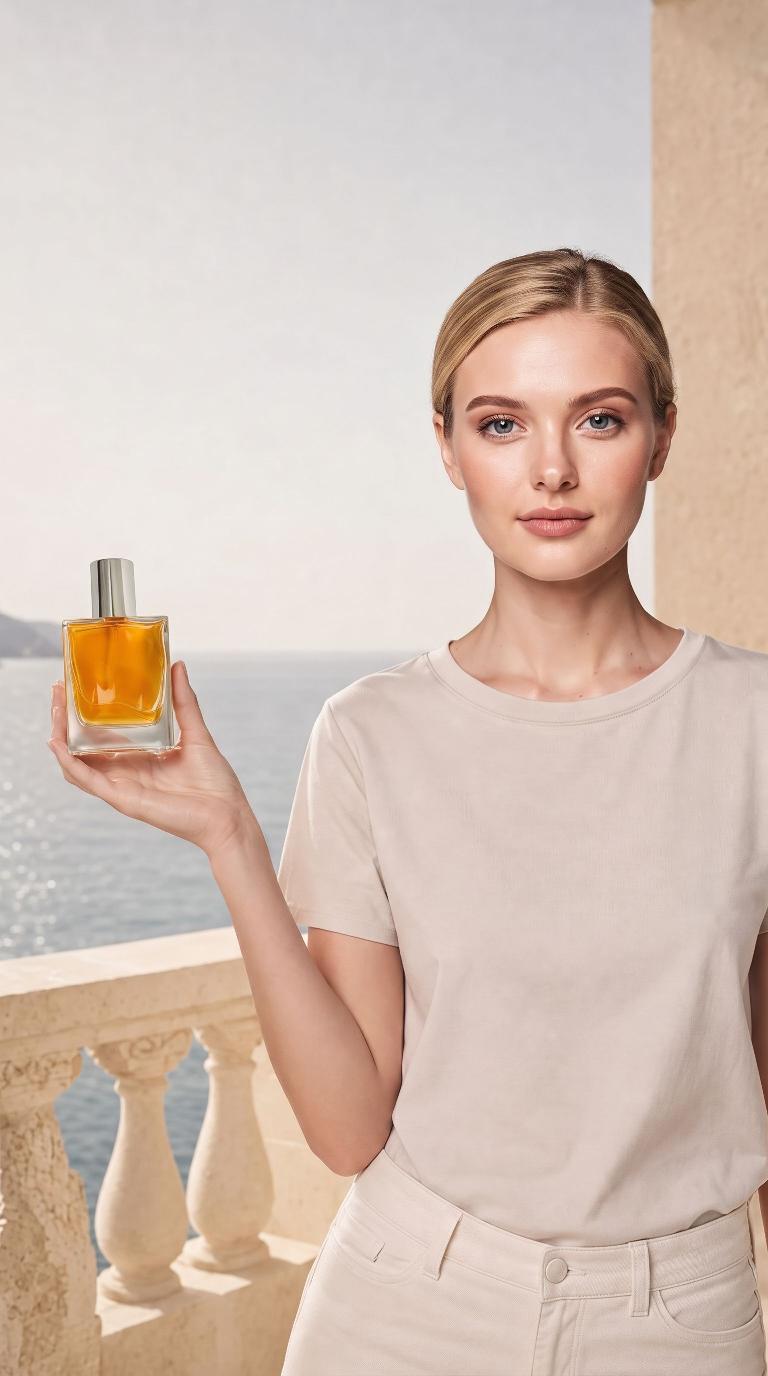
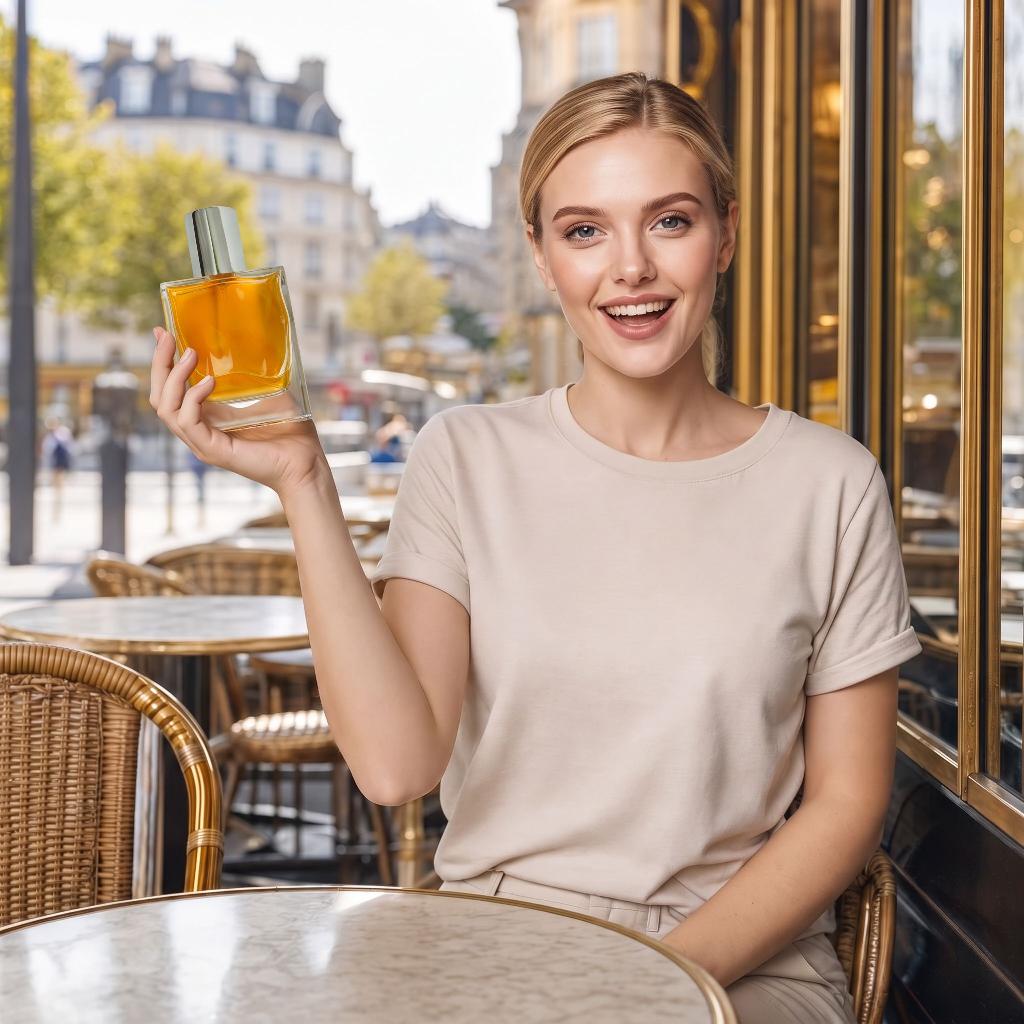
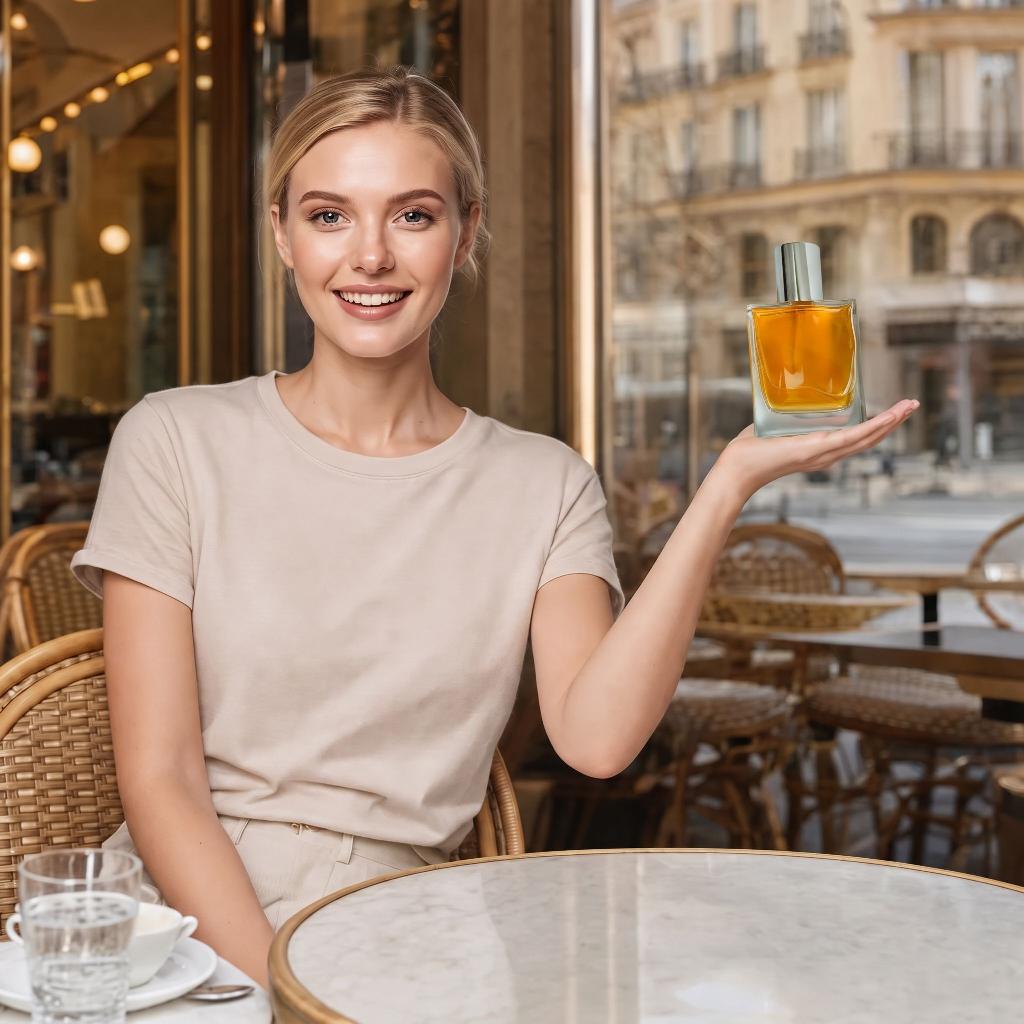
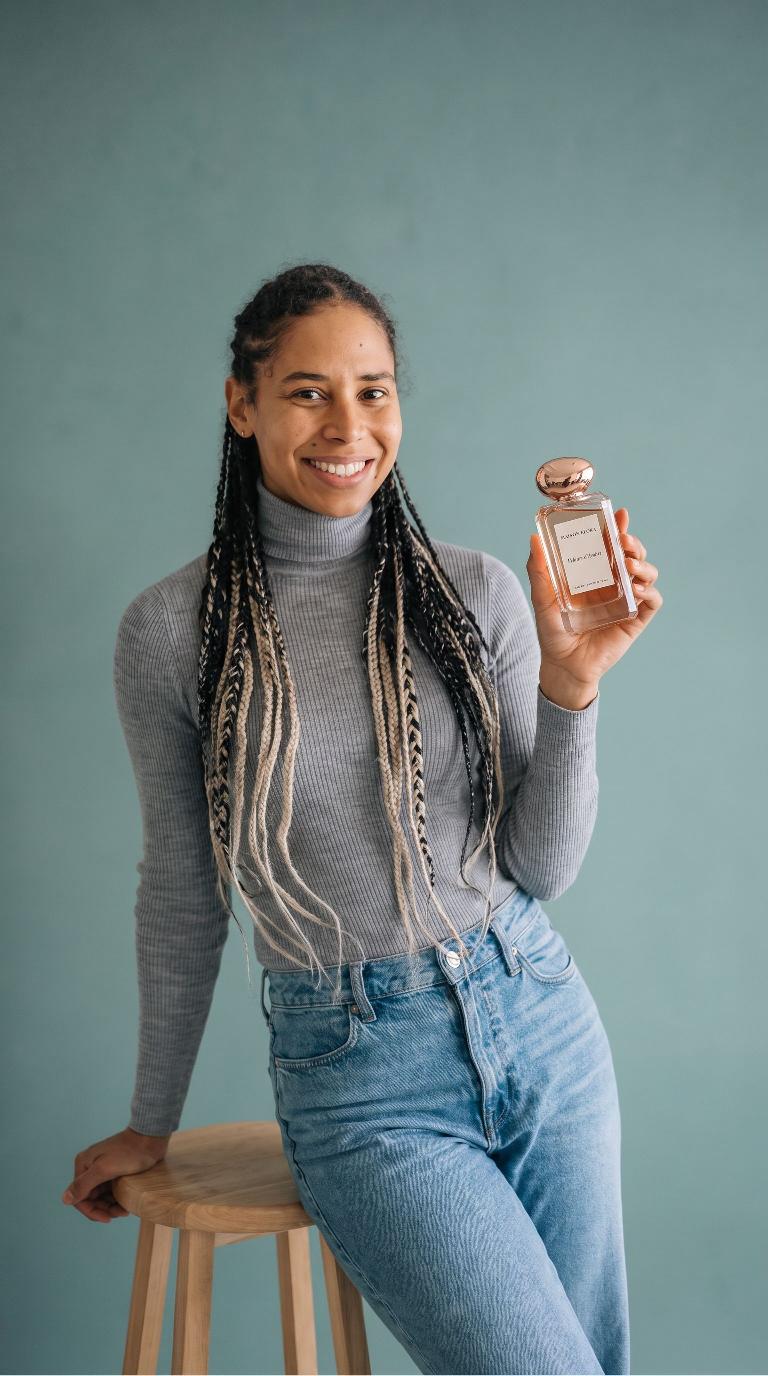
On-brand photo: Perfume on the brand model Perfume
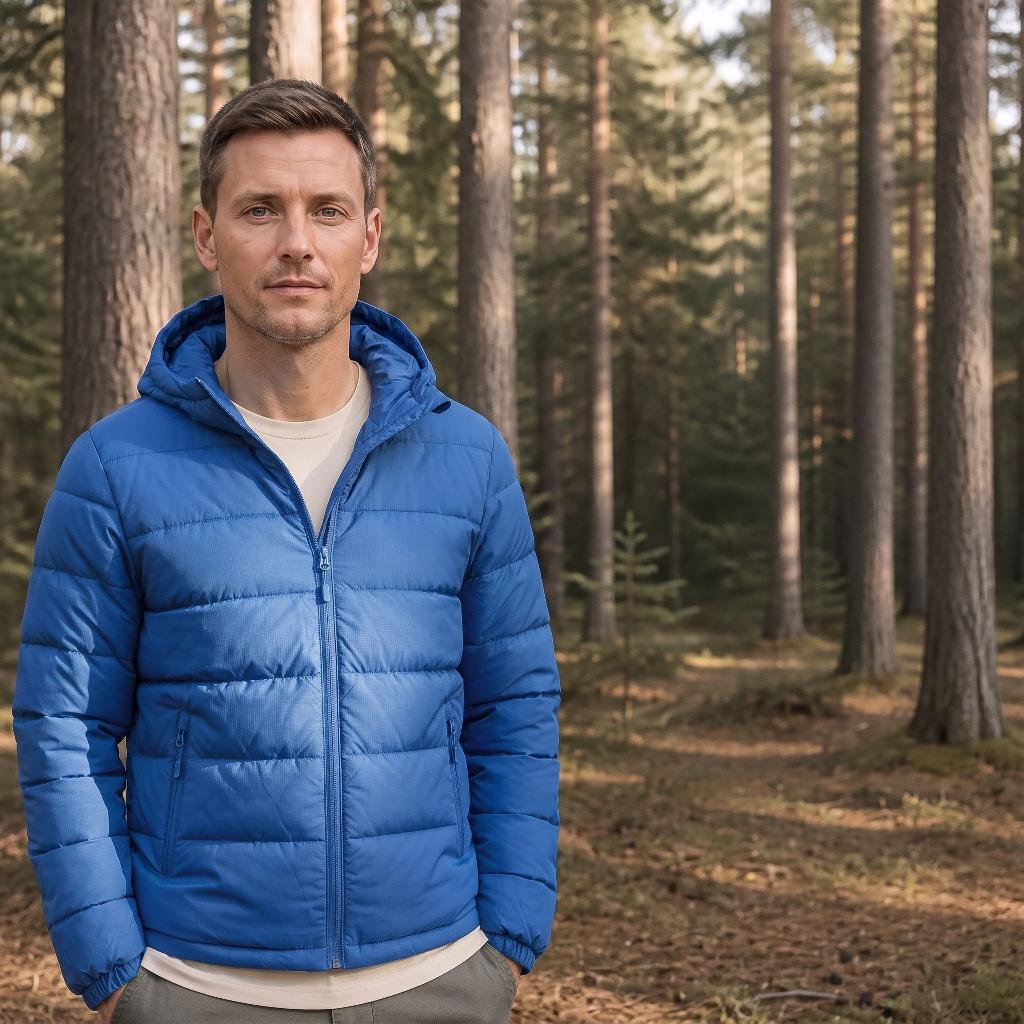
On-brand photo: Puffer jacket on the brand model Puffer jacket
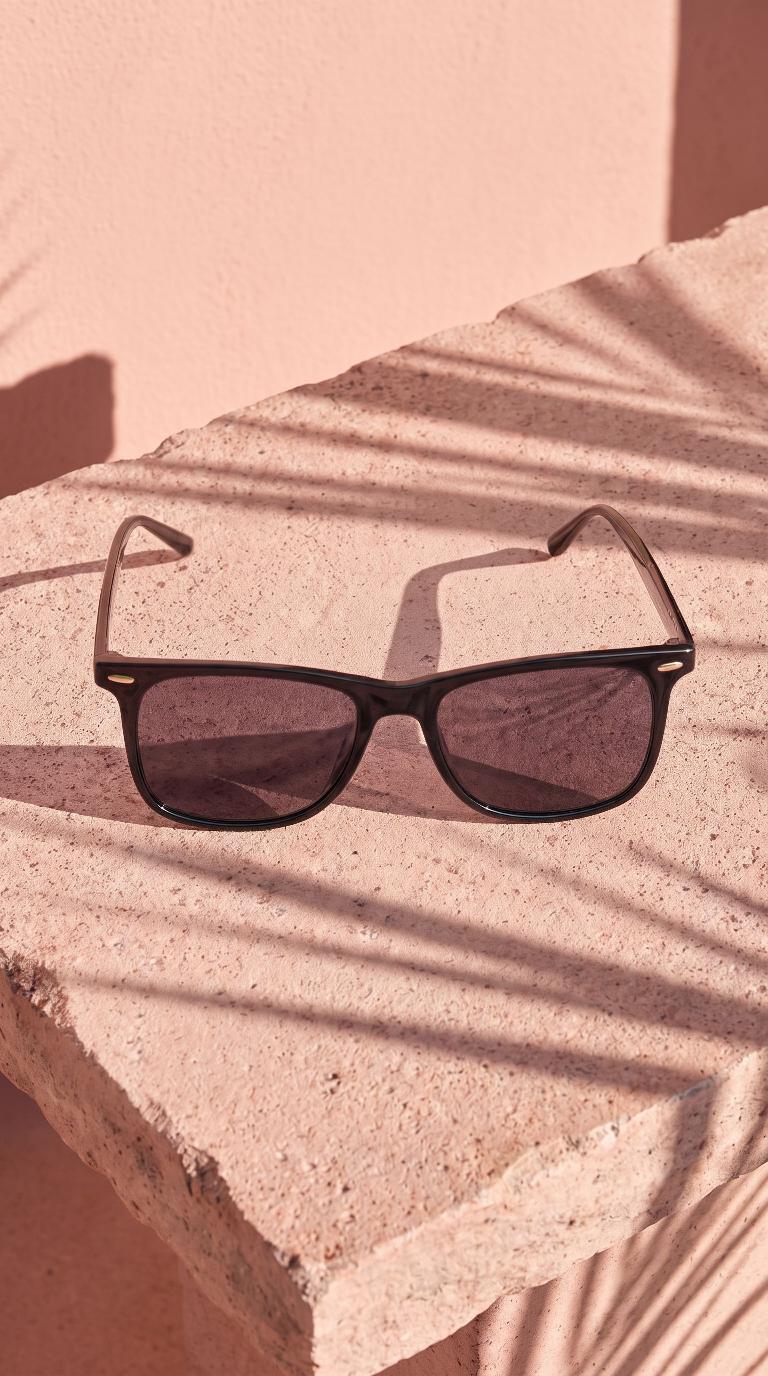
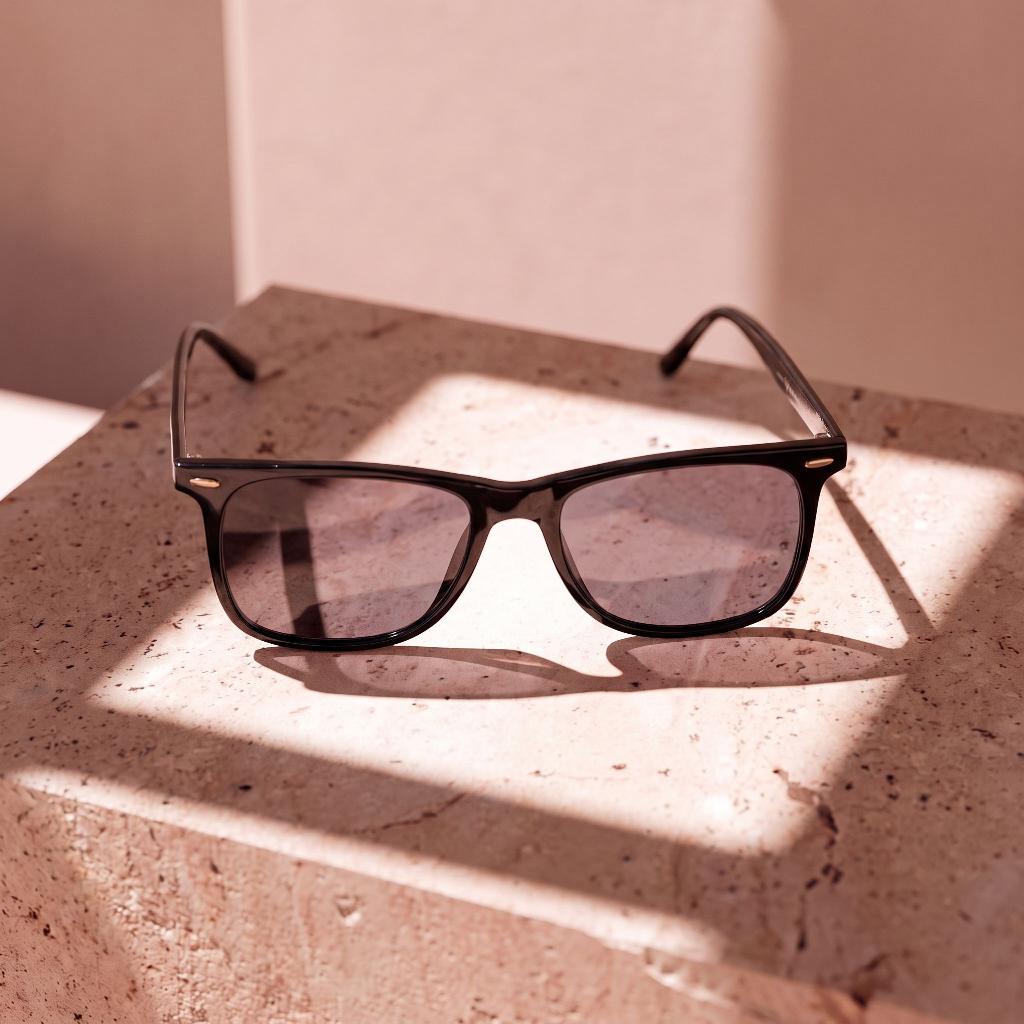
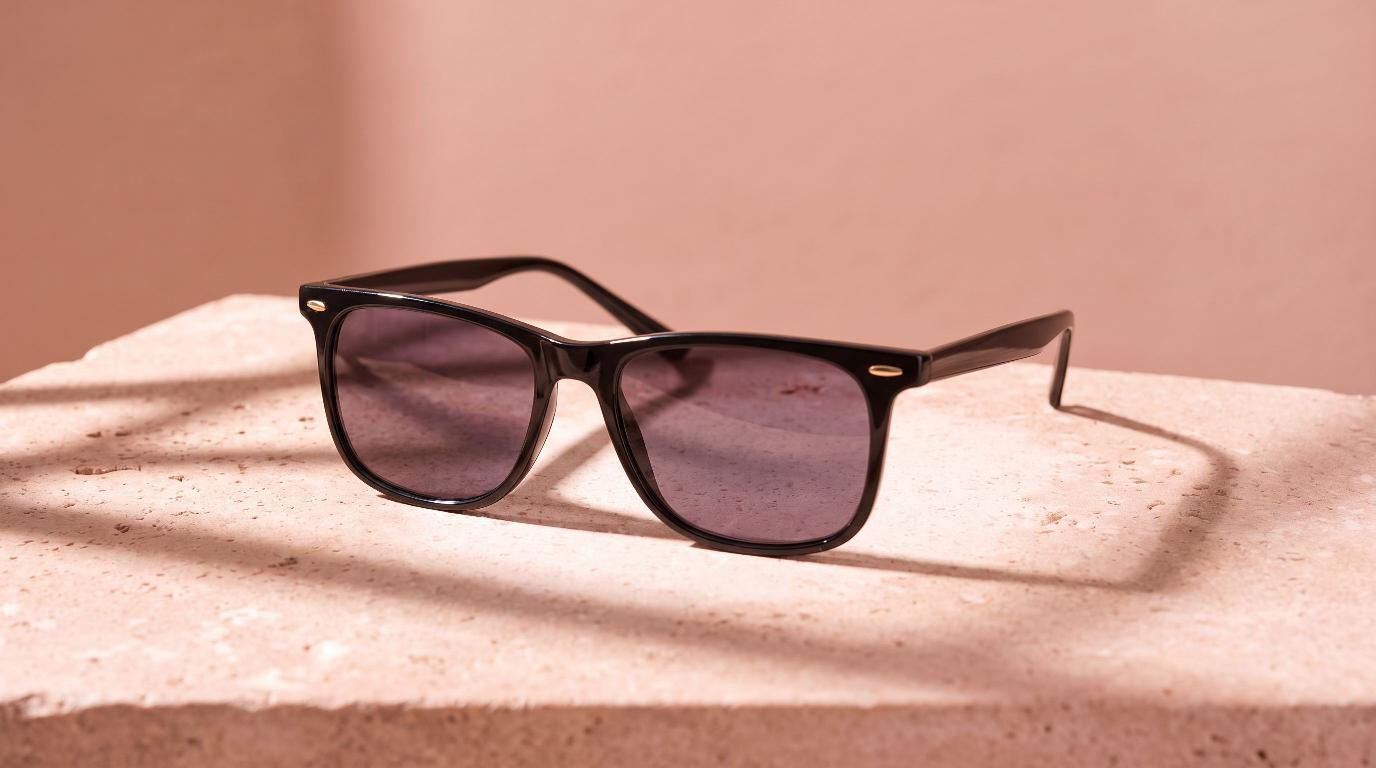
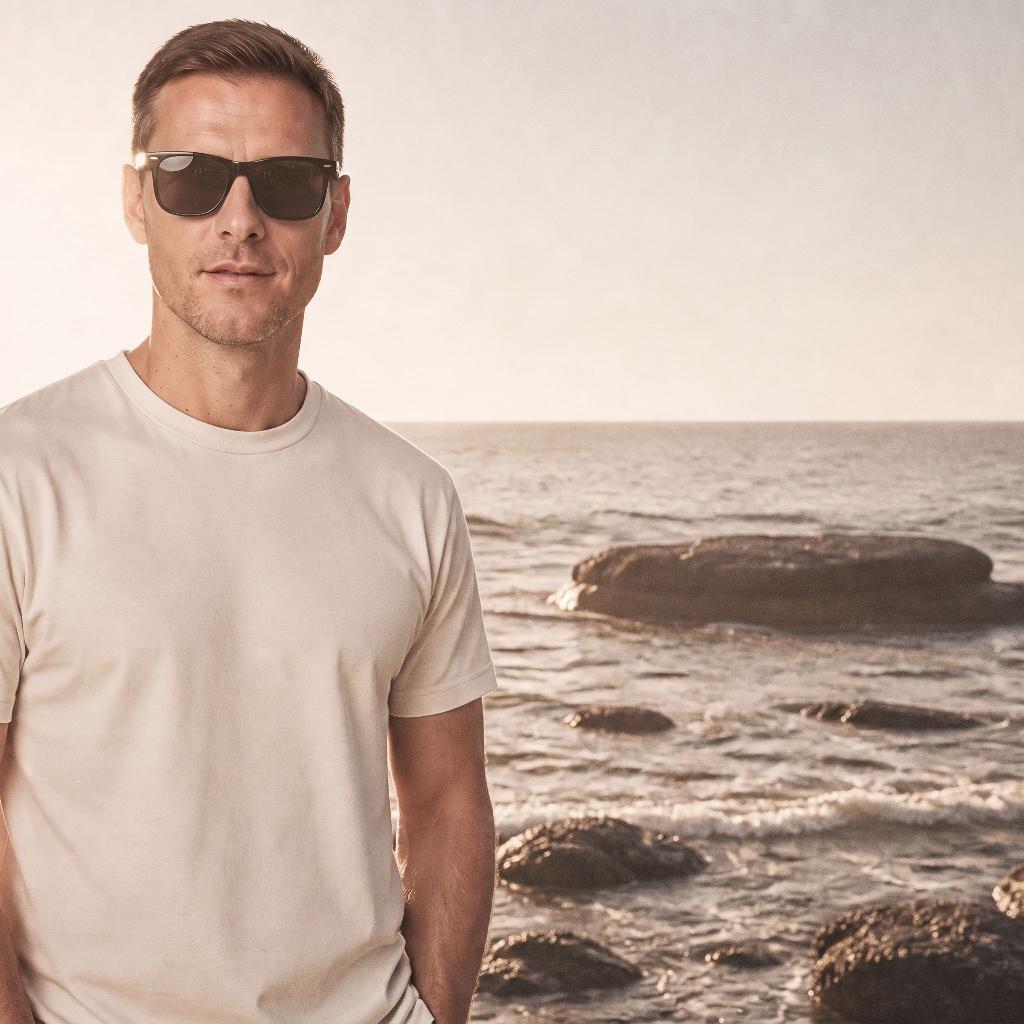
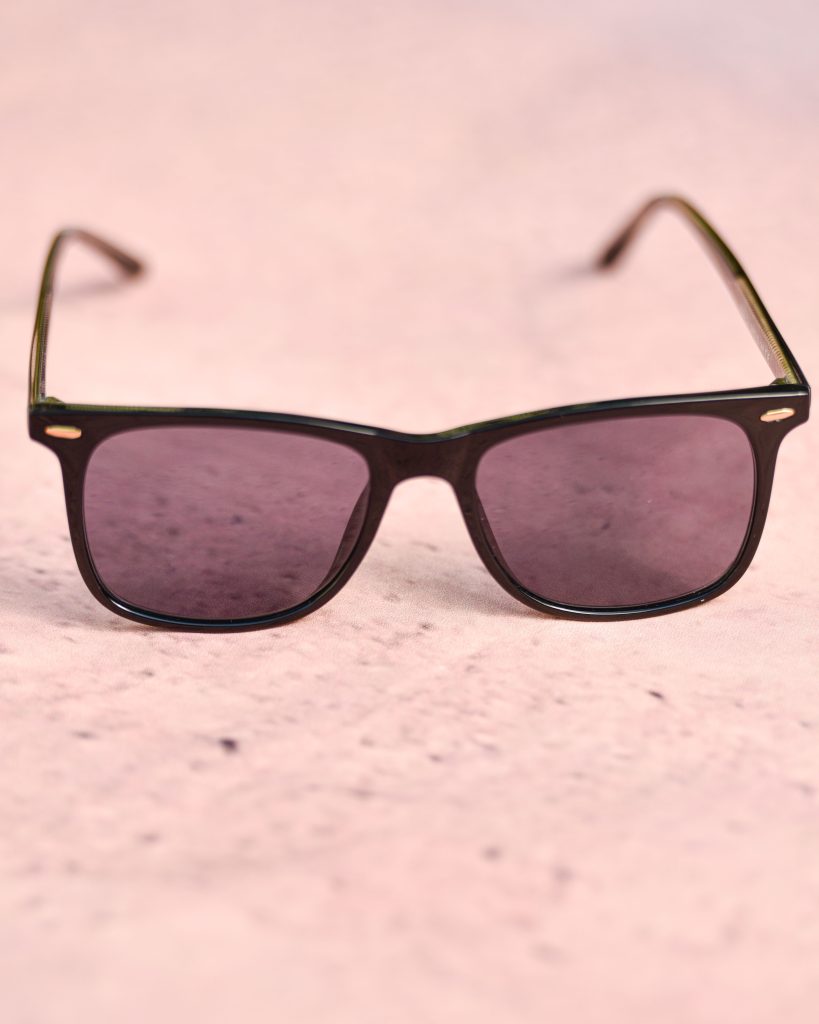
On-brand photo: Sunglasses on the brand model Sunglasses
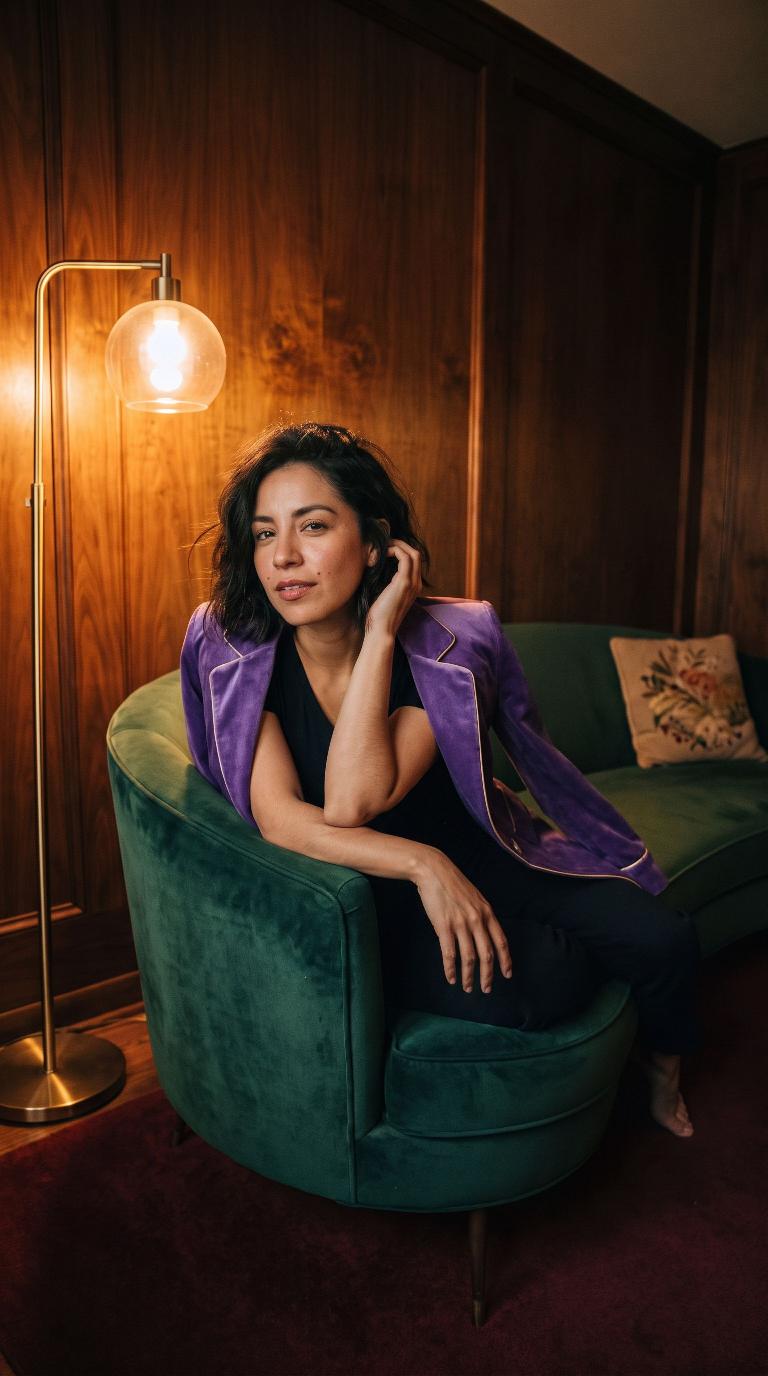
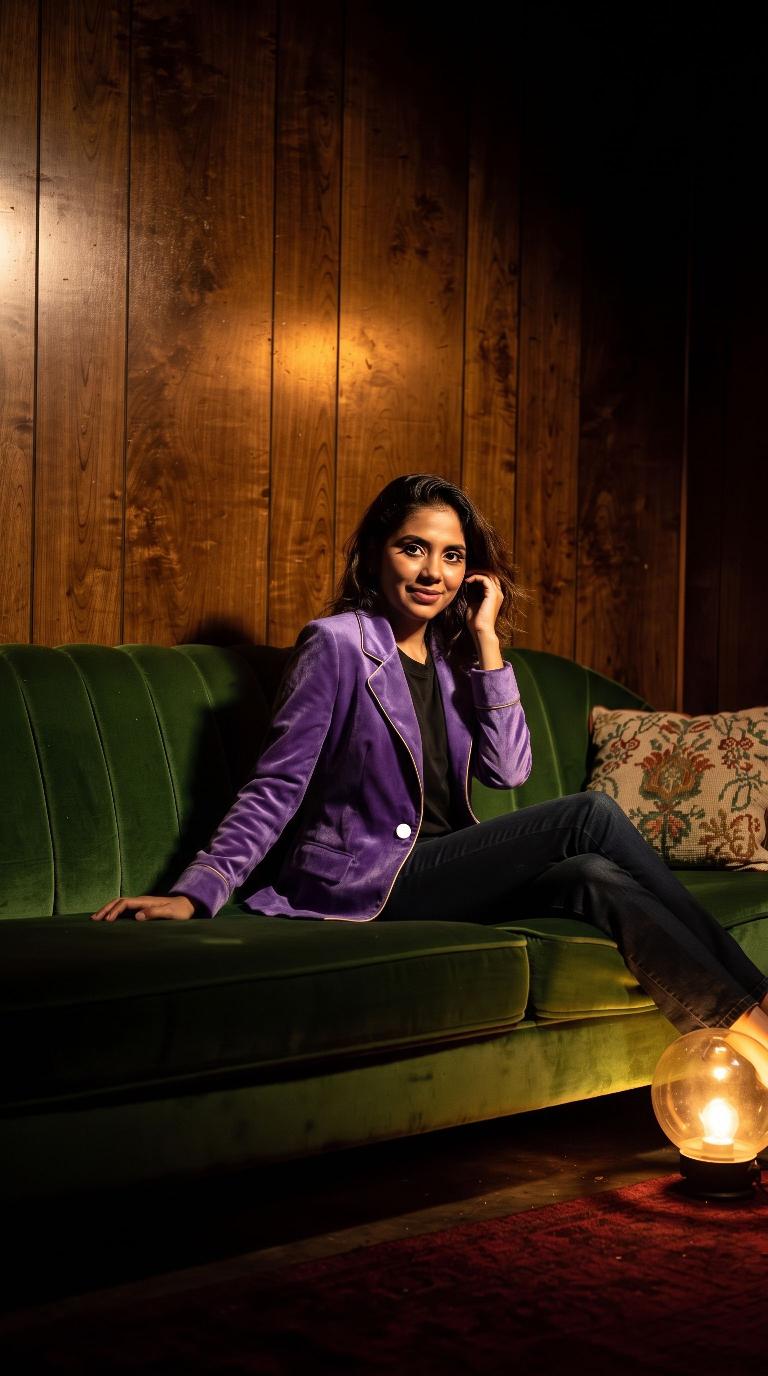
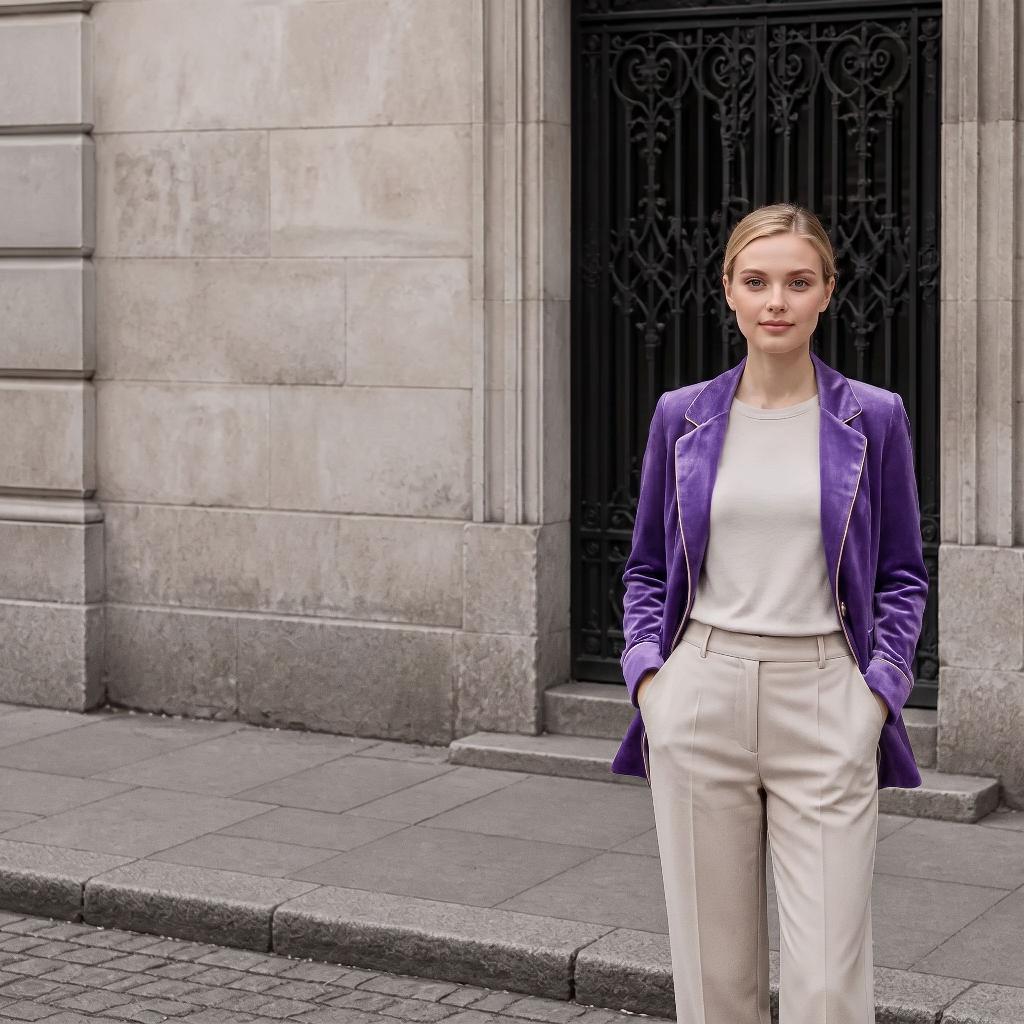
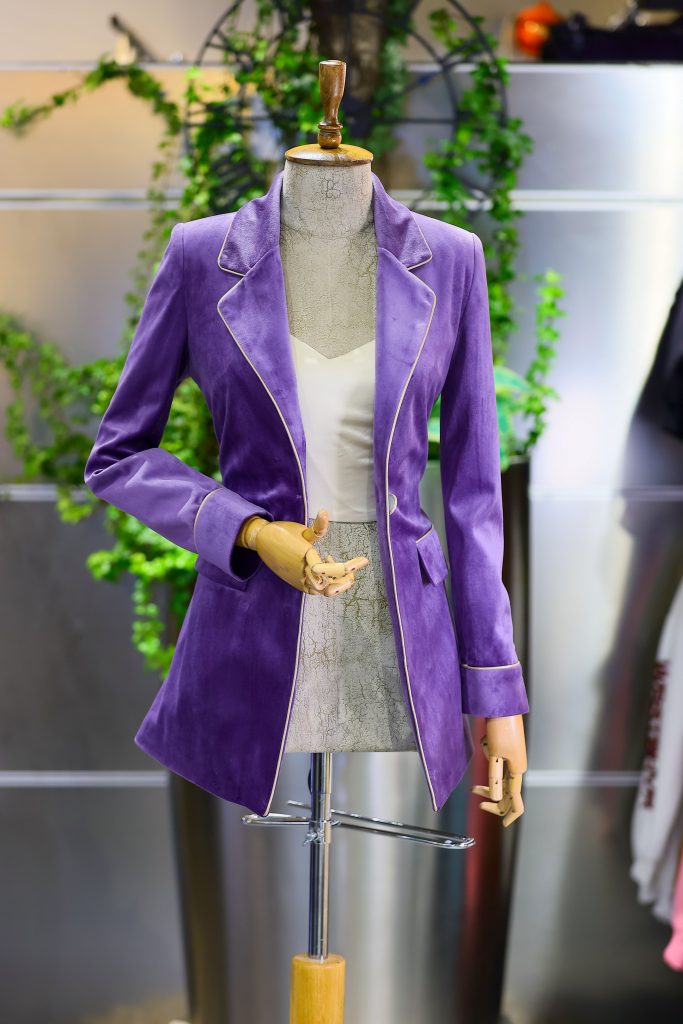
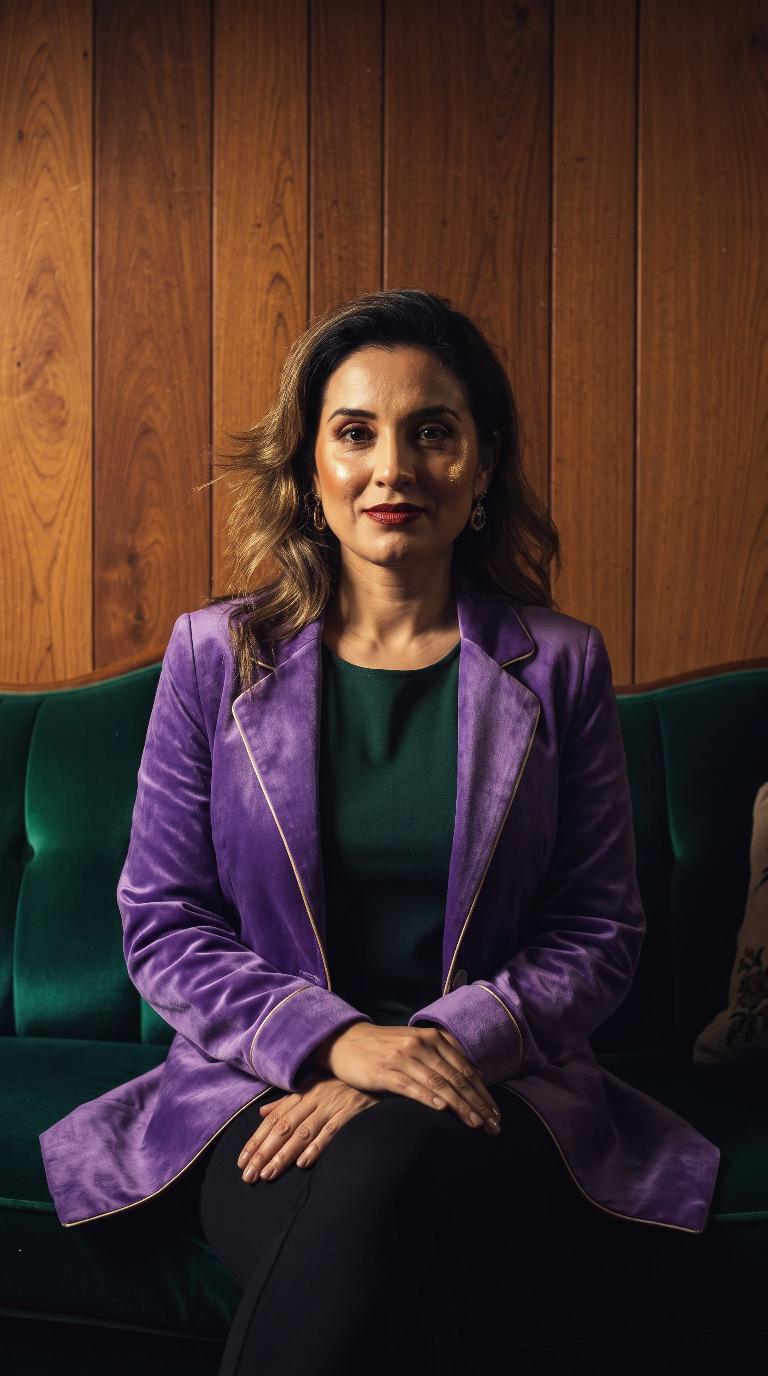
On-brand photo: Velvet blazer on the brand model Velvet blazer
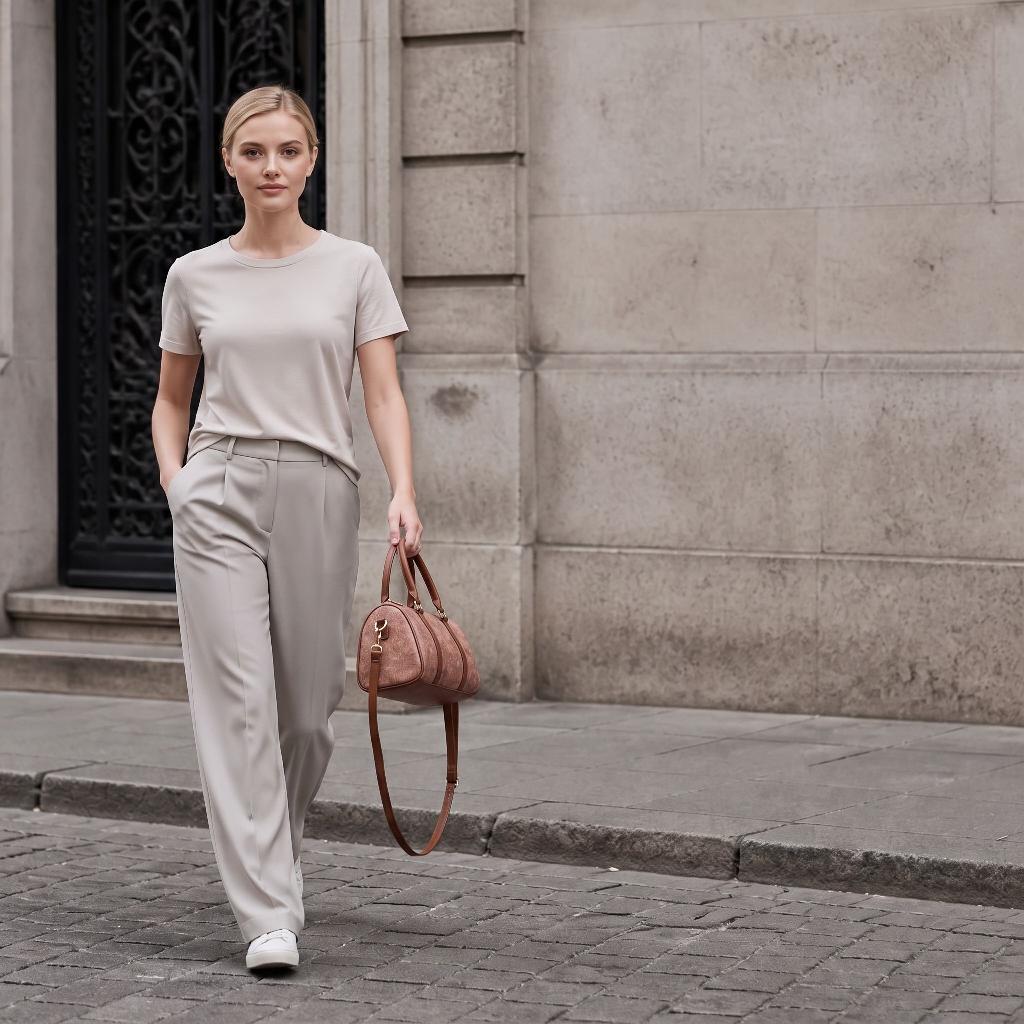
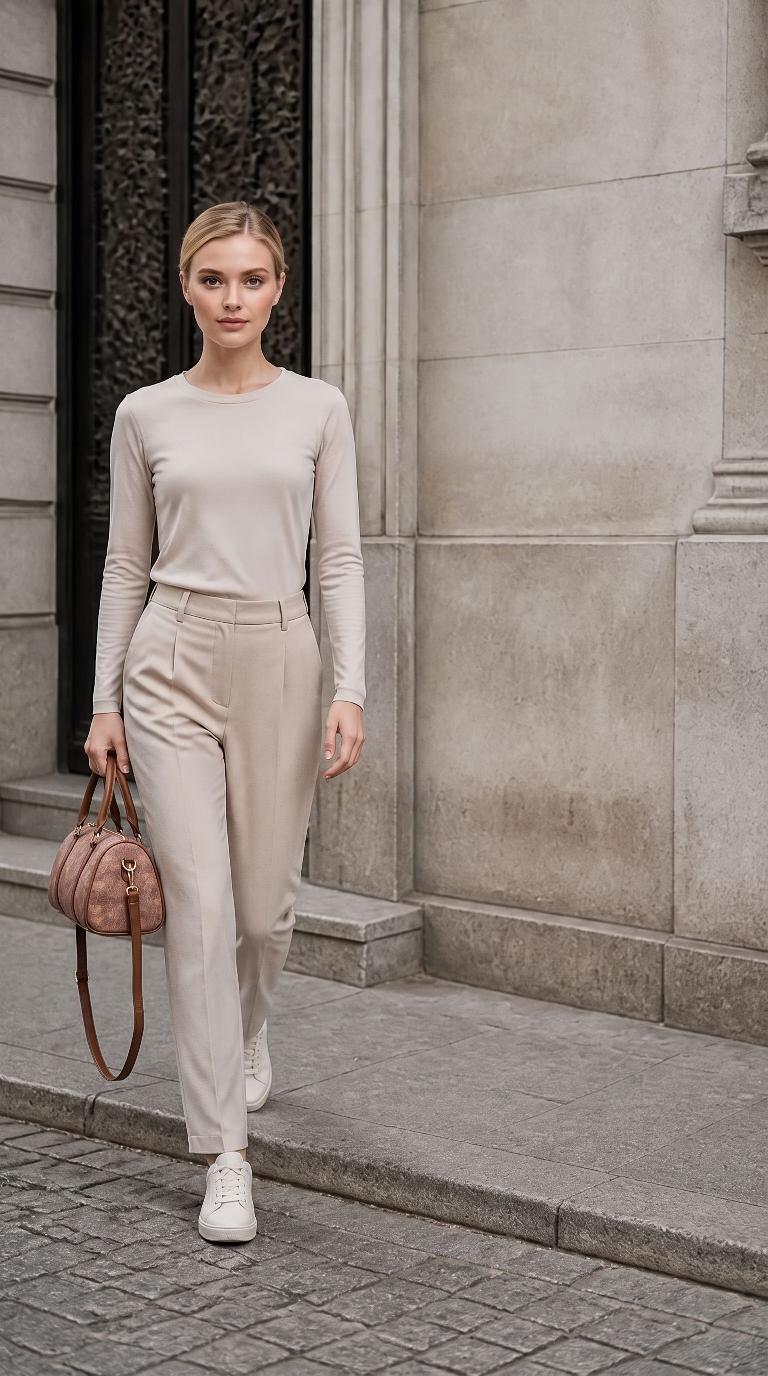
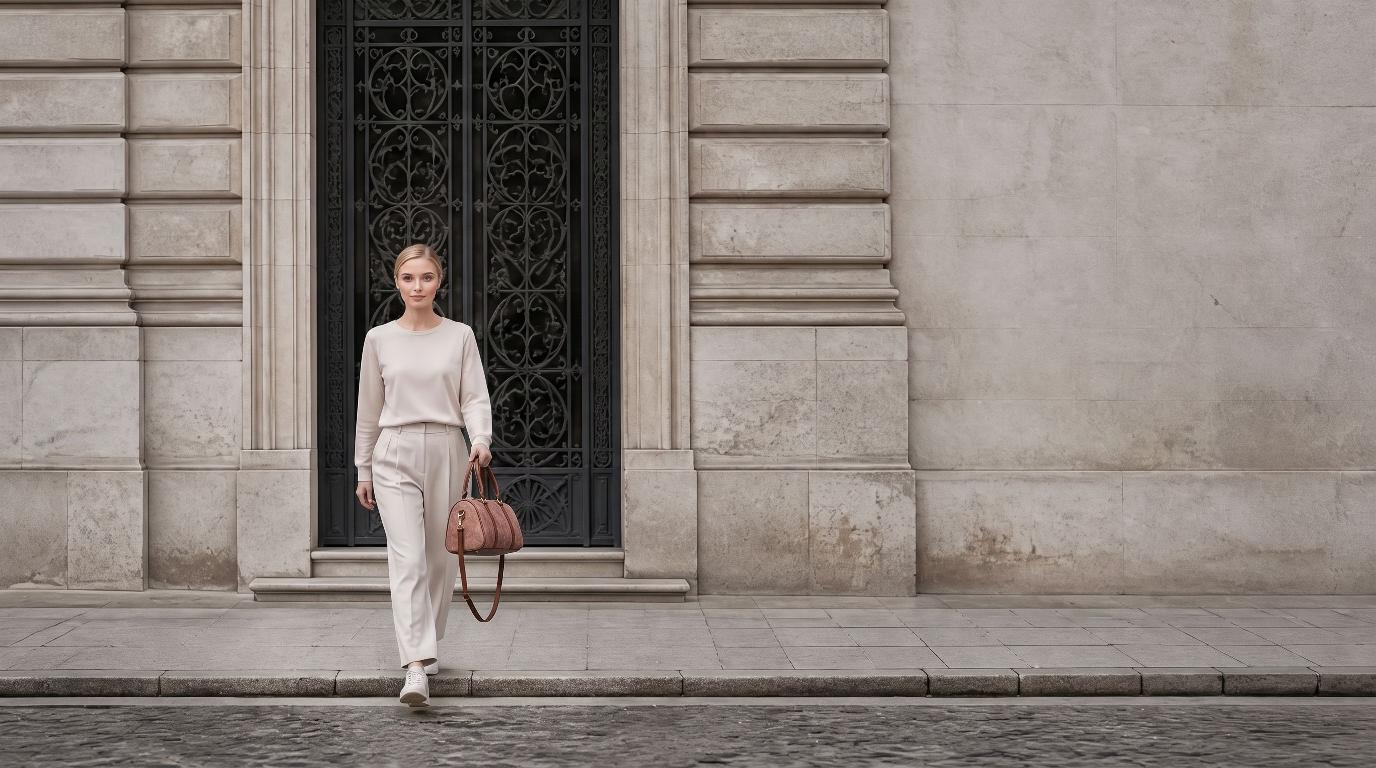
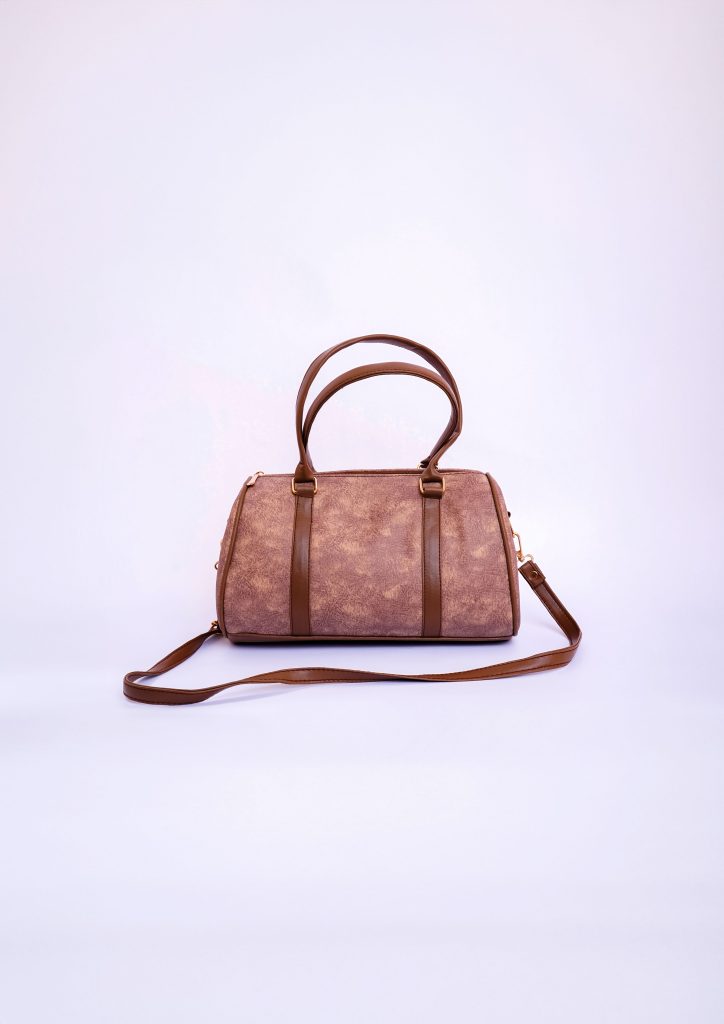
On-brand photo: Handbag on the brand model Handbag
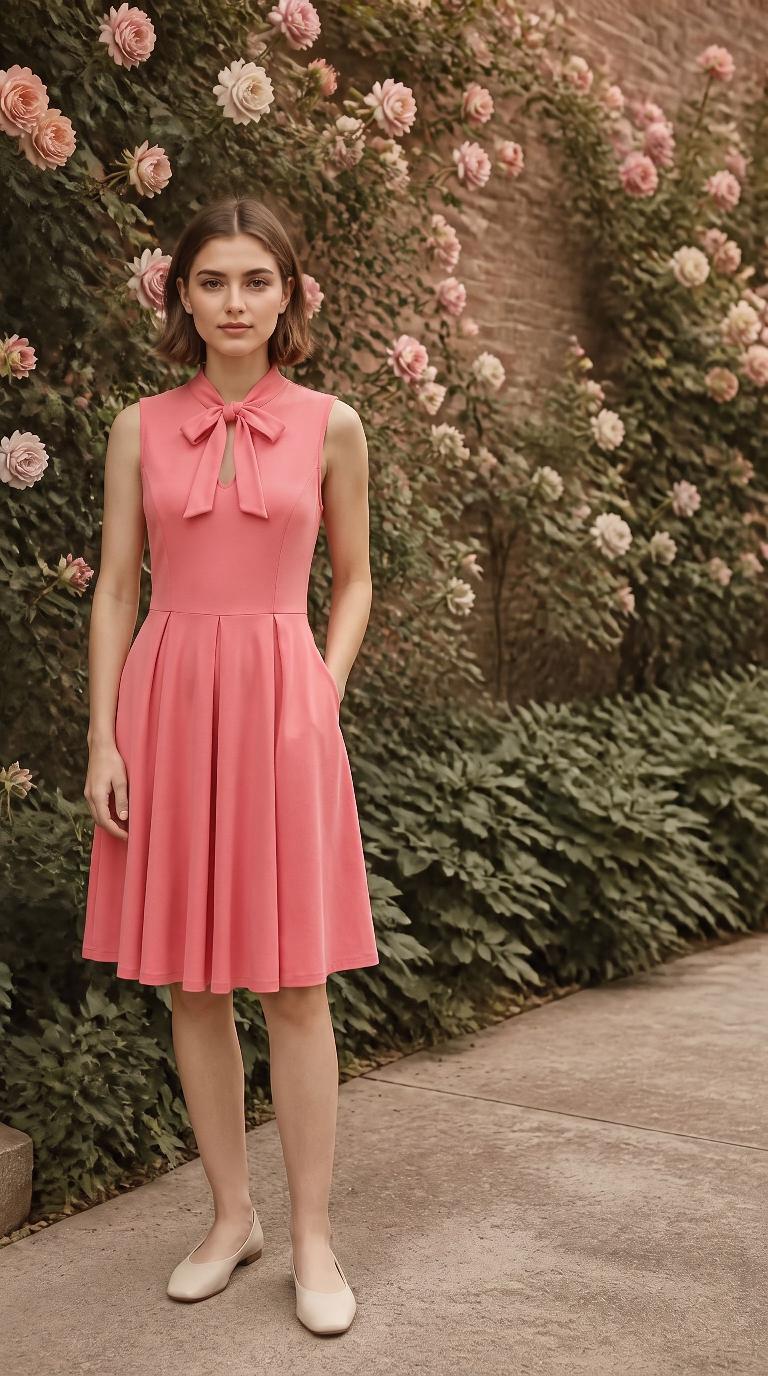
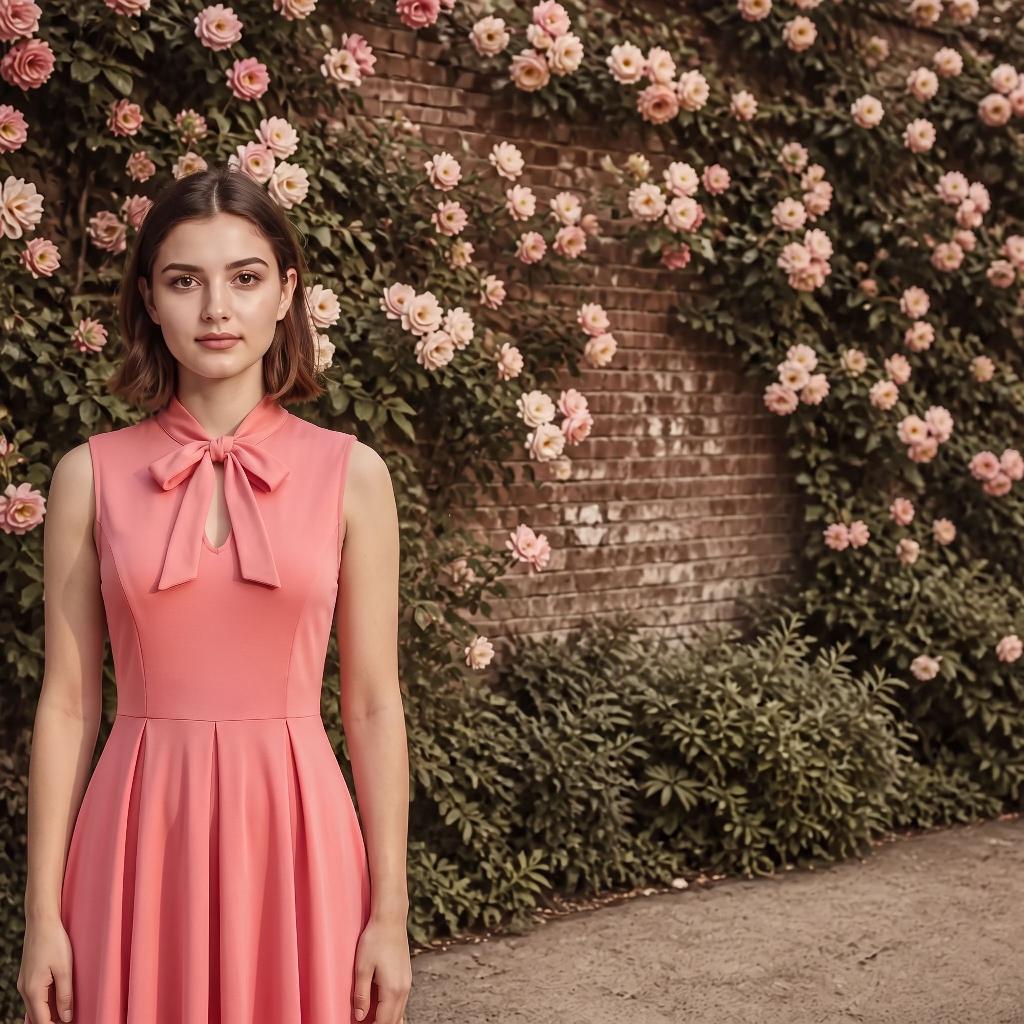
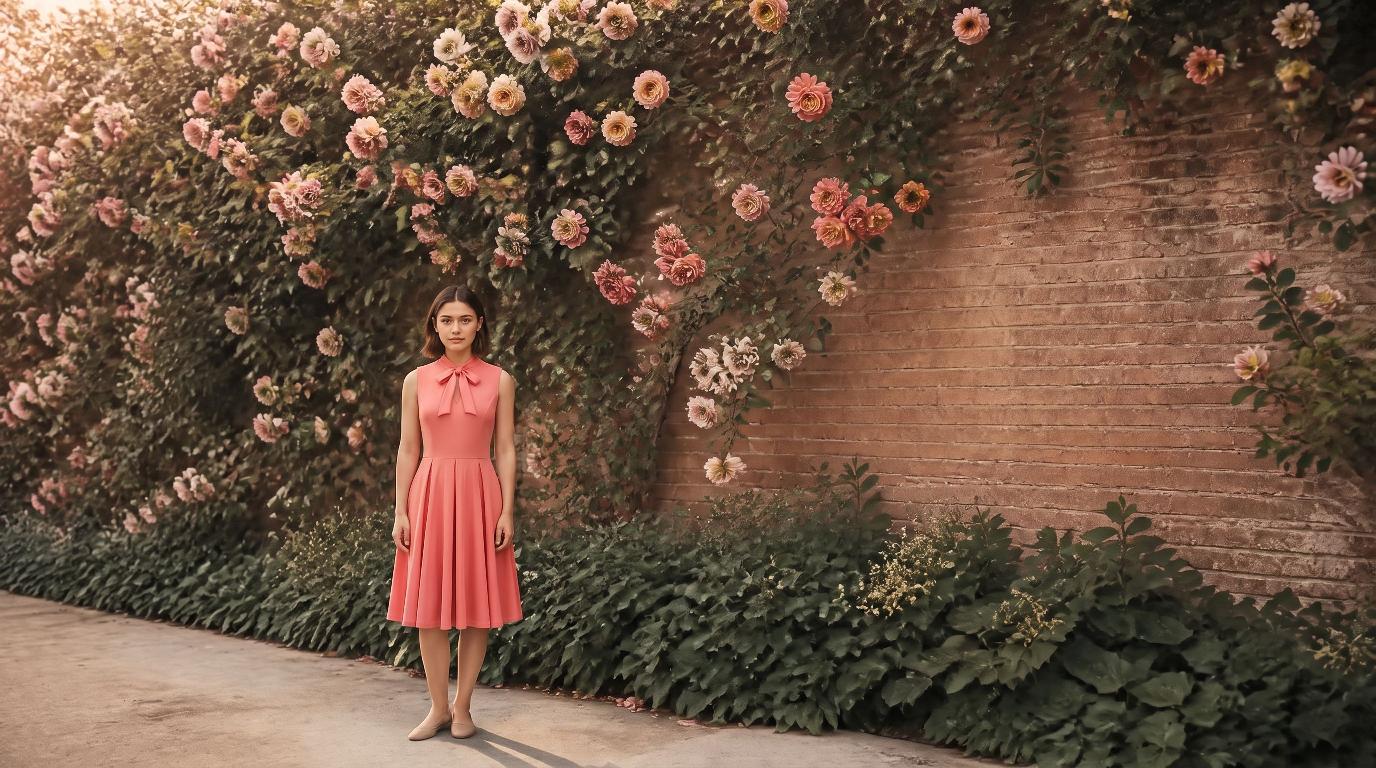
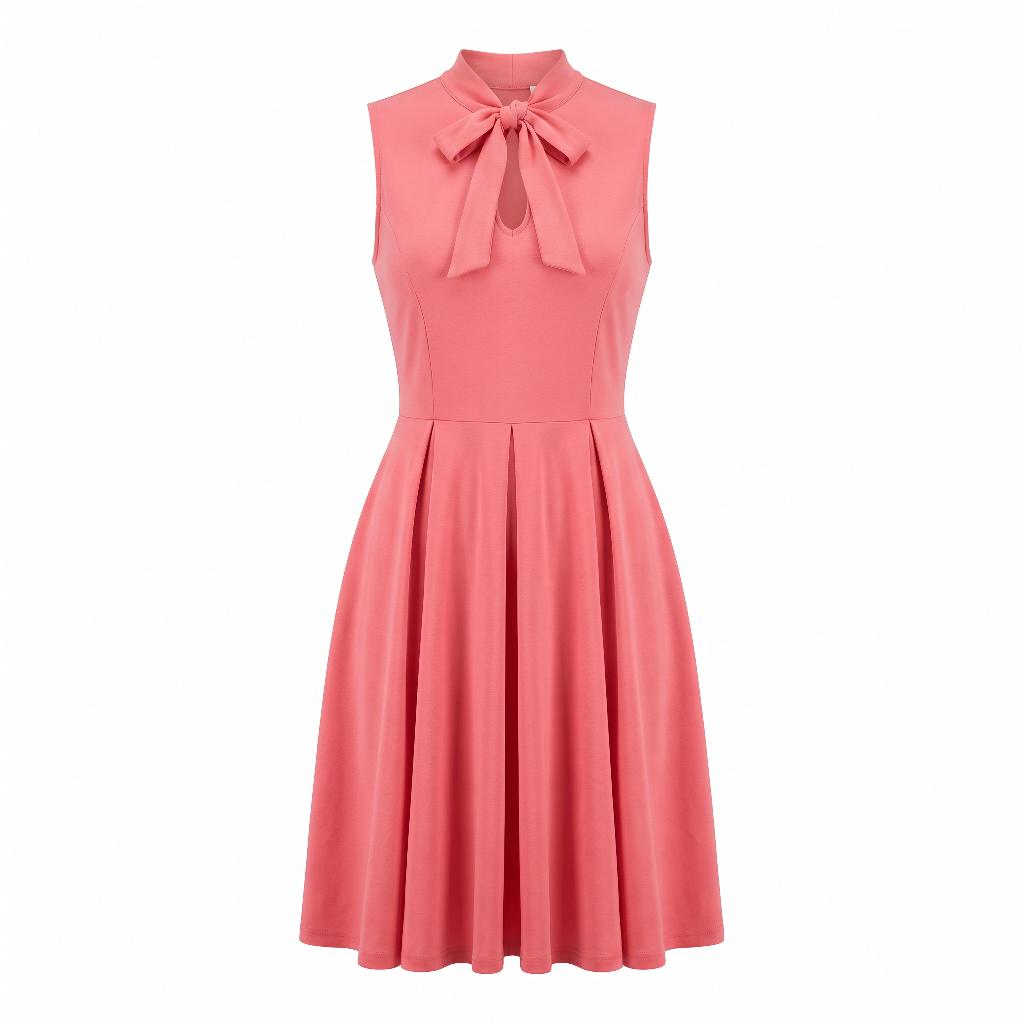
On-brand photo: Pink dress on the brand model Pink dress
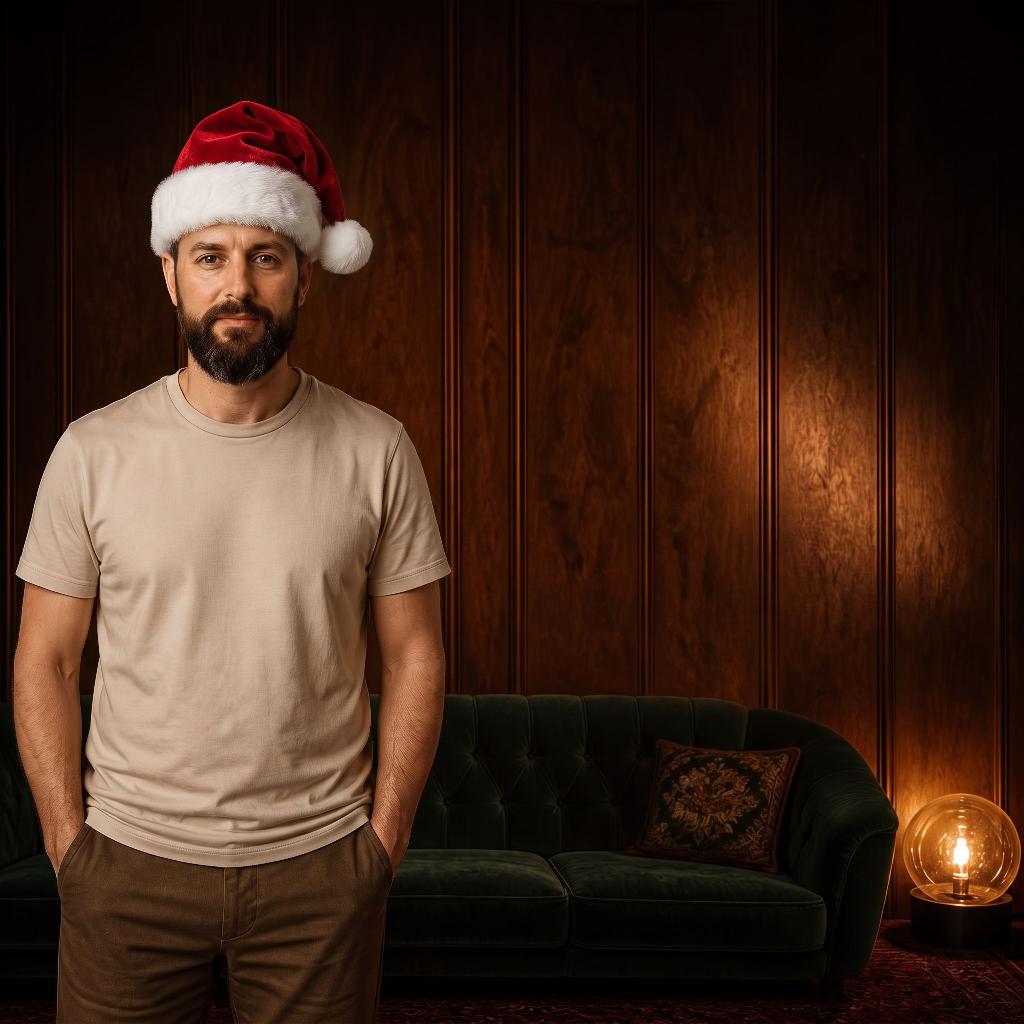
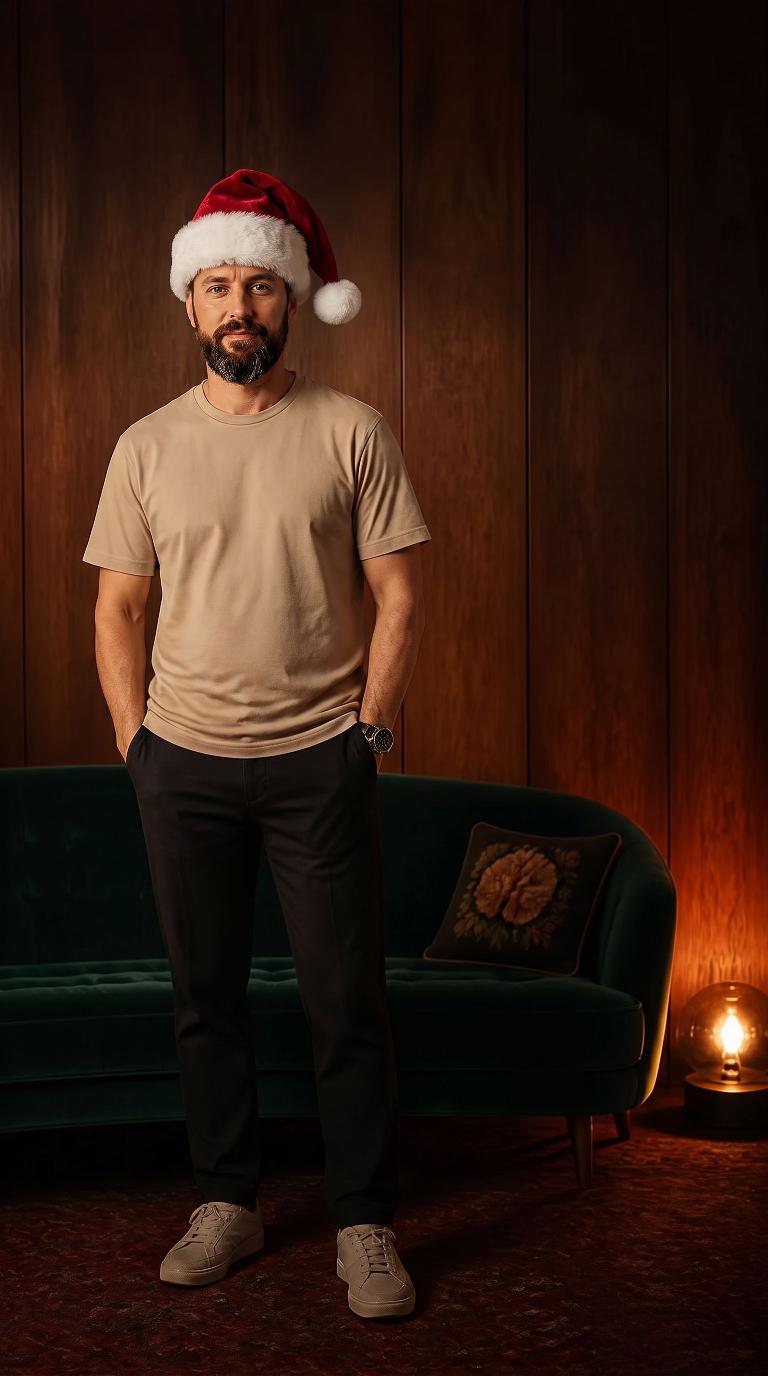
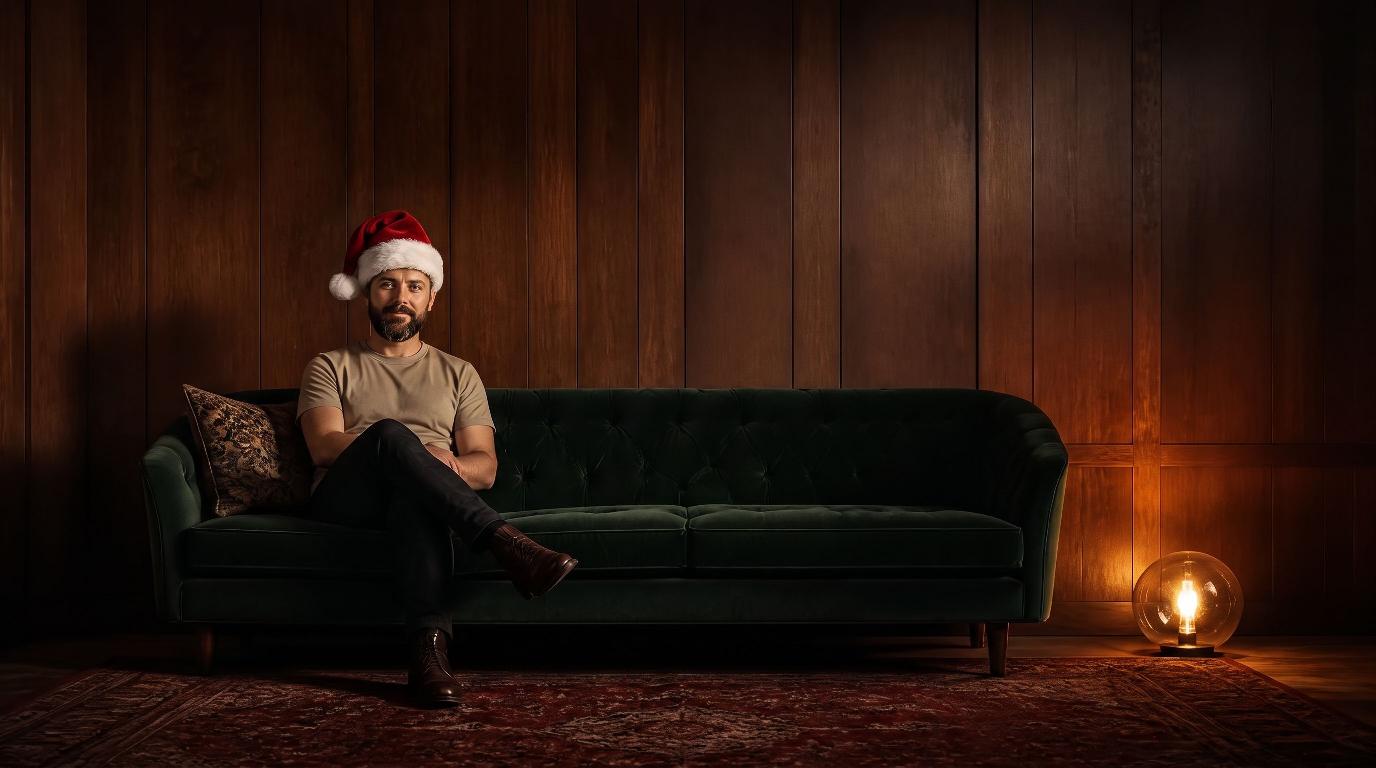
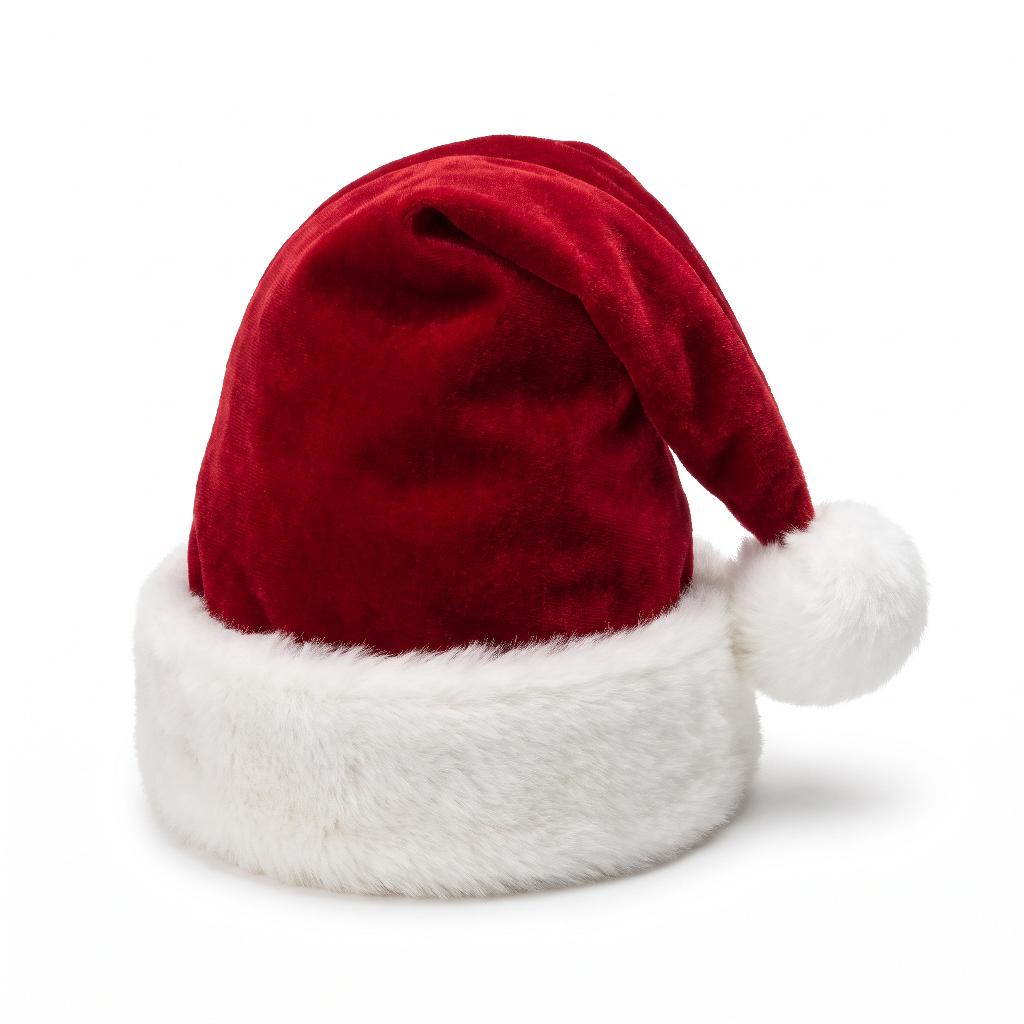
On-brand photo: Santa hat on the brand model Santa hat

ON-BRAND PHOTO

Wool coat
Perfume
Puffer jacket
Sunglasses
Velvet blazer
Handbag
Pink dress
Santa hat

MATCHED VIDEO

Wool coat, story size Wool coat, square size Wool coat, landscape size
Wool coat
Perfume, story size Perfume, square size Perfume, landscape size
Perfume
Puffer jacket, story size Puffer jacket, square size Puffer jacket, landscape size
Puffer jacket
Sunglasses, story size Sunglasses, square size Sunglasses, landscape size
Sunglasses
Velvet blazer, story size Velvet blazer, square size Velvet blazer, landscape size
Velvet blazer
Handbag, story size Handbag, square size Handbag, landscape size
Handbag
Pink dress, story size Pink dress, square size Pink dress, landscape size
Pink dress
Santa hat, story size Santa hat, square size Santa hat, landscape size
Santa hat

EVERY SIZE

Set it up once. Make campaigns forever.

No prompts to learn, no AI models to pick. If you can type a sentence, you can make a campaign. If you'd rather not type at all, pick a ready-made scene.

A brand profile in Artwurk: the product photo, brand colors and style

1. Add your product, once

Photos of your real product, plus your colors, logo, and style. It's saved in your brand profile and used in every batch.

The Artwurk Studio with a brand, a model and a ready-made scene picked

2. Set the scene, pick your sizes

Pick a ready-made scene, or describe your own in a sentence. Then choose your sizes: square post, story, landscape, video. That's the whole job.

ImageSquare shot from the batch
ImageStory shot from the batch
ImageLandscape shot from the batch
Video
VideoFirst frame of the landscape video from the batch
Complete · 5/5

3. Get your batch

Every shot comes back on-brand and matching the rest. If one misses, redo just that one.

Could you post the whole batch without a designer touching it?

That's the test every batch has to pass. With most AI tools, the real work is fixing what came back almost right. Here, six things hold in every shot:

Generated shot: the real perfume bottle on a travertine plinth The product photo the brand uploadedYour product

True to your product

Your real product in every shot: right colors, right shape, no invented features or melted labels.

Square shot from the coat campaign
Story shot from the coat campaign
Brand colors

Locked to your brand

Colors, logo, fonts, and style match your brand profile every time. No off-brand colors, no warped logo.

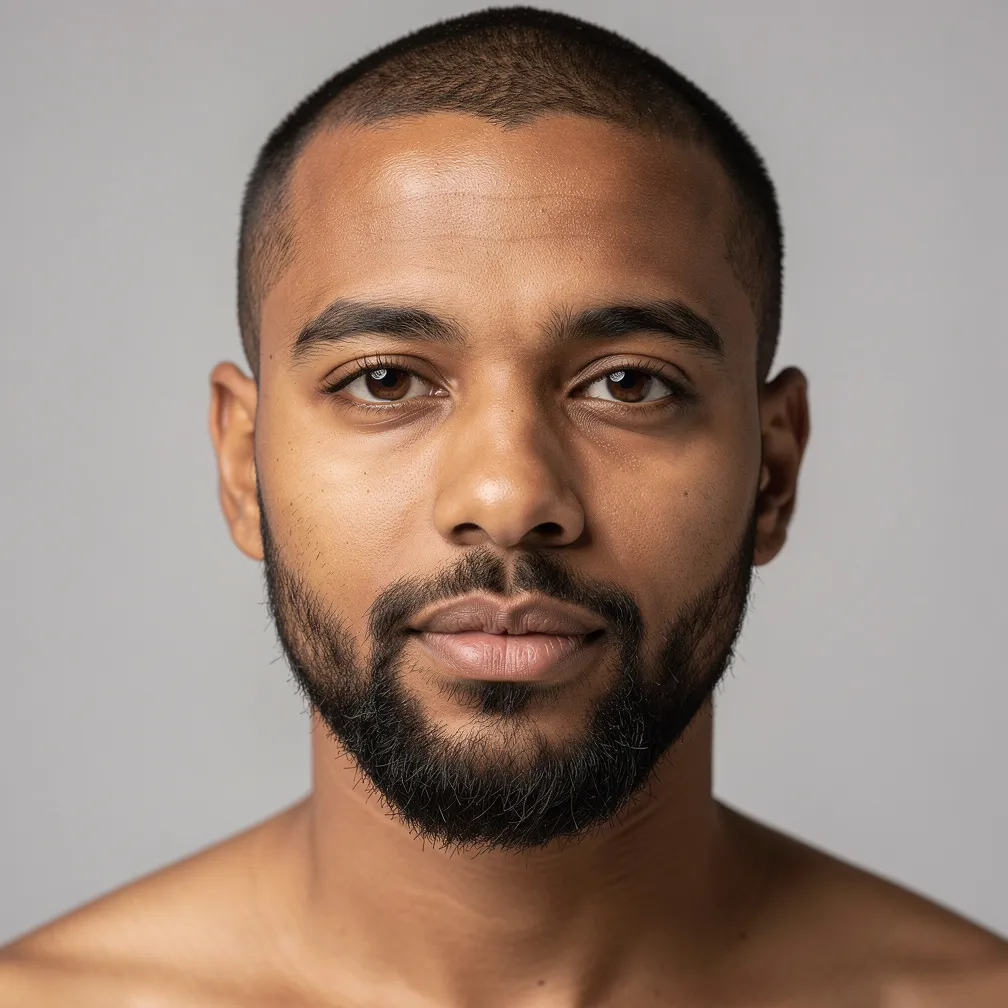
The brand model, close up
The same model in another shot
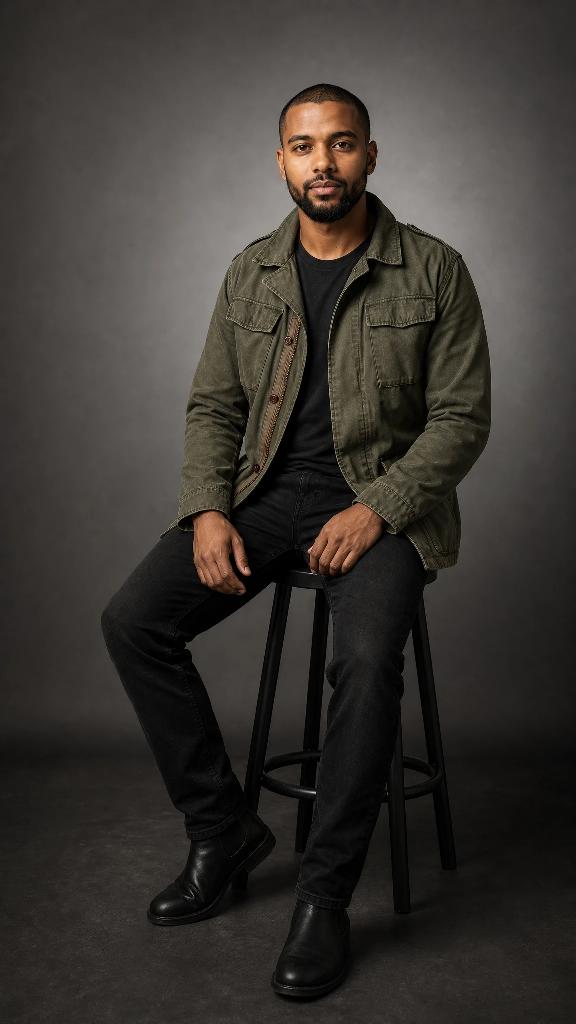
The same model, seated
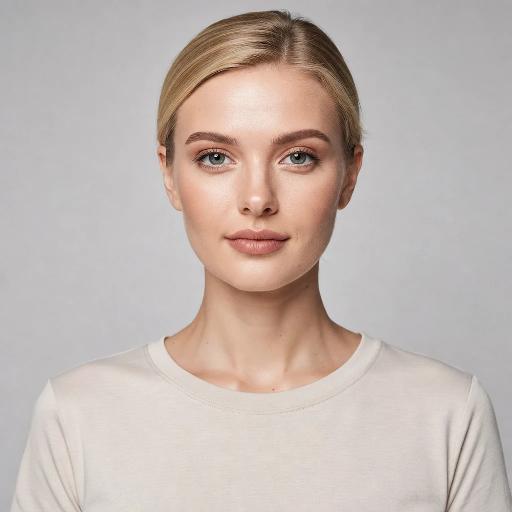
The model photo the brand uploadedYour model

The same face

Your model or mascot is recognizably the same one in every shot, not a new face each time.
Story size, 9:16
9:16
Square size, 1:1
1:1
Landscape size, 16:9
16:9

One look, every size

Story, square, and landscape all read as one campaign, each rebuilt for its frame, not cropped and broken.

PhotoThe campaign photo
Video

Photo and video match

The video looks like it came from the same shoot as the photo: same light, same product, same colors.

Variation: holding the jacket
Variation: seated
Variation: standing
Variation: presenting the jacket

Varied, not drifting

Variations change the one thing you asked for (layout, angle, message) and keep everything else locked.

Pick a scene, or describe your own.

Studio sweeps, city streets, forests, sunlit rooms. Pick a ready-made scene and your product and model are shot in it, or describe your own in a sentence.

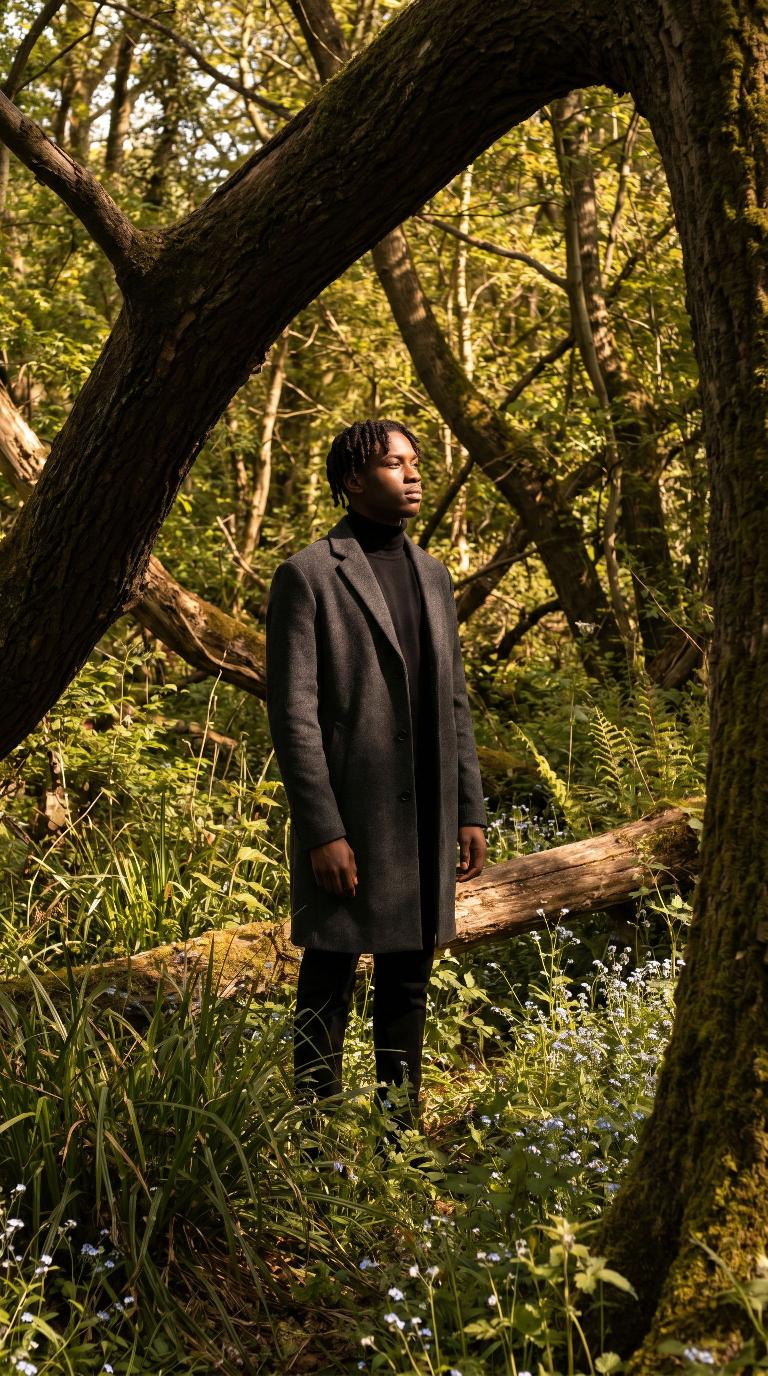
Scene: Enchanted sunlit woodland
Enchanted sunlit woodland
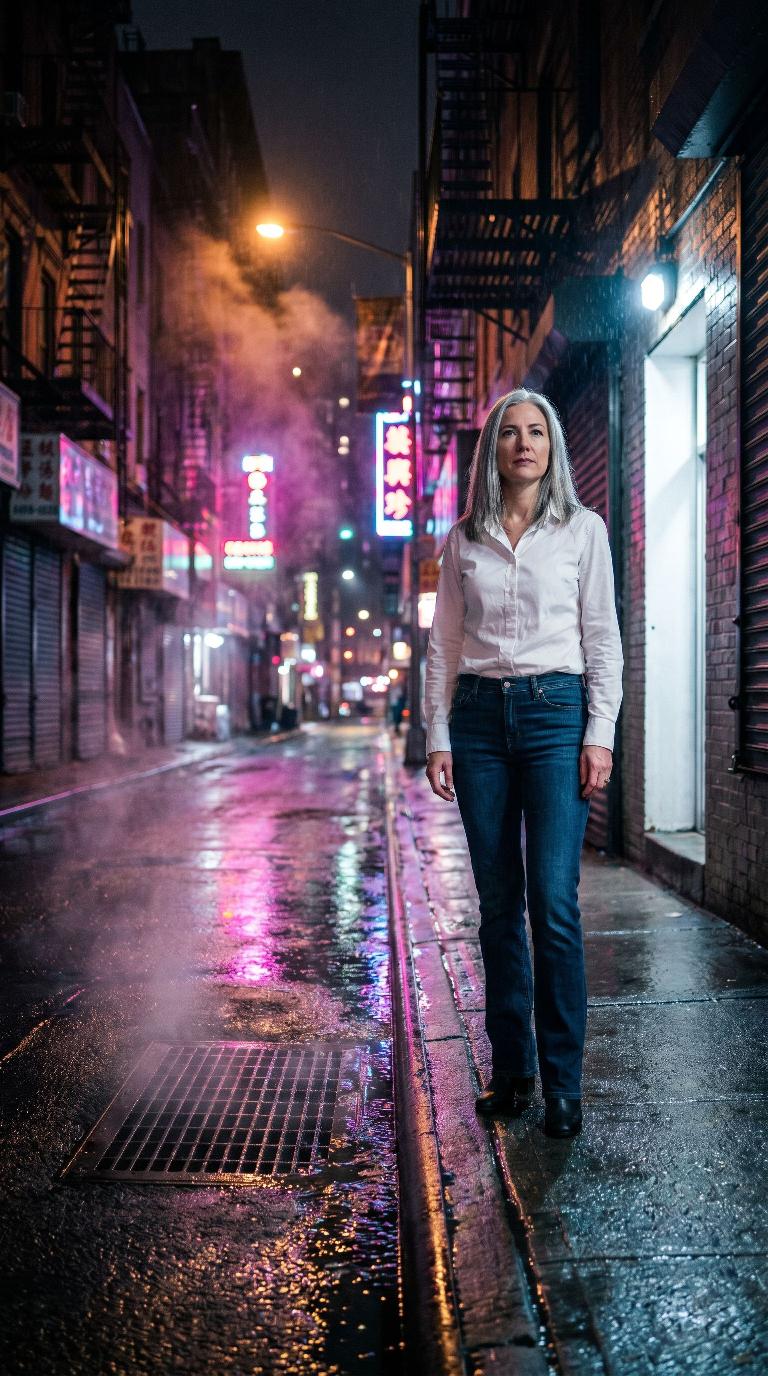
Scene: Rain-slick neon street
Rain-slick neon street
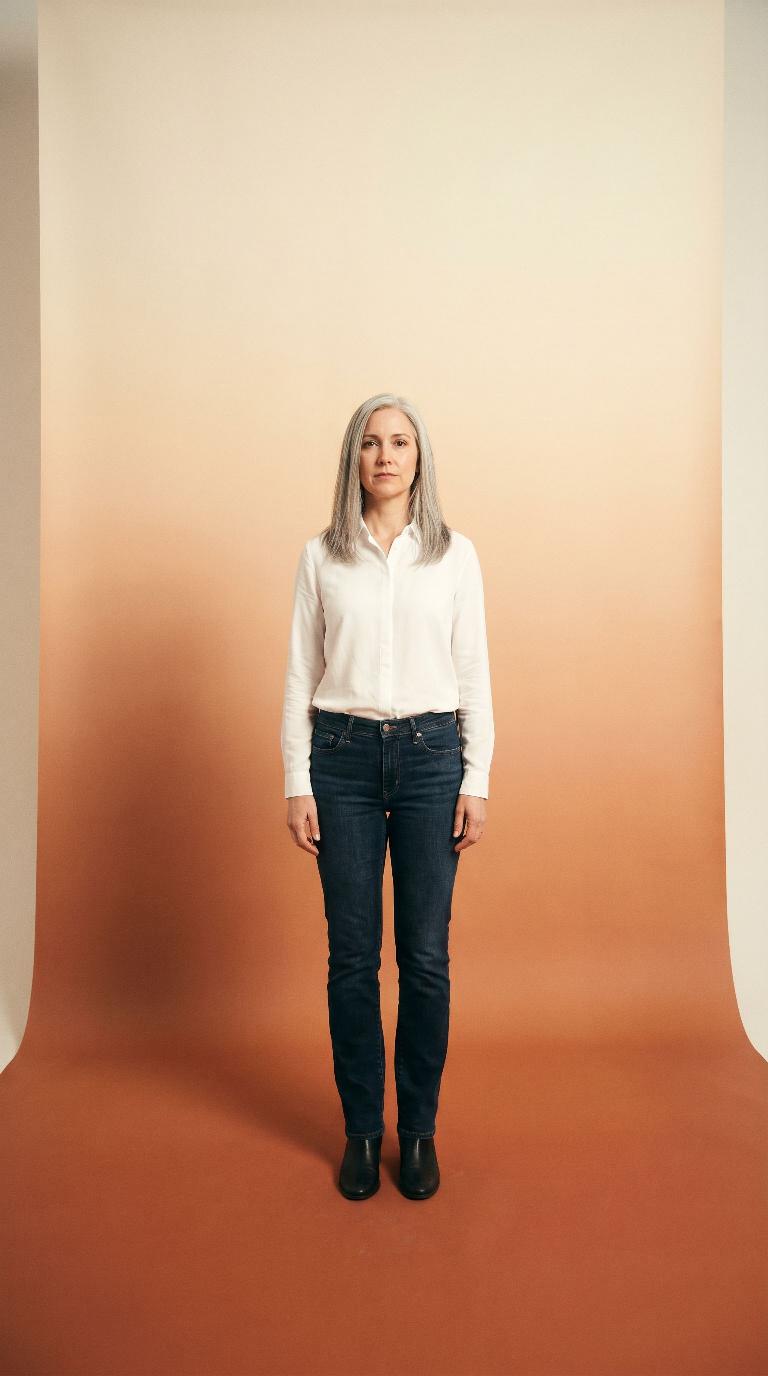
Scene: Terracotta gradient sweep
Terracotta gradient sweep
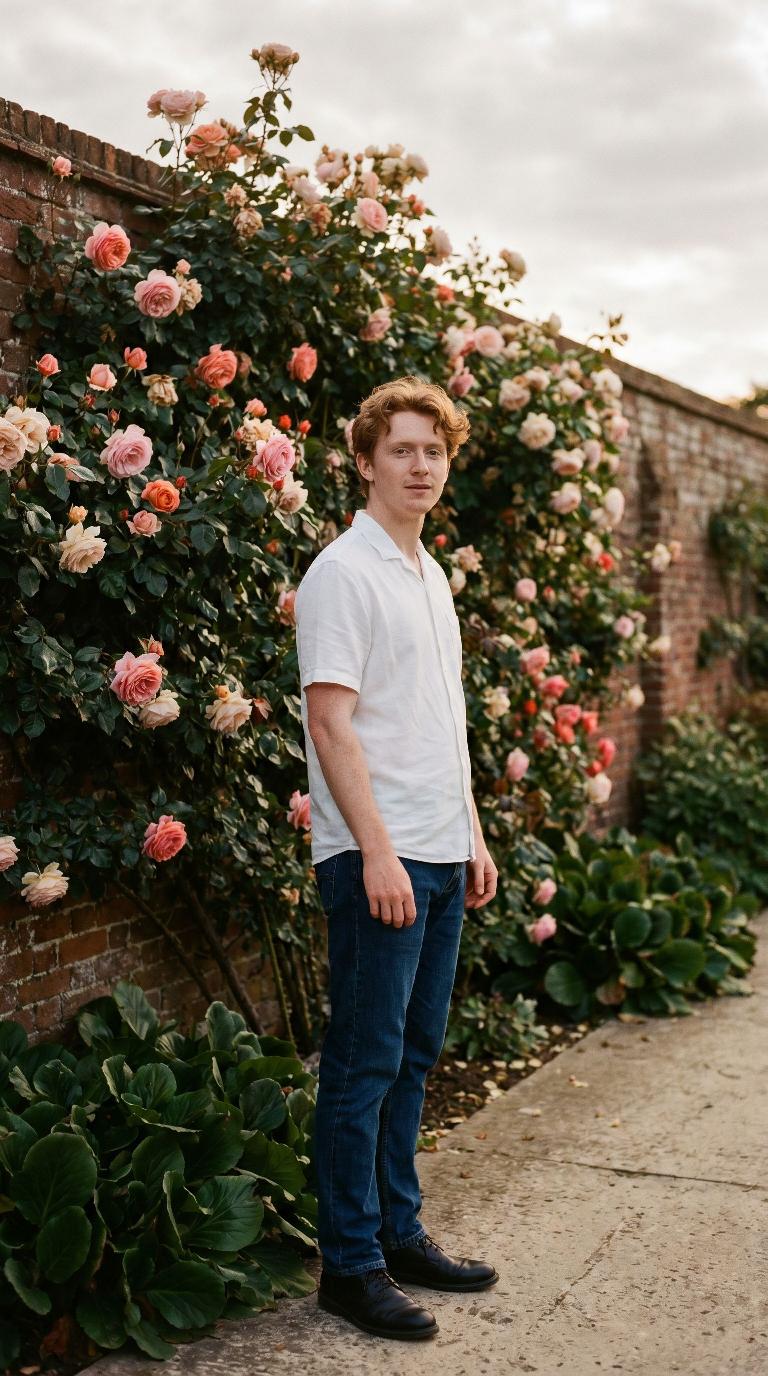
Scene: Climbing rose wall
Climbing rose wall
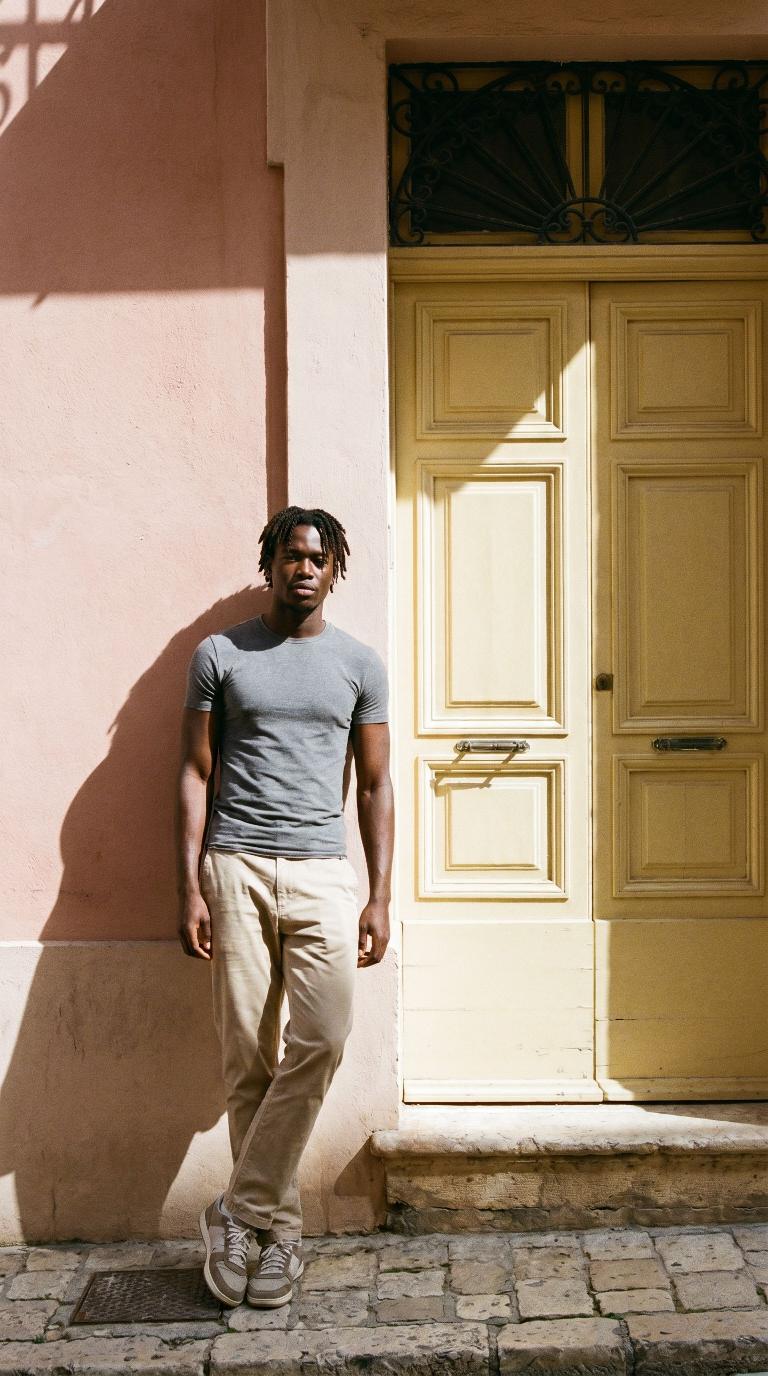
Scene: Yellow door in a pink facade
Yellow door in a pink facade
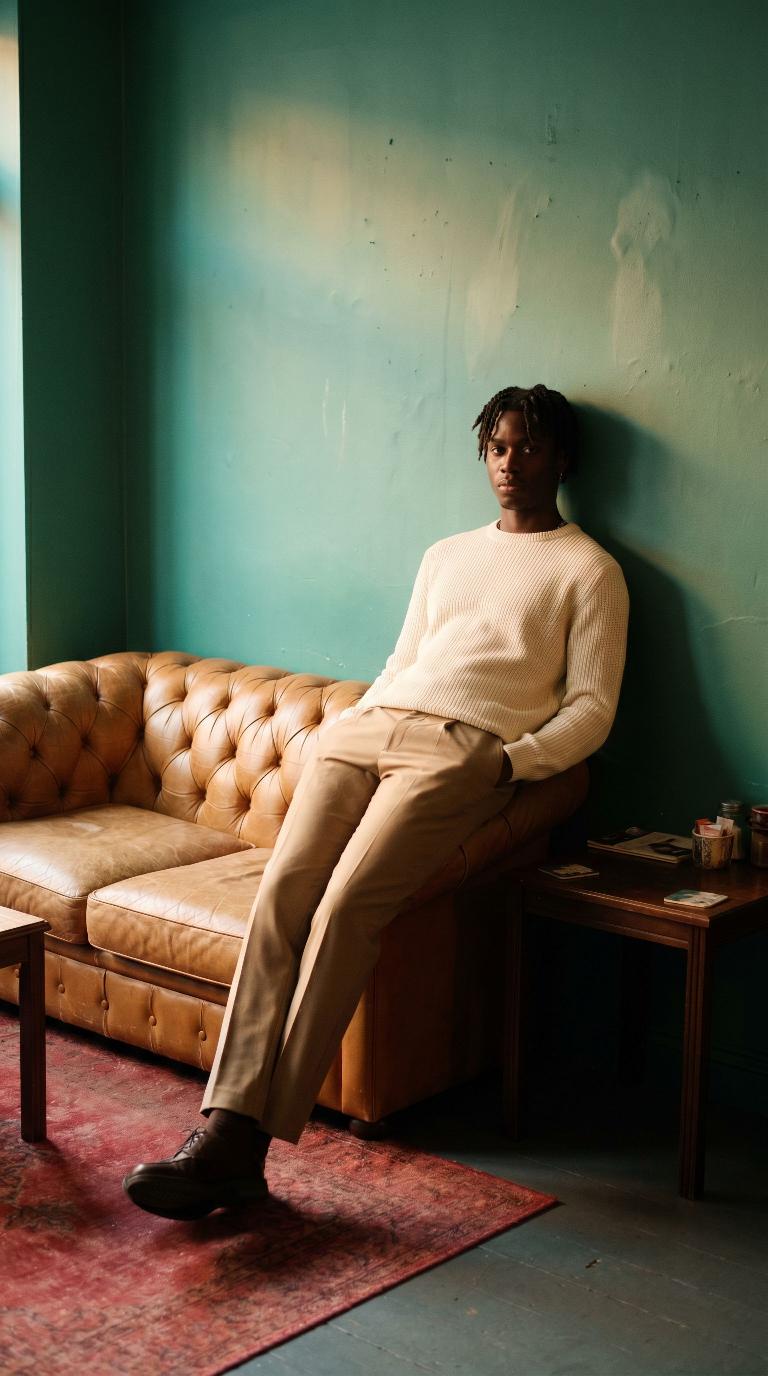
Scene: Teal wall, tan leather couch
Teal wall, tan leather couch
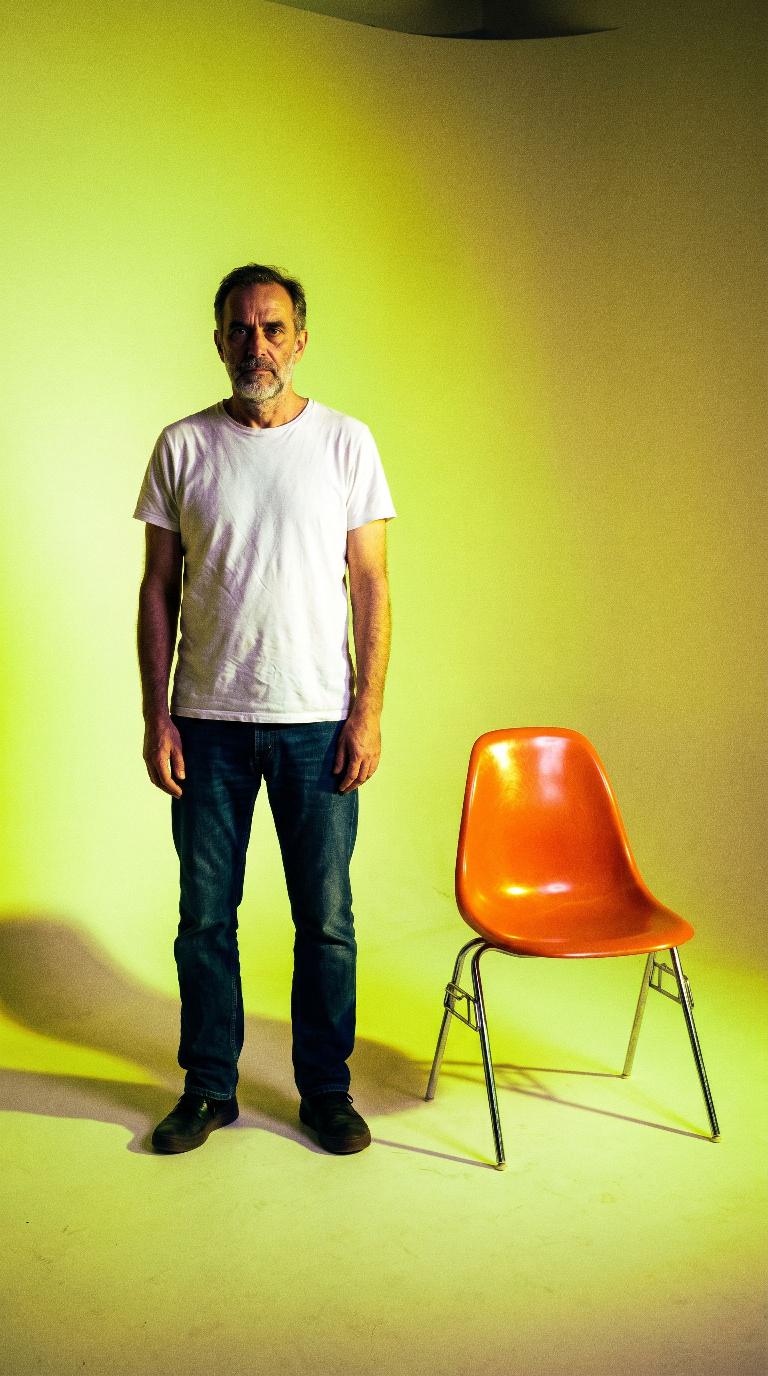
Scene: Acid-yellow studio
Acid-yellow studio
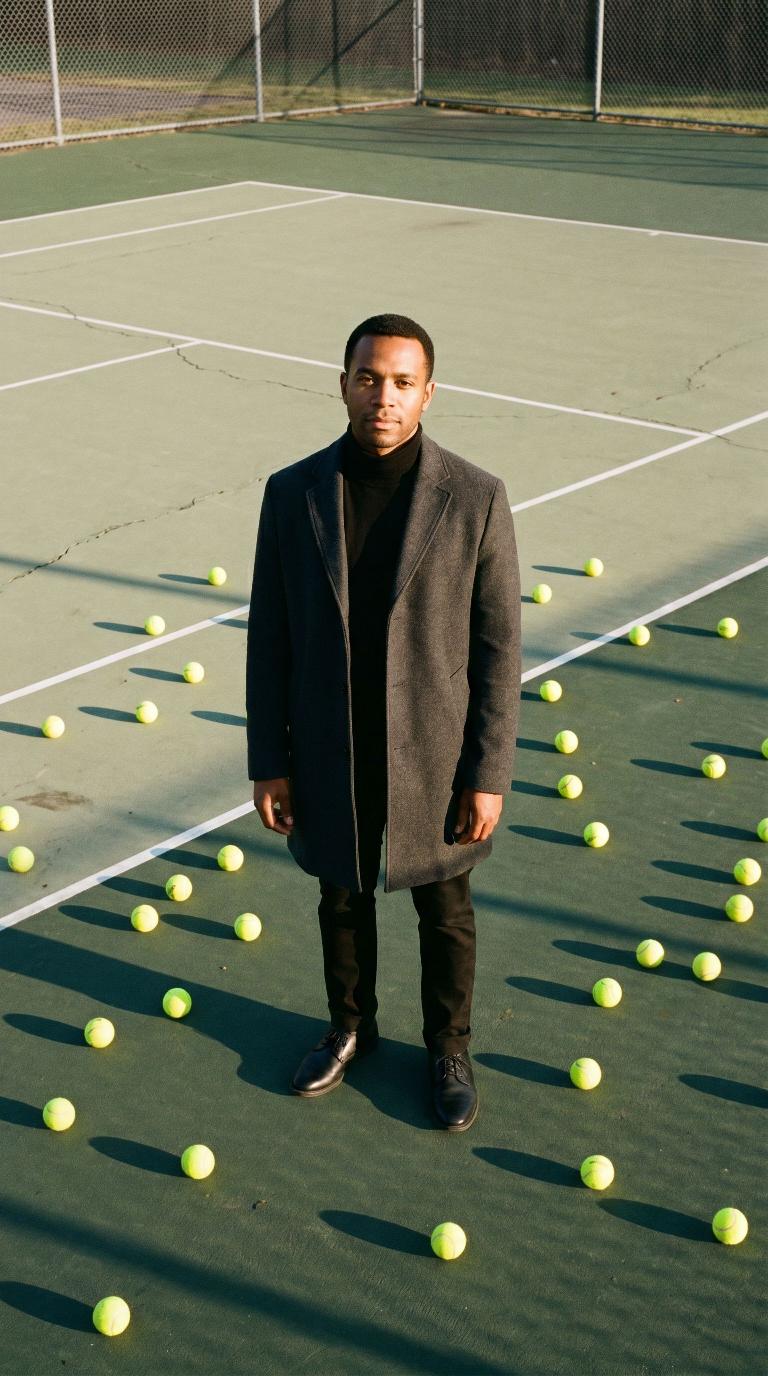
Scene: Sunlit tennis court
Sunlit tennis court
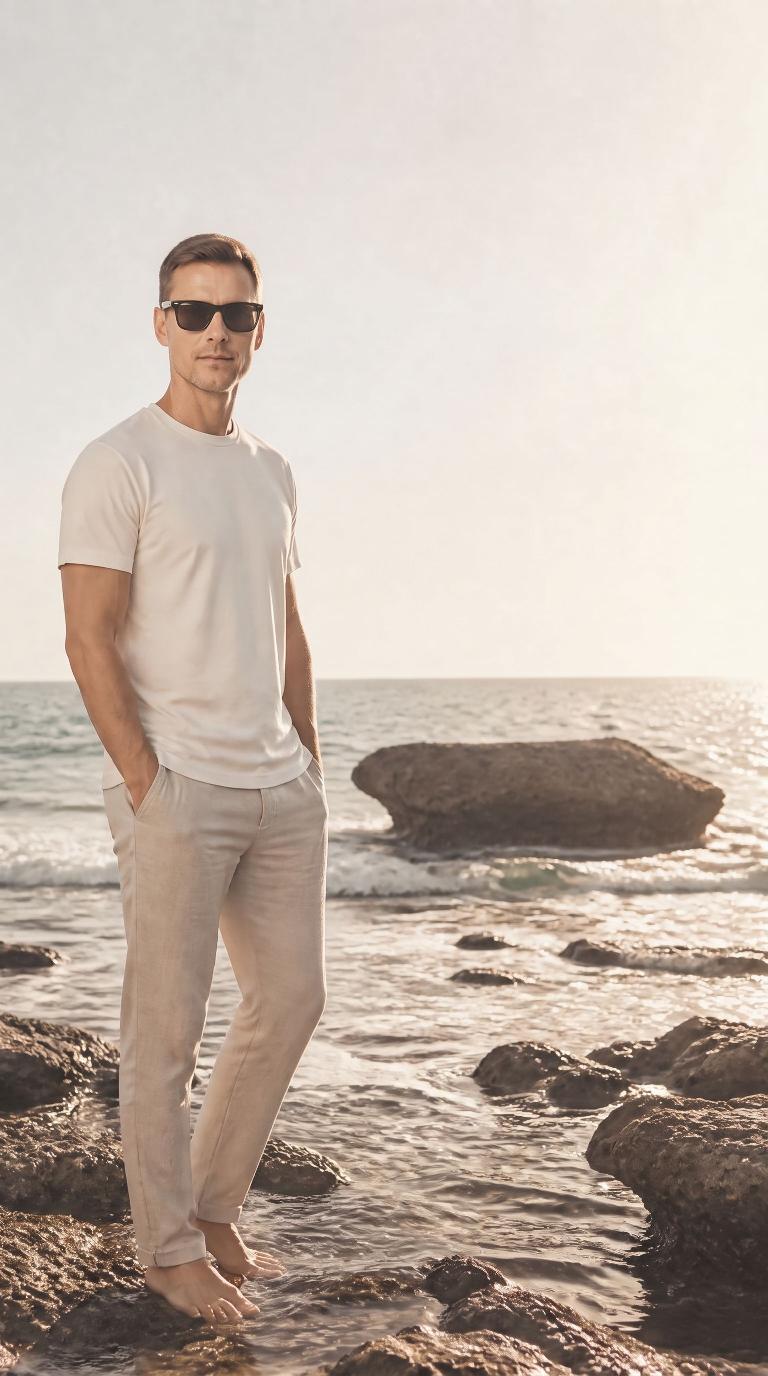
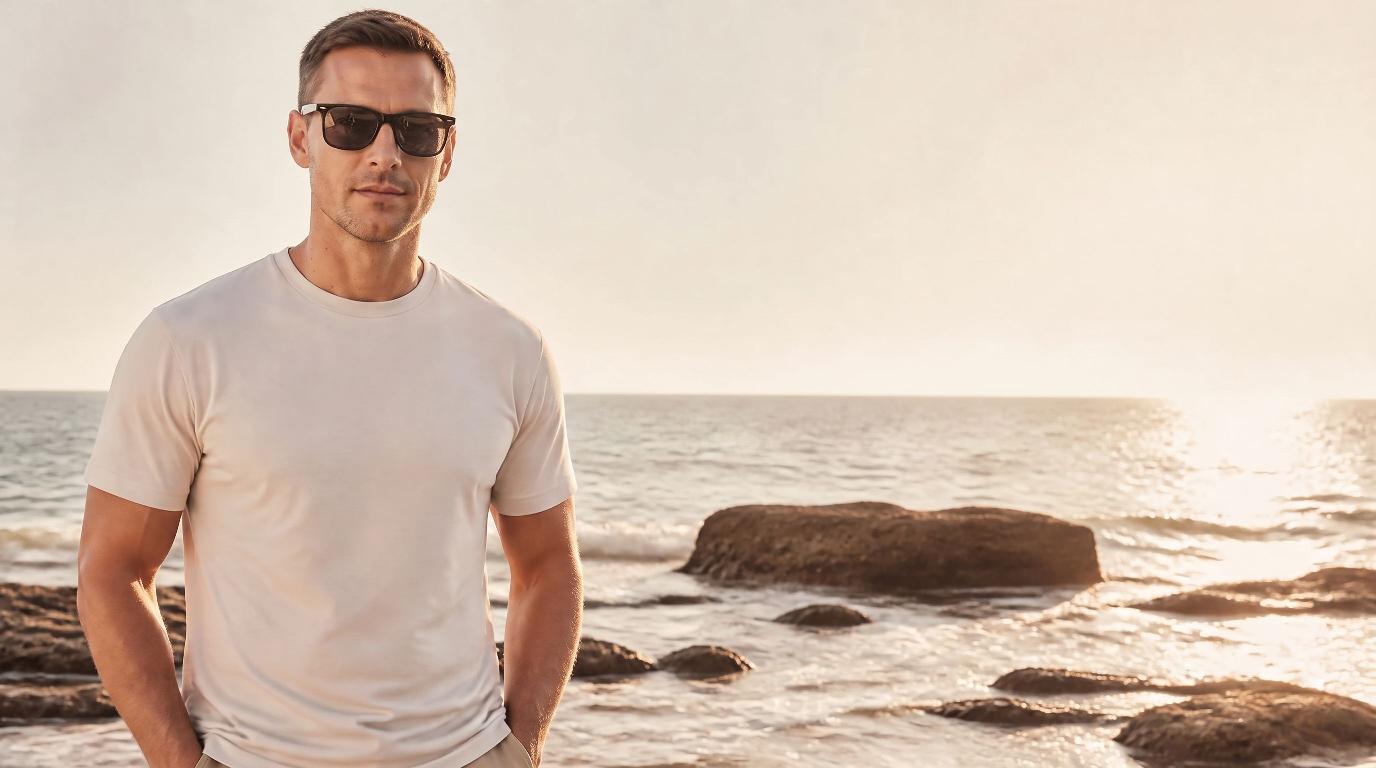
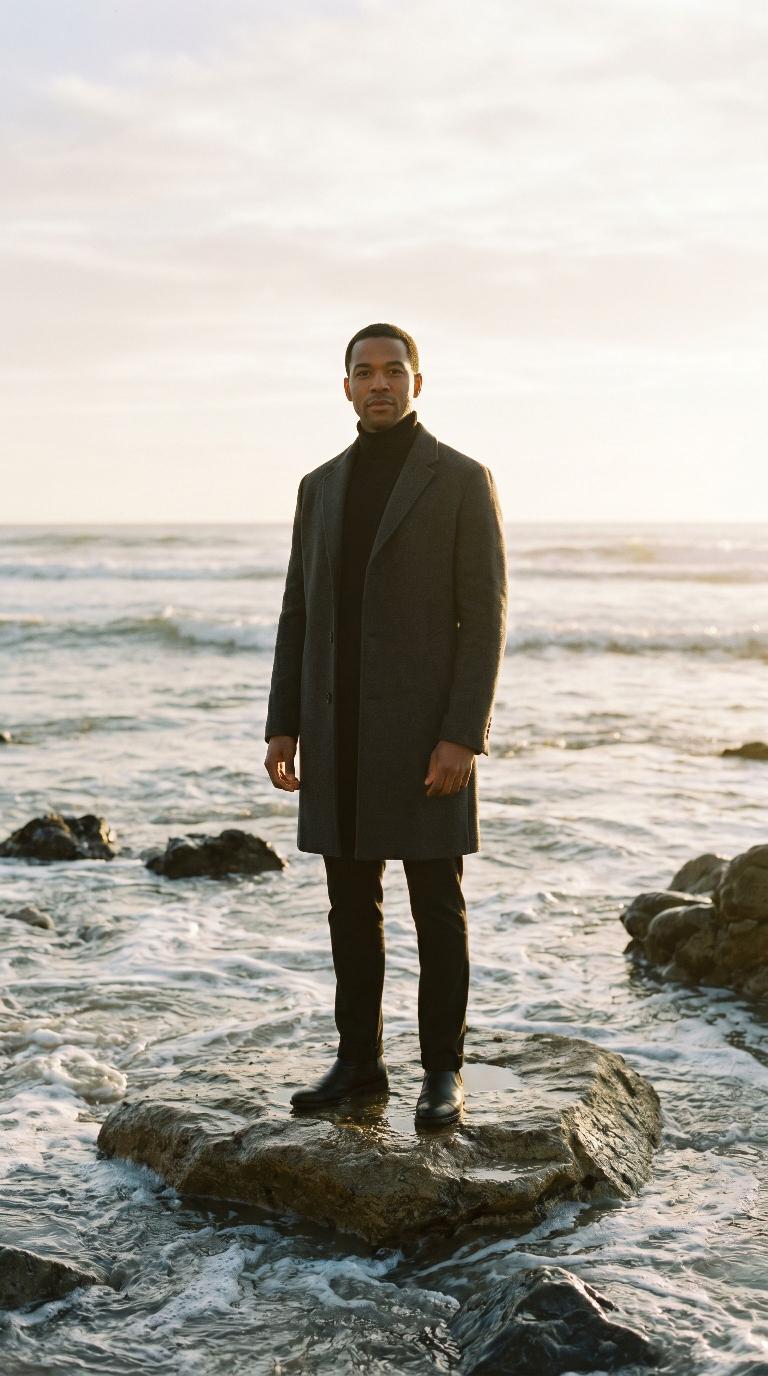
Scene: Sun-washed rocky shoreline
Sun-washed rocky shoreline
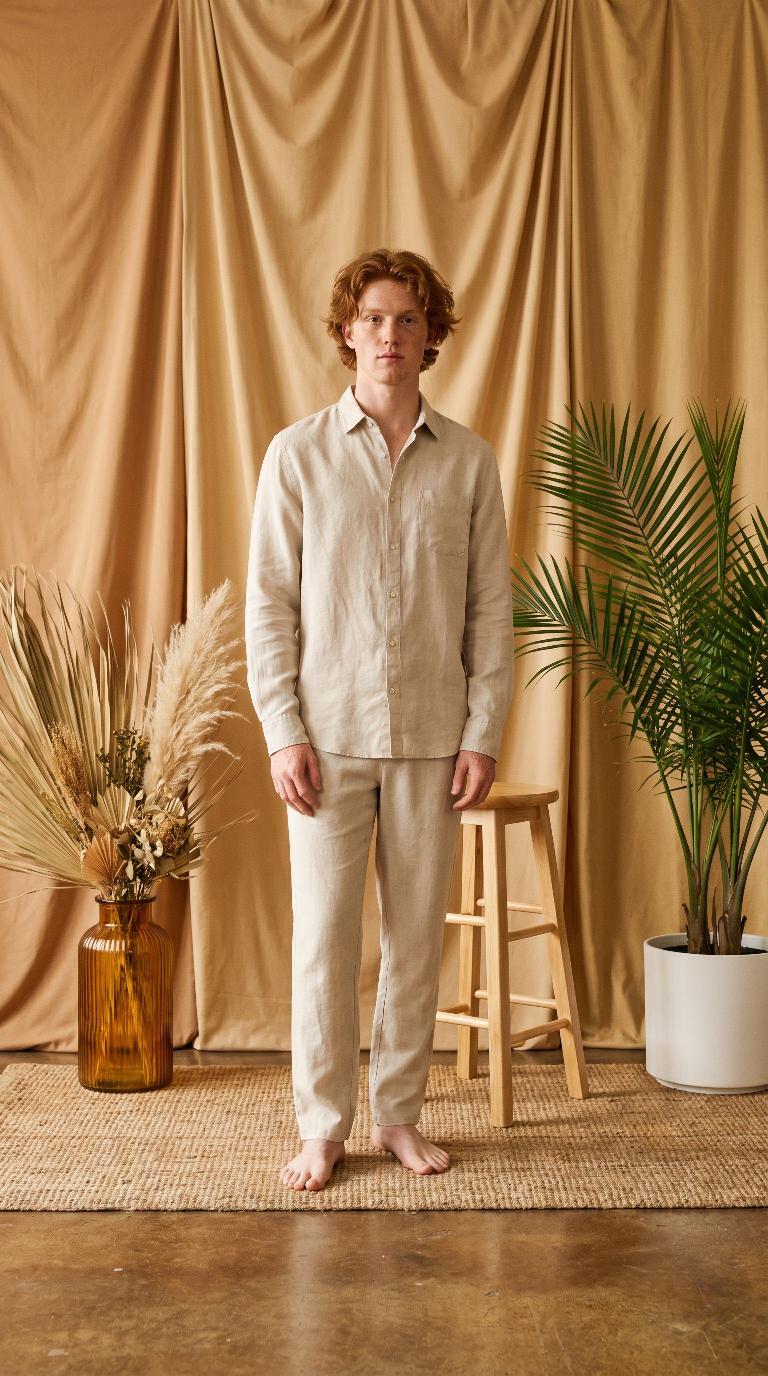
Scene: Draped bohemian studio
Draped bohemian studio
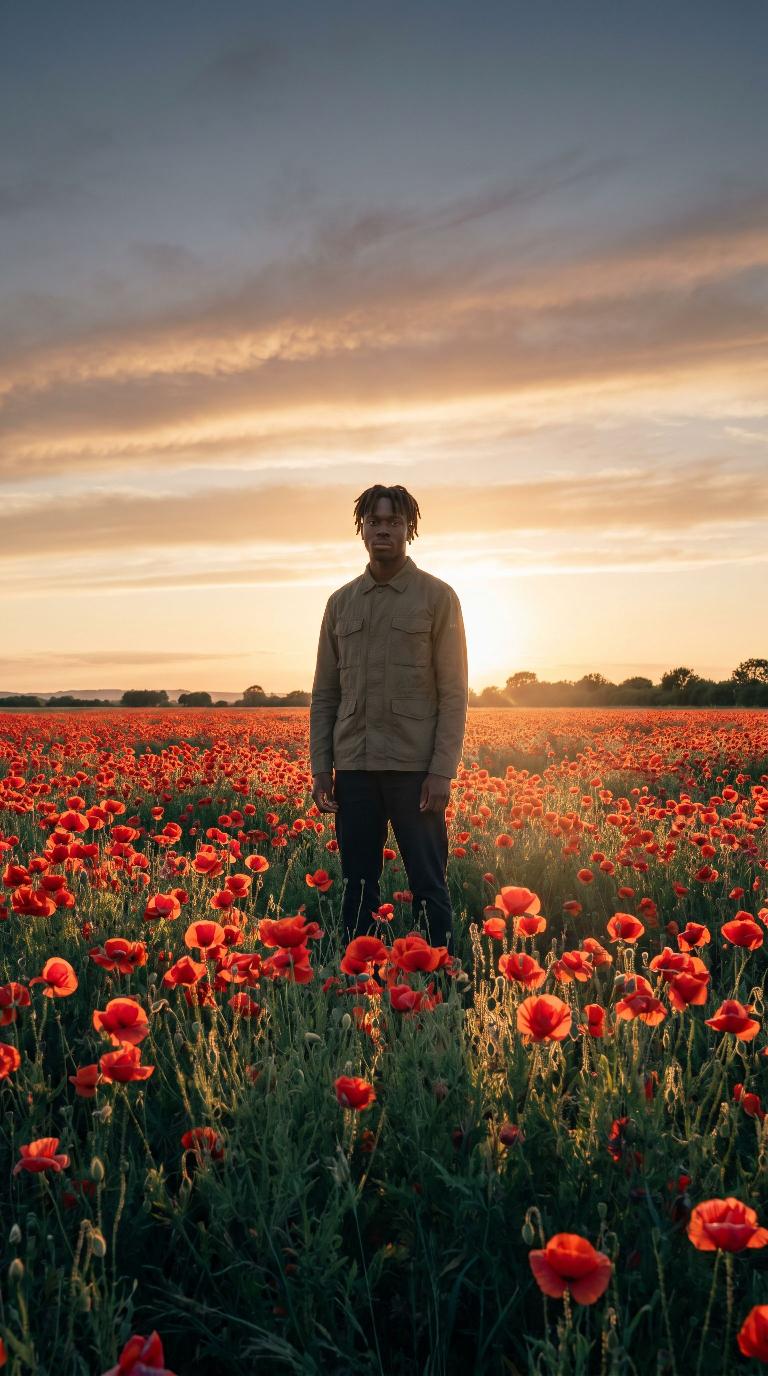
Scene: Poppy field at sunset
Poppy field at sunset
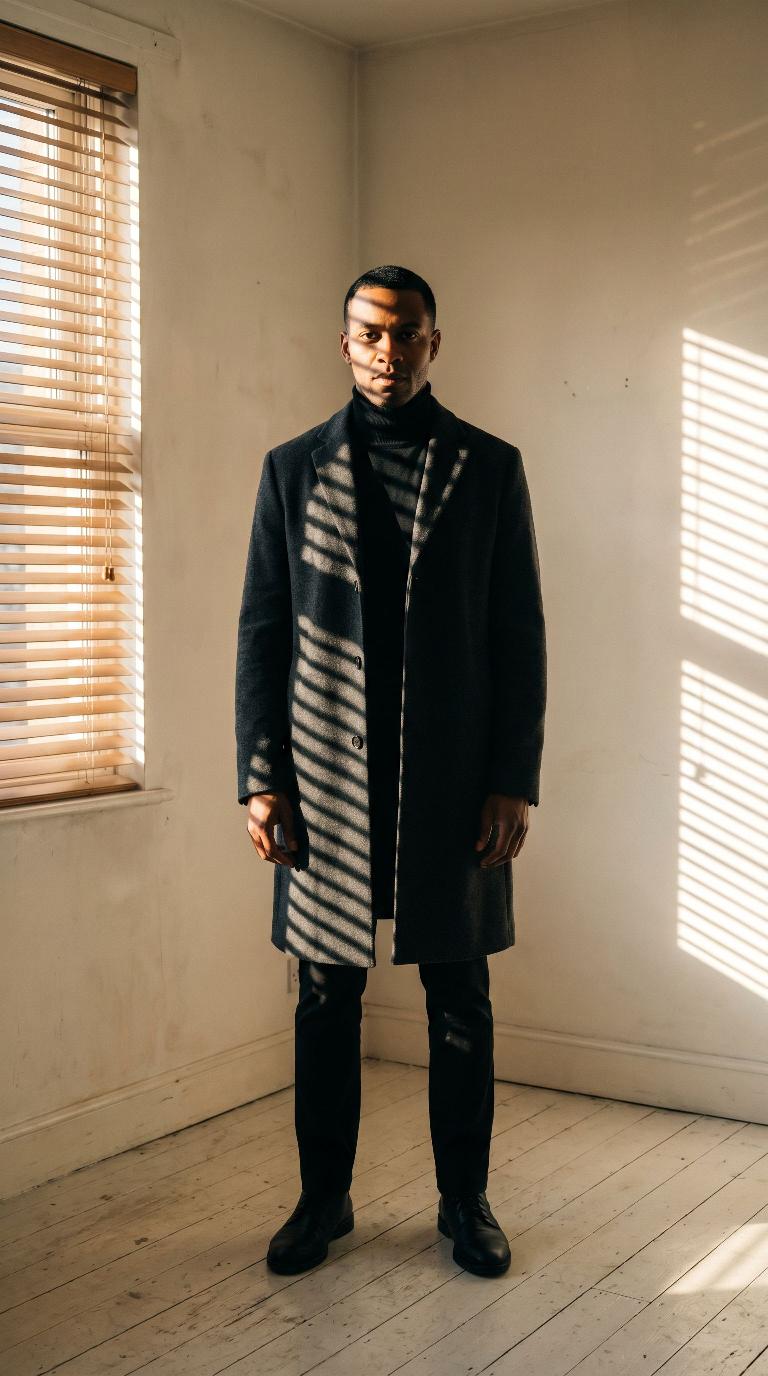
Scene: Slatted window-light studio
Slatted window-light studio
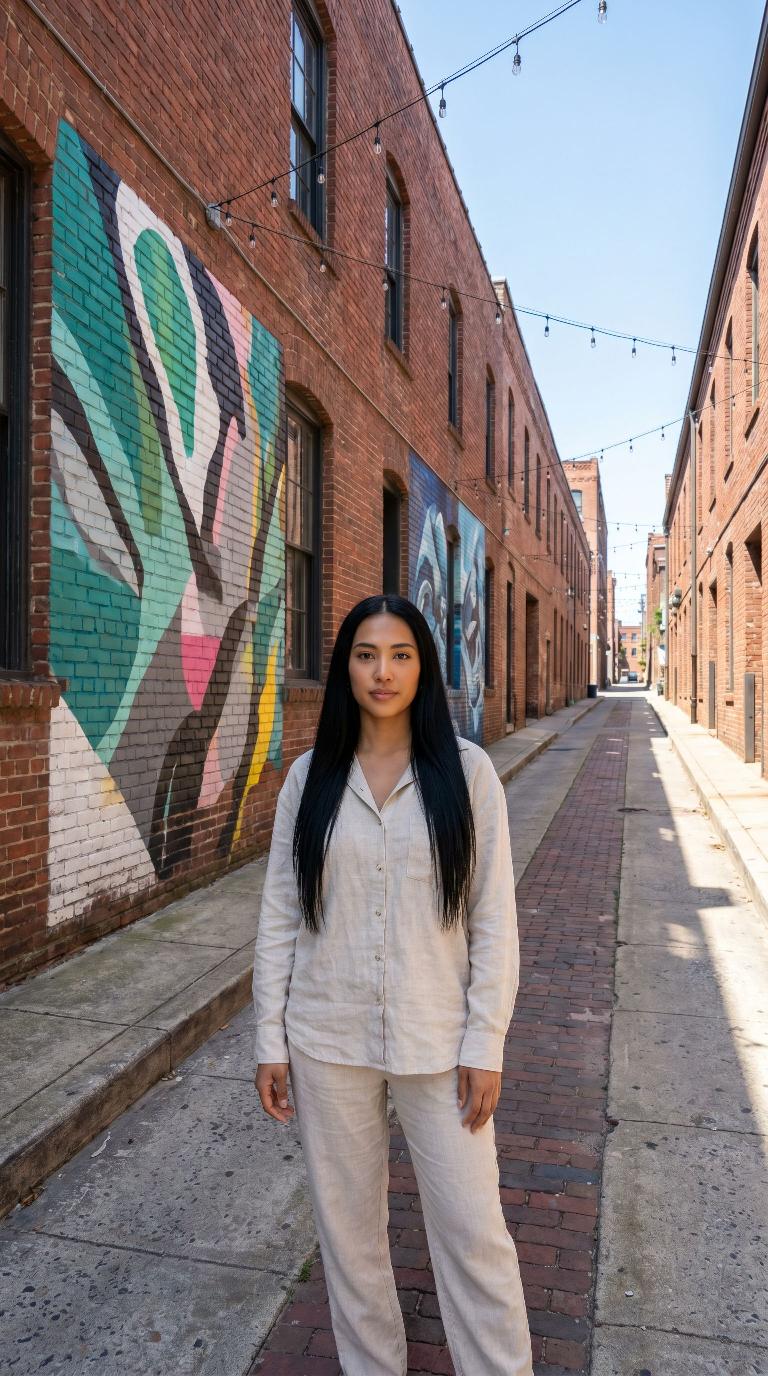
Scene: Street-art brick alleyway
Street-art brick alleyway
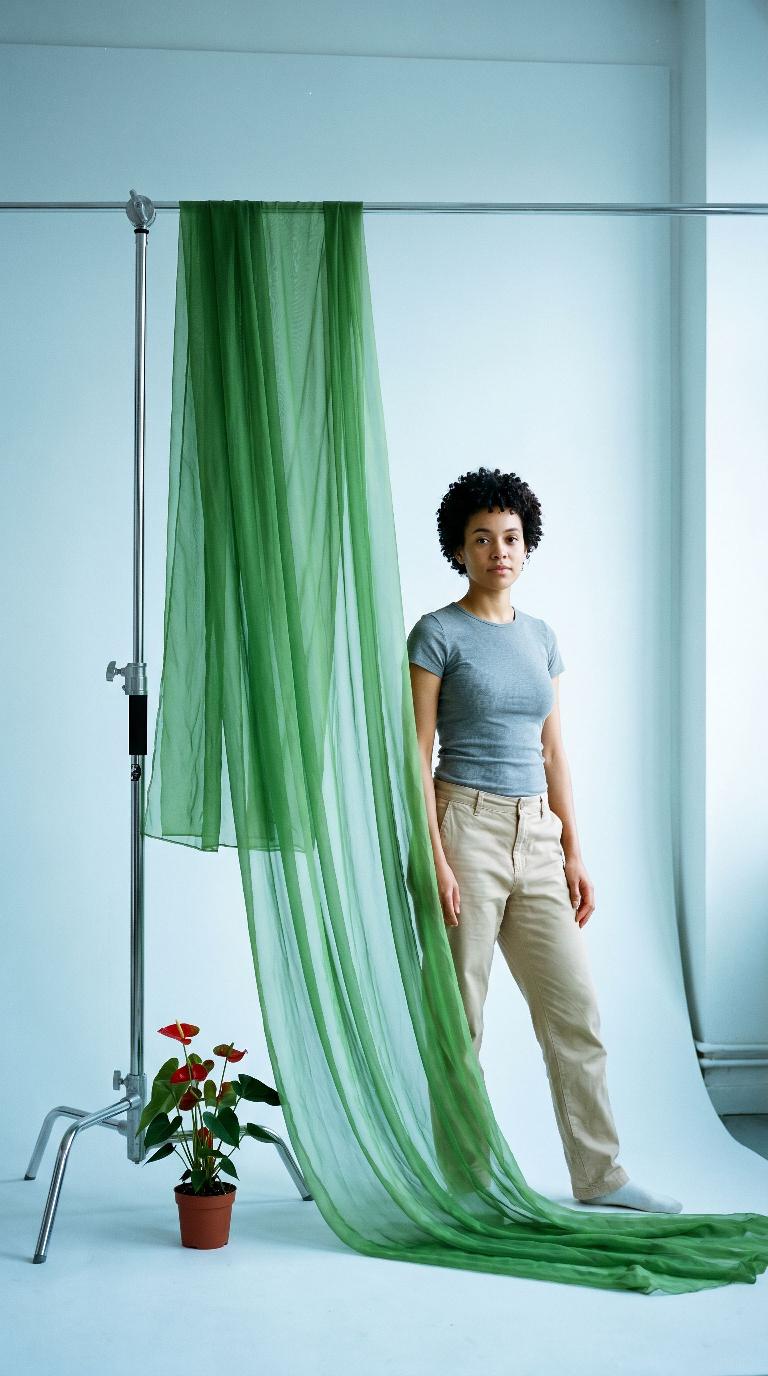
Scene: Green chiffon film studio
Green chiffon film studio
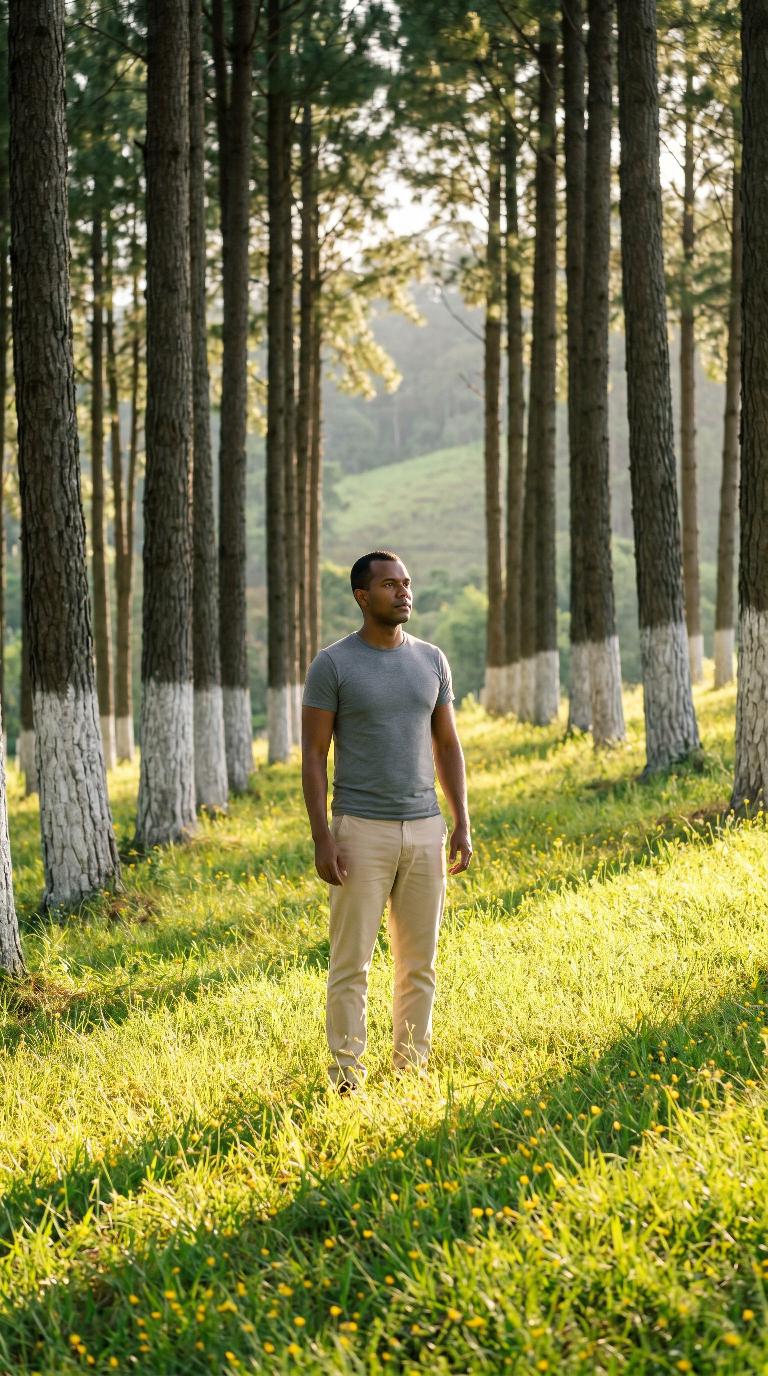
Scene: Whitewashed pine grove
Whitewashed pine grove
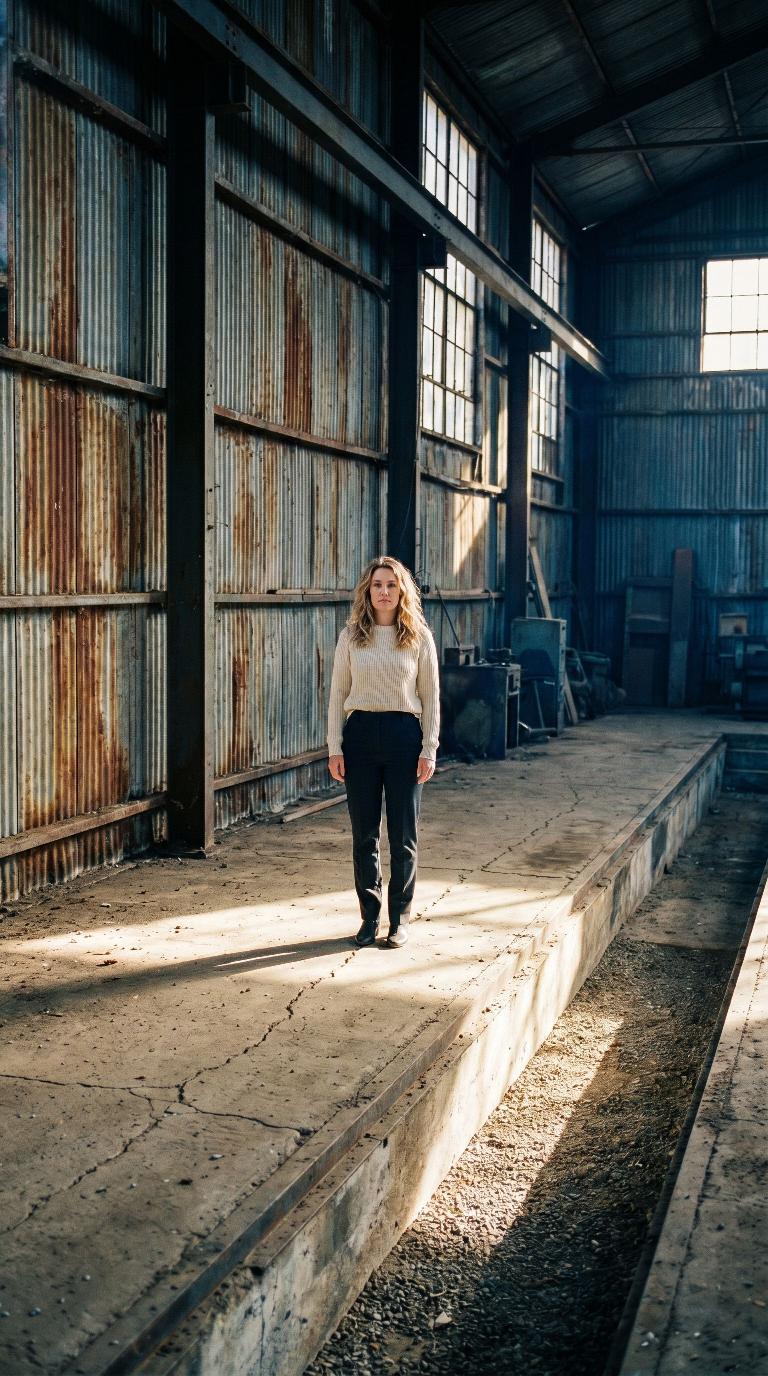
Scene: Derelict corrugated warehouse
Derelict corrugated warehouse
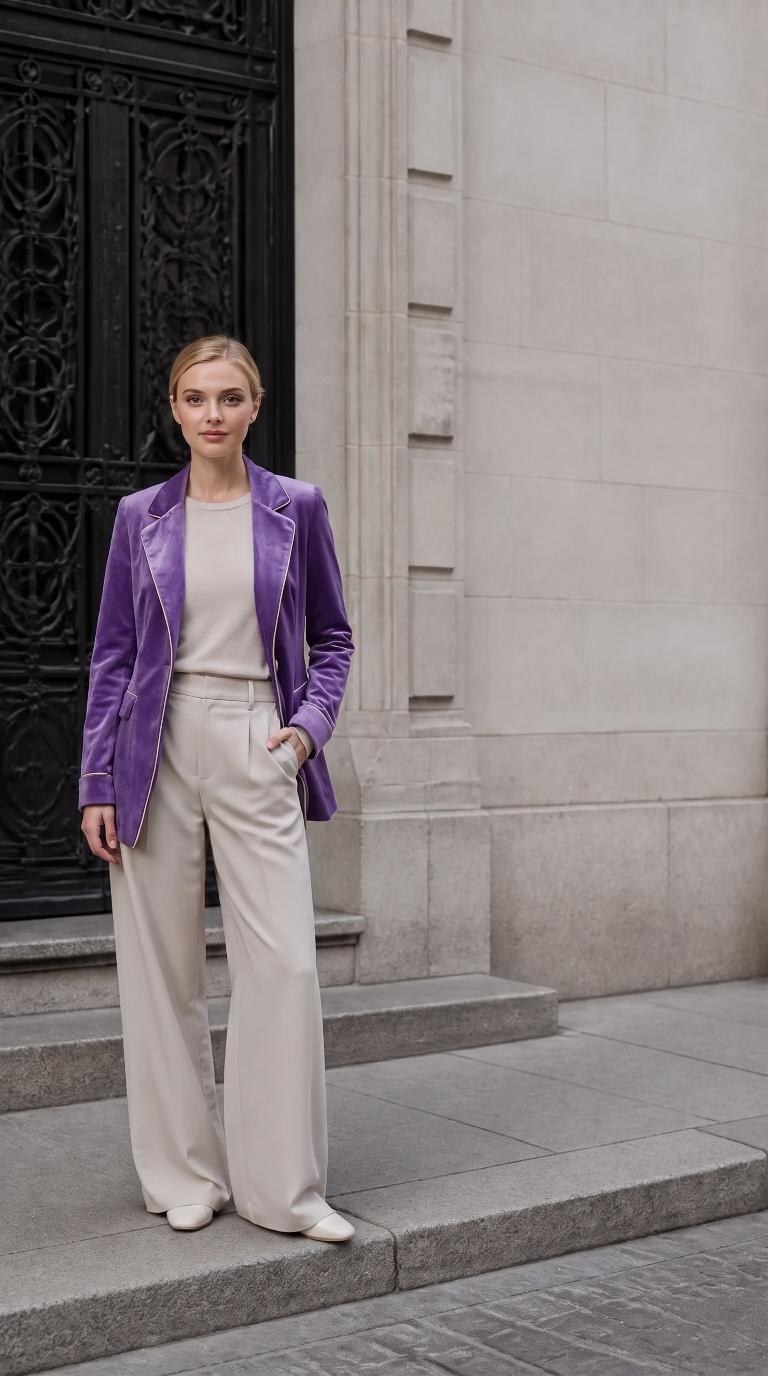
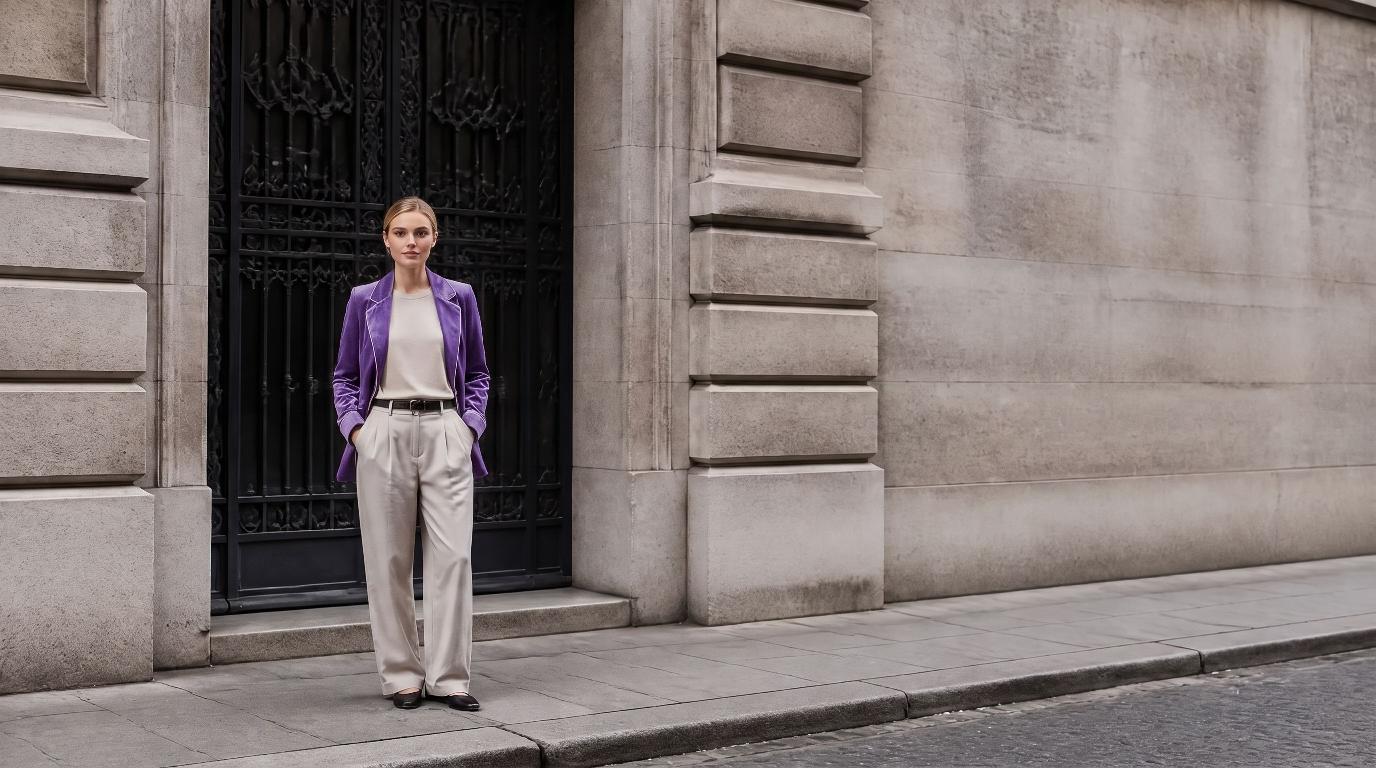
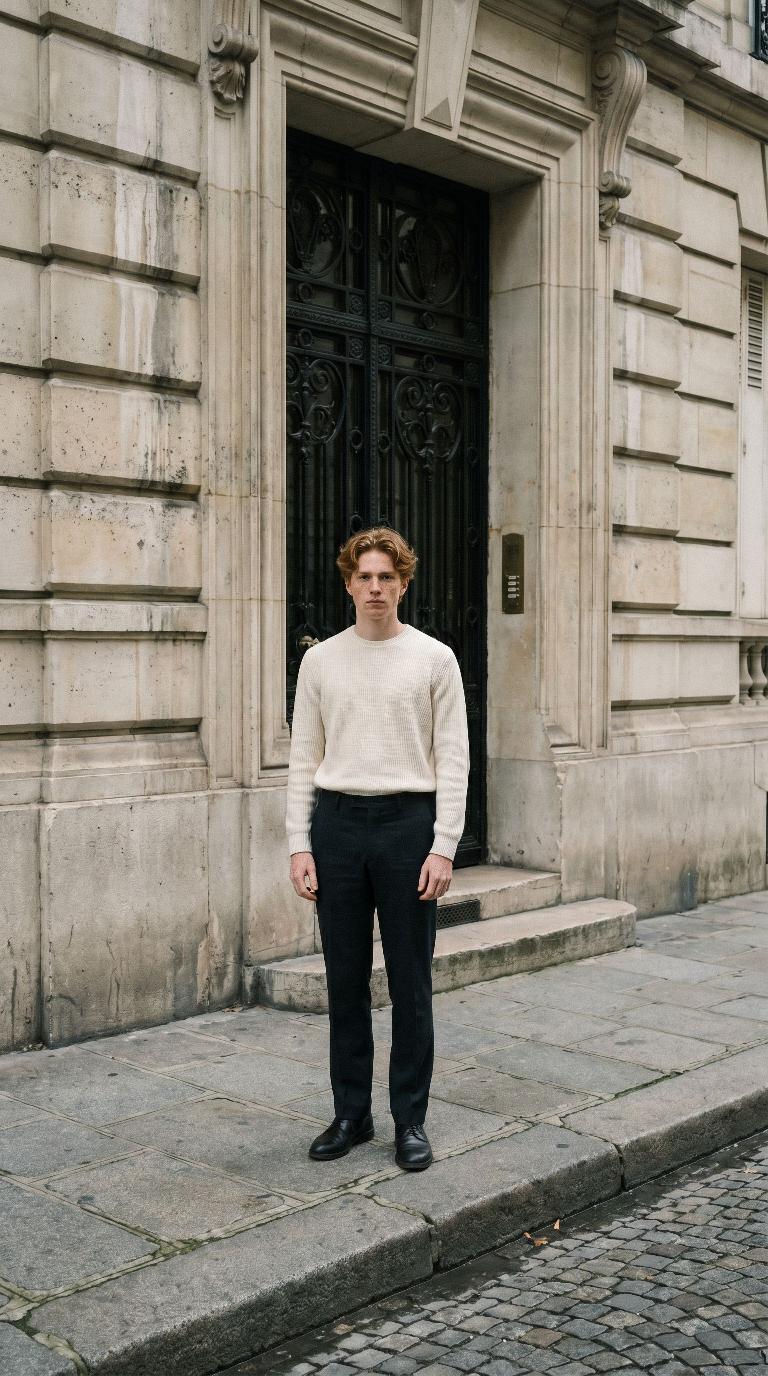
Scene: Parisian doorstep
Parisian doorstep
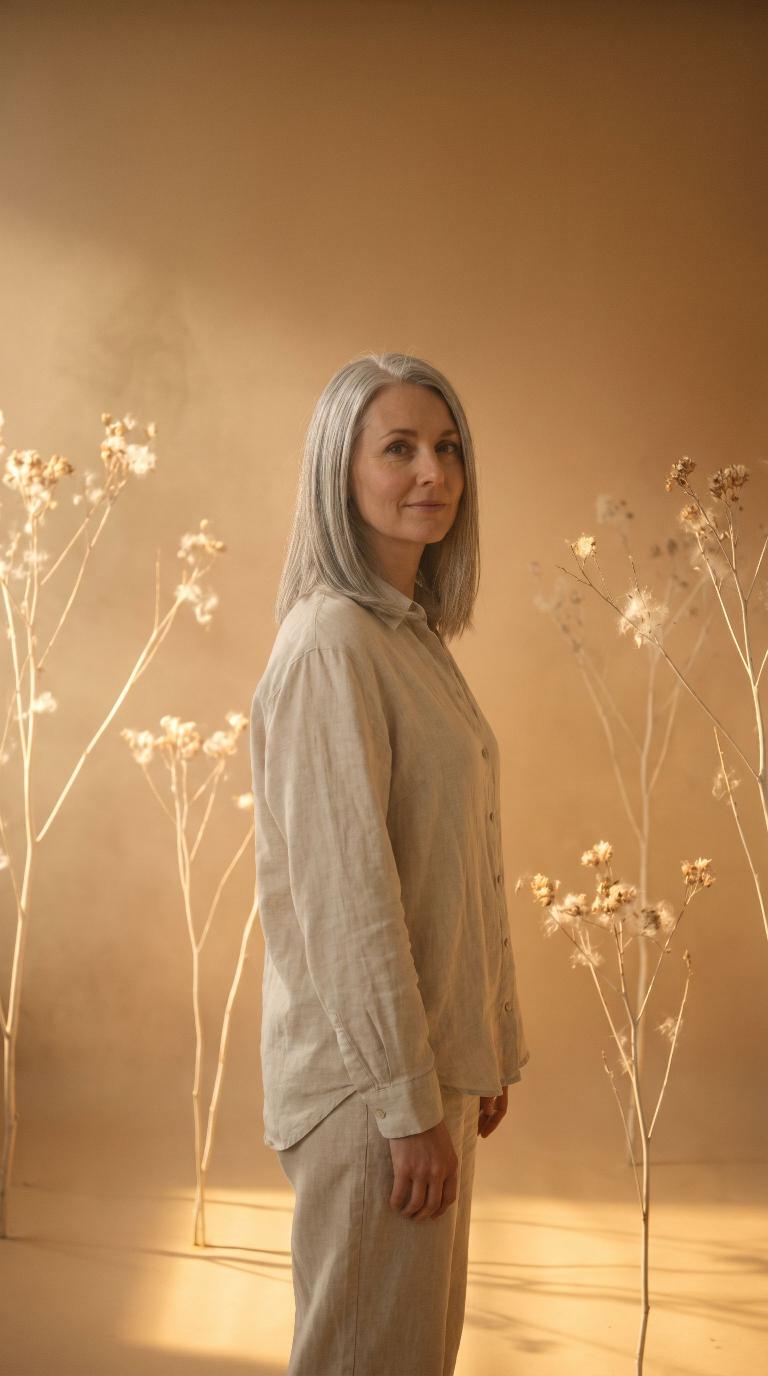
Scene: Amber haze and dry branches
Amber haze and dry branches
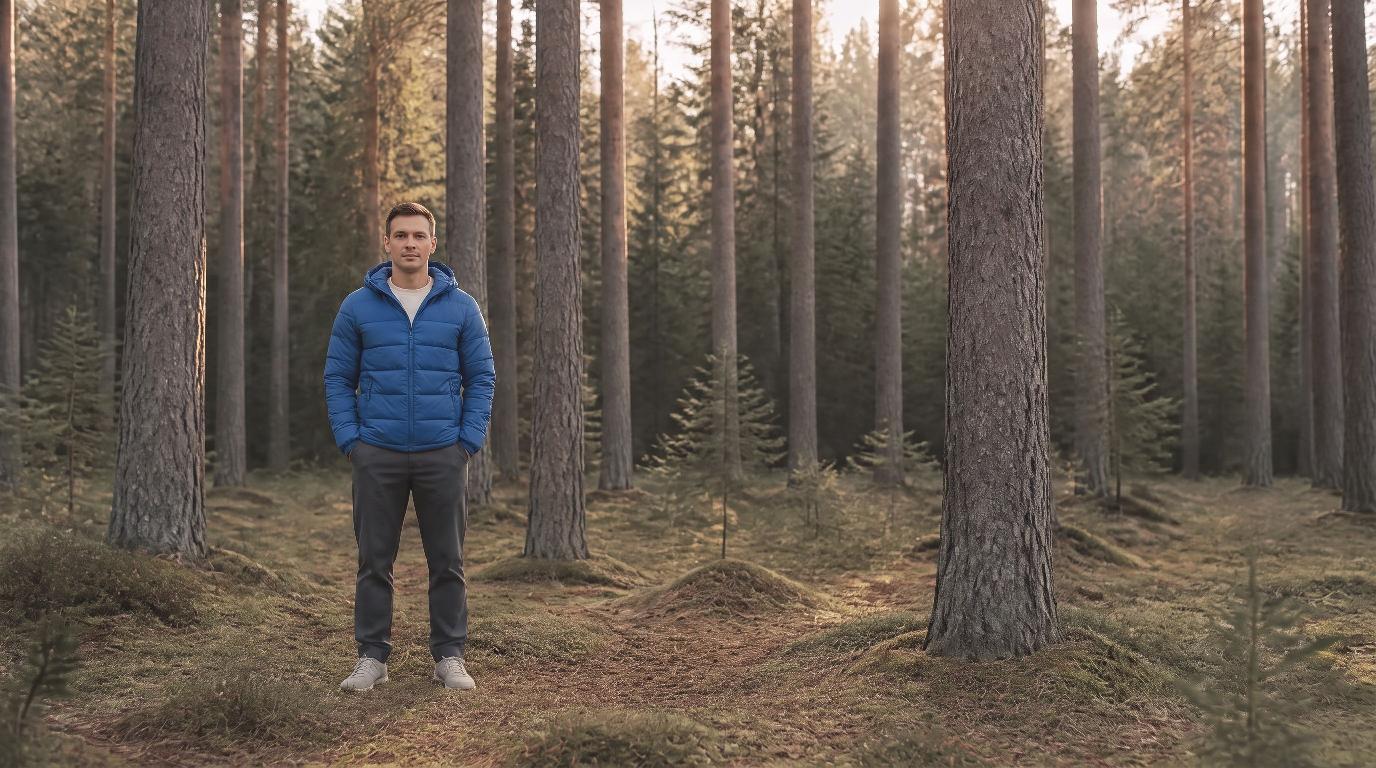
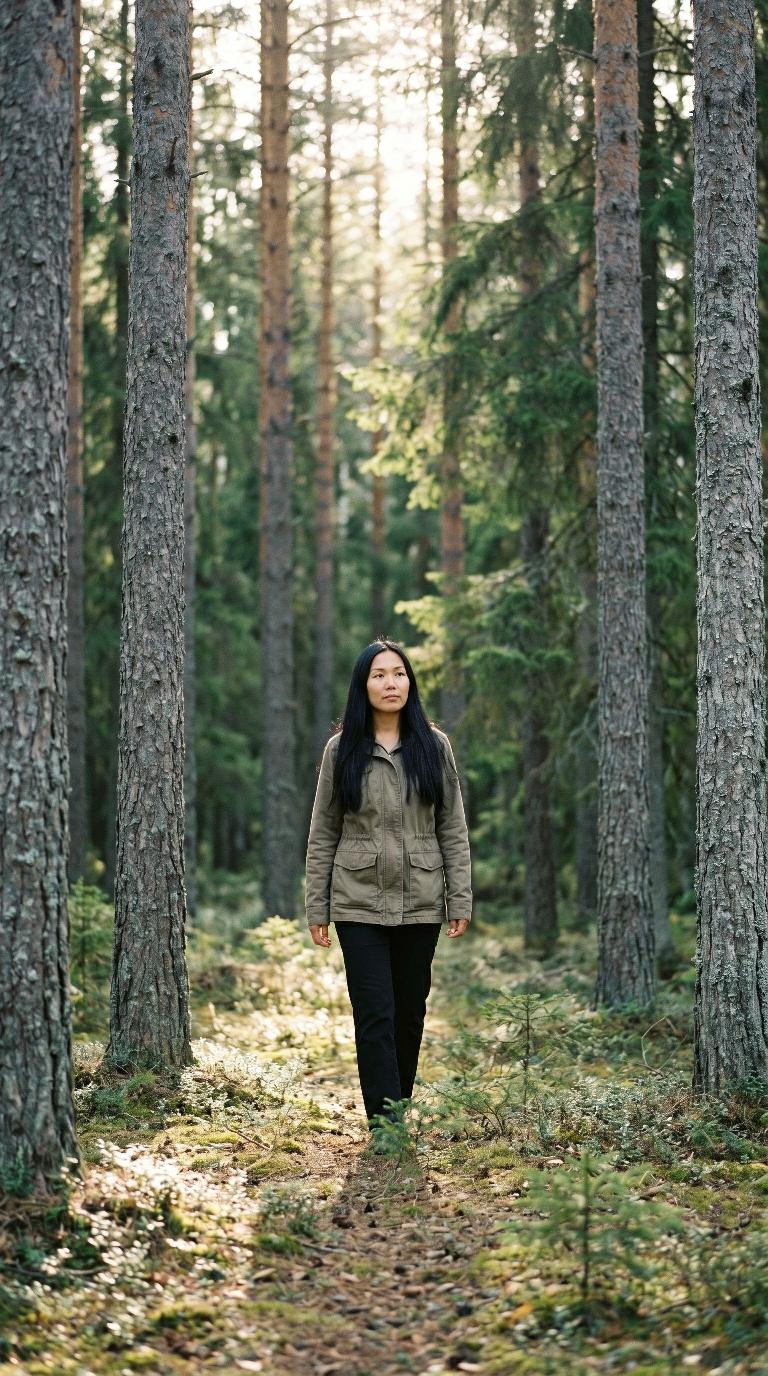
Scene: Nordic pine forest
Nordic pine forest
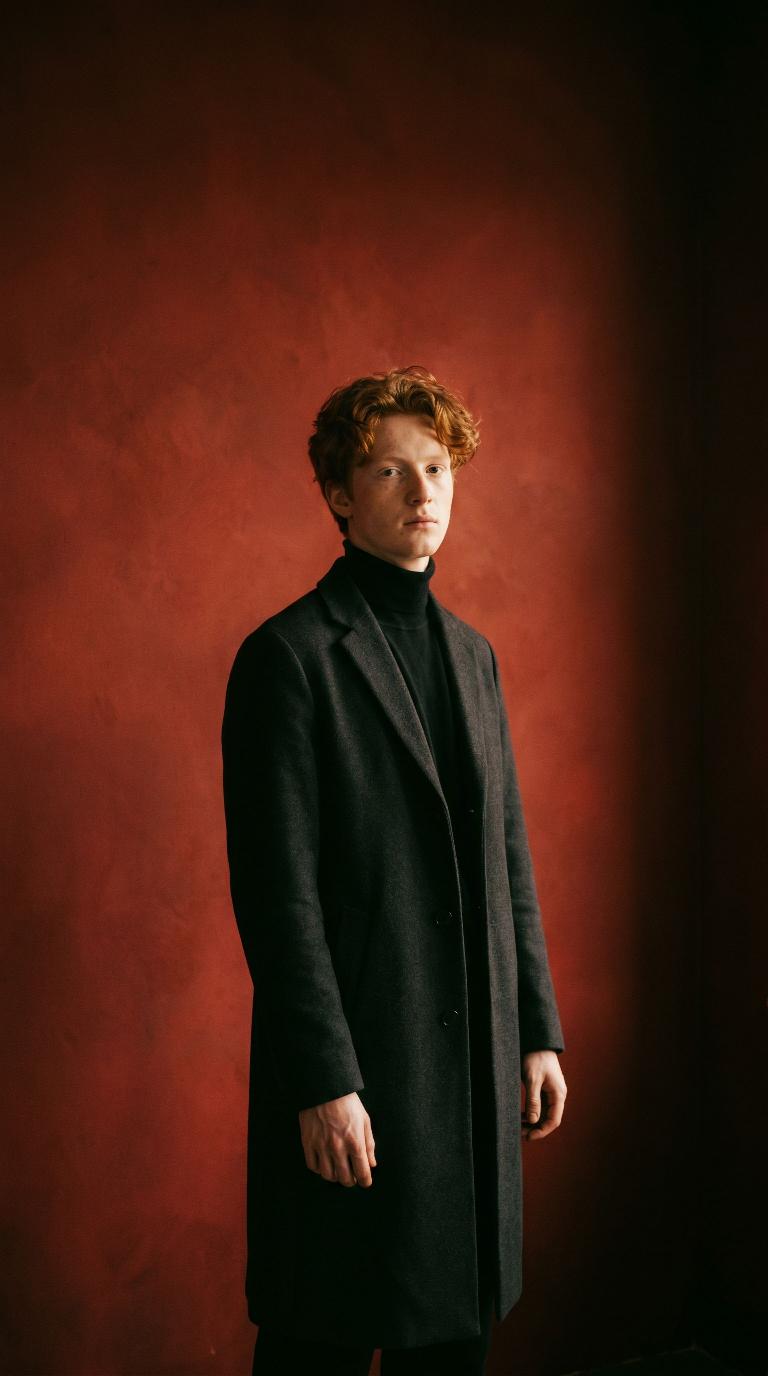
Scene: Oxblood wall studio
Oxblood wall studio
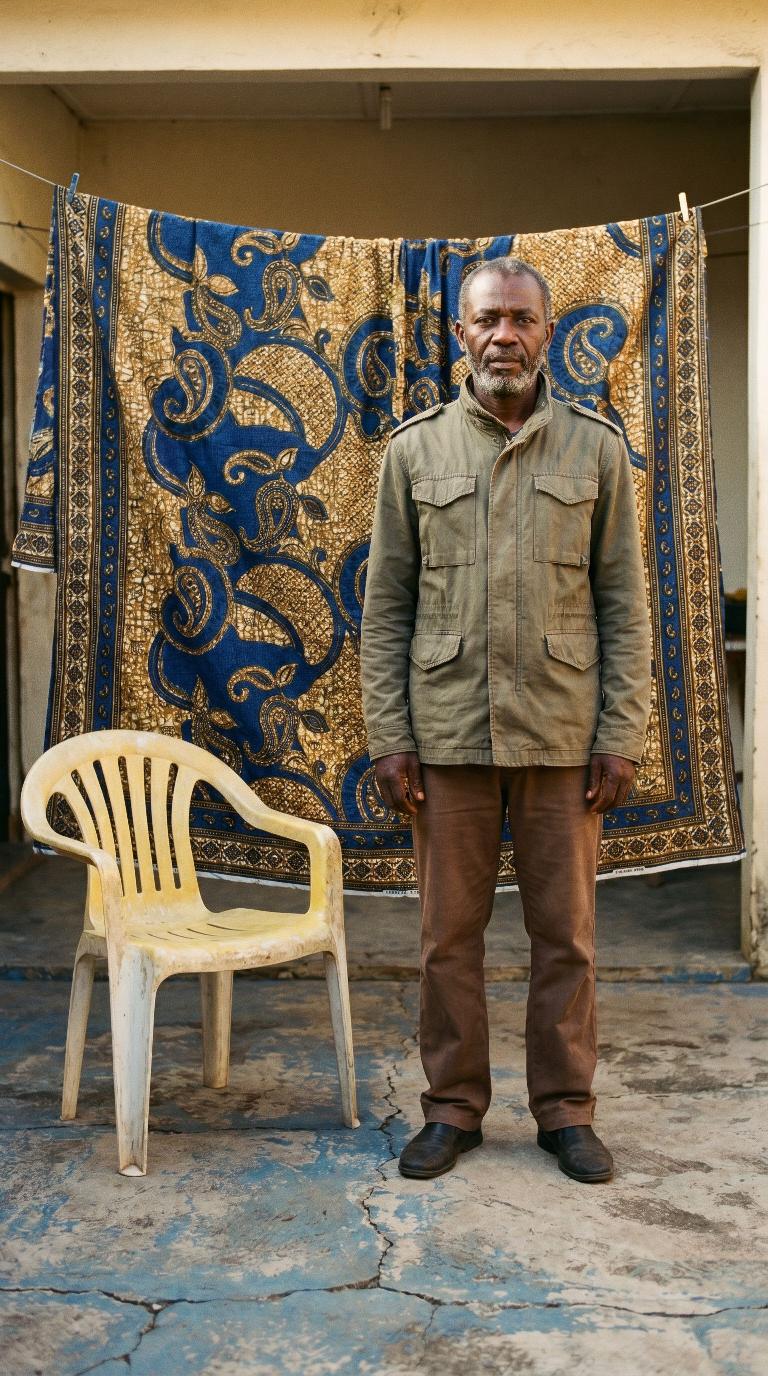
Scene: Wax-print cloth backdrop
Wax-print cloth backdrop
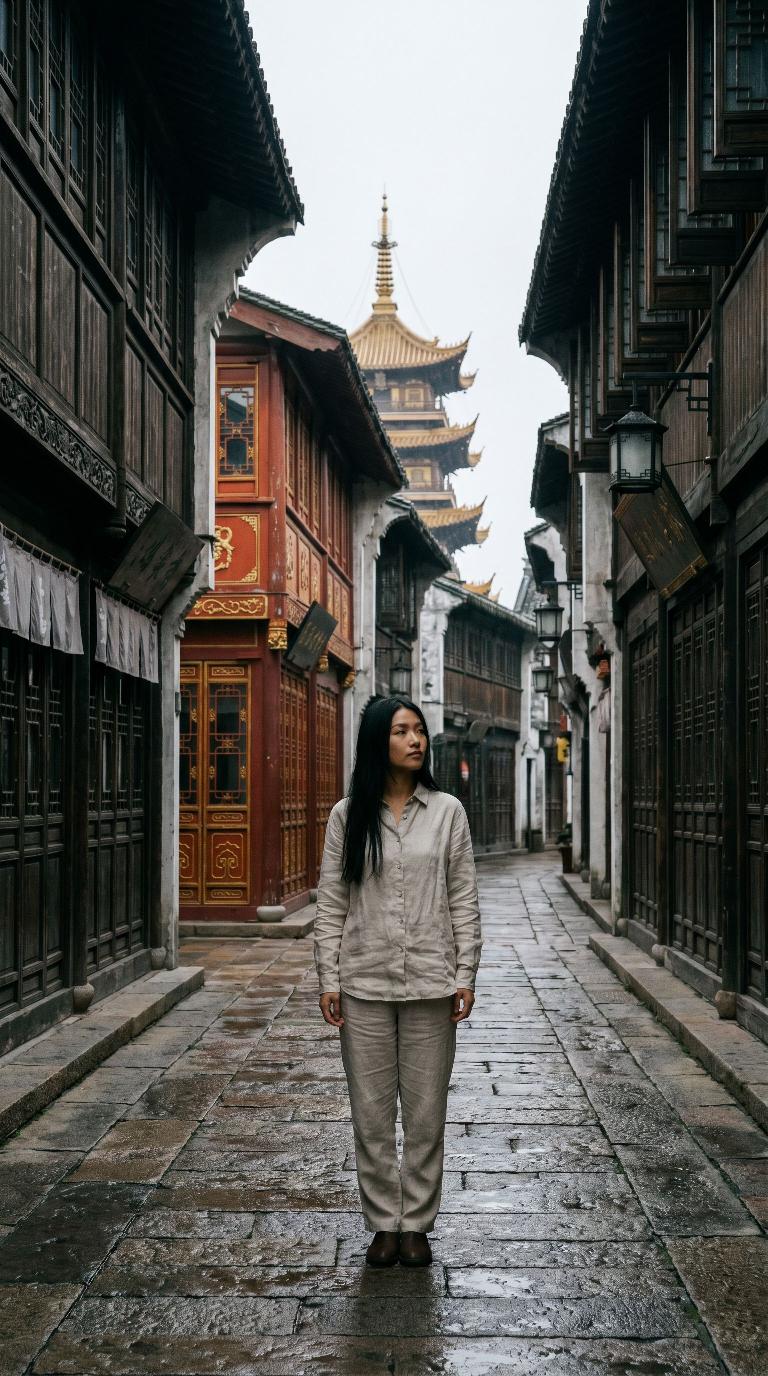
Scene: Old-town timber lanes
Old-town timber lanes

Scene previews are shown with stand-in models.

Upload it once. It stays true everywhere.

Everyday photos of your product, or of your model or mascot, become the references every batch is built on. What comes back is yours, not something invented.
Product photo the brand uploaded: Wool coat
Product photo the brand uploaded: Perfume
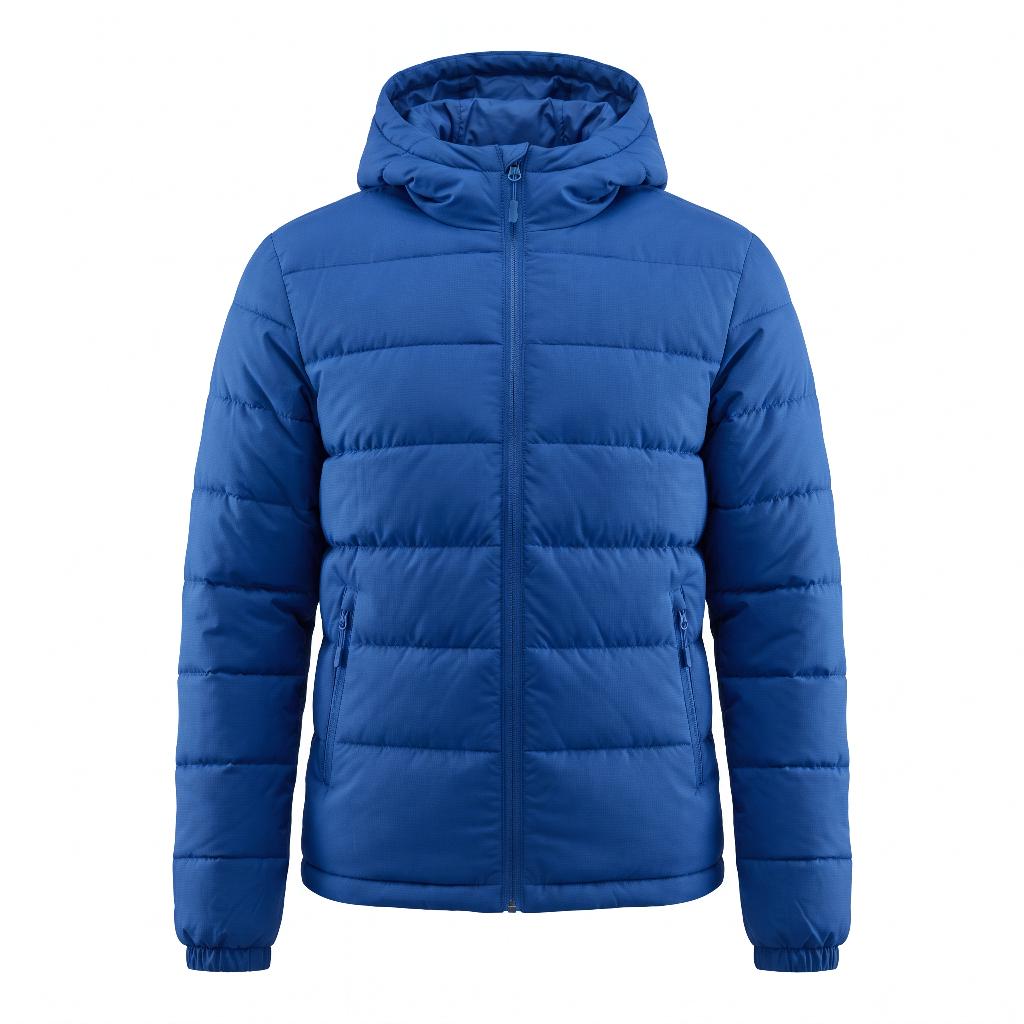
Product photo the brand uploaded: Puffer jacket
Product photo the brand uploaded: Sunglasses
Product photo the brand uploaded: Velvet blazer
Product photo the brand uploaded: Handbag
Product photo the brand uploaded: Pink dress
Product photo the brand uploaded: Santa hat
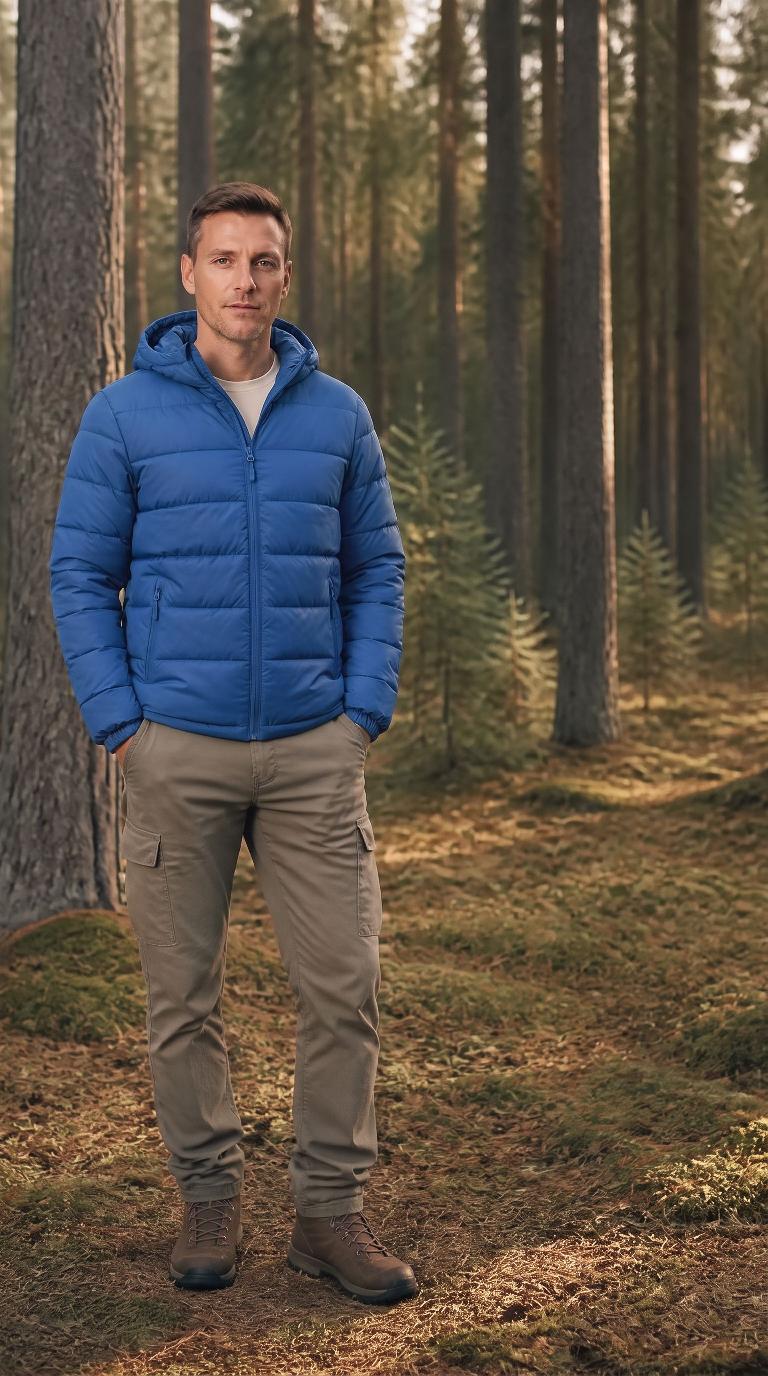
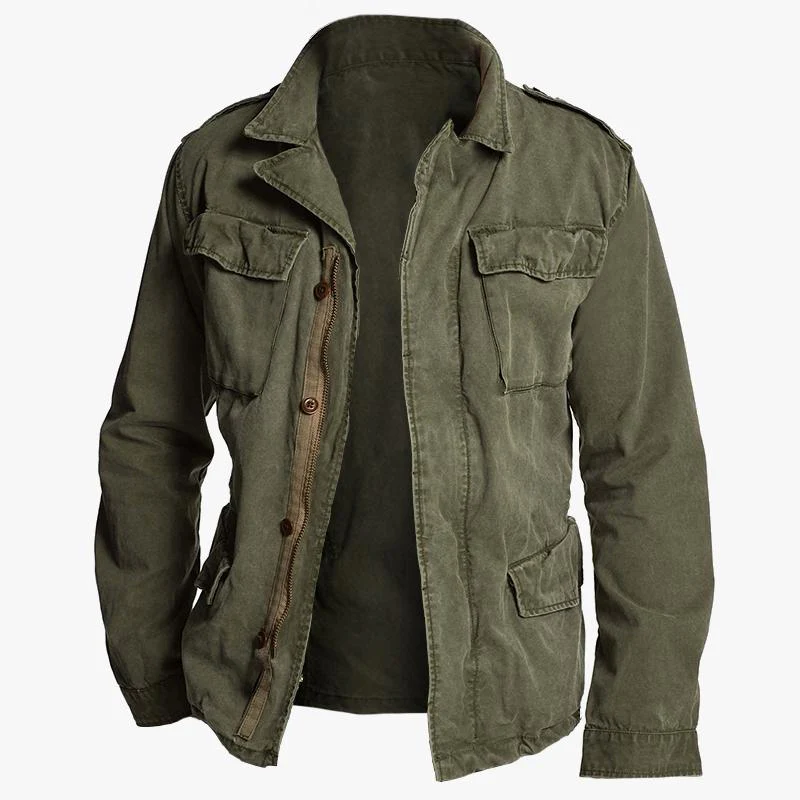
Product photo the brand uploaded: Field jacket
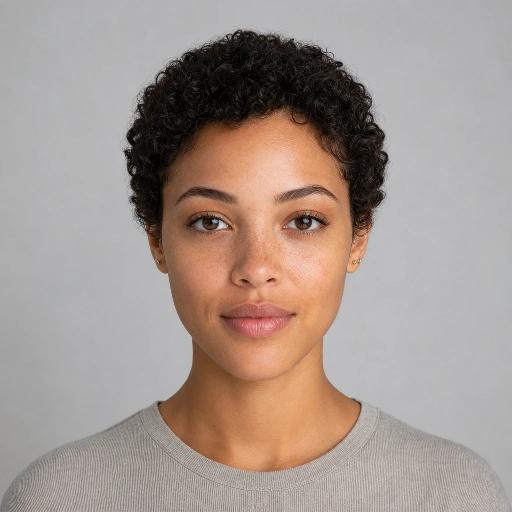
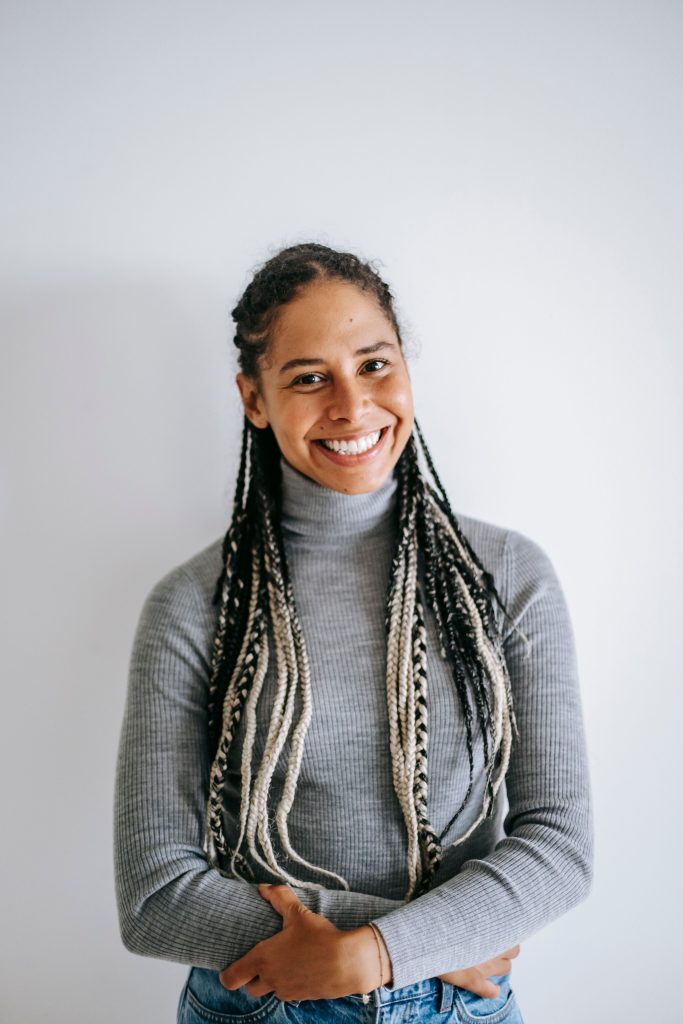
Photo of the recurring brand model
AI Generated
Generated shot: the same Wool coat on the same model
Generated shot: the same Perfume on the same model
Generated shot: the same Puffer jacket on the same model
Generated shot: the same Sunglasses on the same model
Generated shot: the same Velvet blazer on the same model
Generated shot: the same Handbag on the same model
Generated shot: the same Pink dress on the same model
Generated shot: the same Santa hat on the same model
Generated shot: the same Field jacket on the same model

Output you don't have to redo

Finished, on-brand photos and videos you can post as-is, not AI attempts you have to fix.

Brand Owners

One brand, fresh ads whenever you need them, every size from one setup.

See Plans
On-brand campaign photo from a real batch

Frequently Asked Questions

Yes! Every photo and video created with Artwurk.ai comes with full commercial rights. Use them in paid ads, social media, your store, or any business purpose.

Most batches finish in a few minutes. Photos come in first, then each video follows, built from its matching photo so it looks like the same shoot.

Finished, on-brand campaign batches: photos and videos together, in every size you pick, all matching each other and locked to your brand profile. Not one-off AI images you have to fix and match up afterwards.

Not at all. You set up your brand once. After that, a campaign is just a scene you pick (or describe in a sentence) and a few size picks. There's no prompt writing and no model picking anywhere. The technical decisions happen under the hood.

The product photos you upload become the references every shot is built from, so the real thing keeps its colors, logo, and shape. Your brand colors go on the background and styling only, never painted onto the product itself. If one shot still misses, you redo just that one, not the whole batch.