Lipstick in Oxblood wall studio
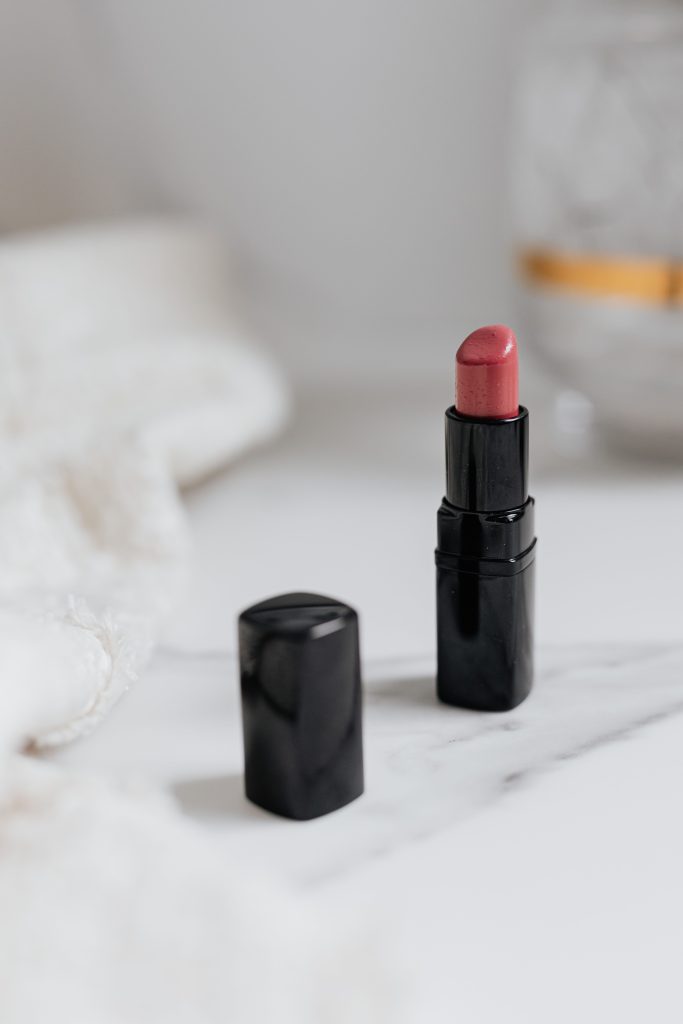
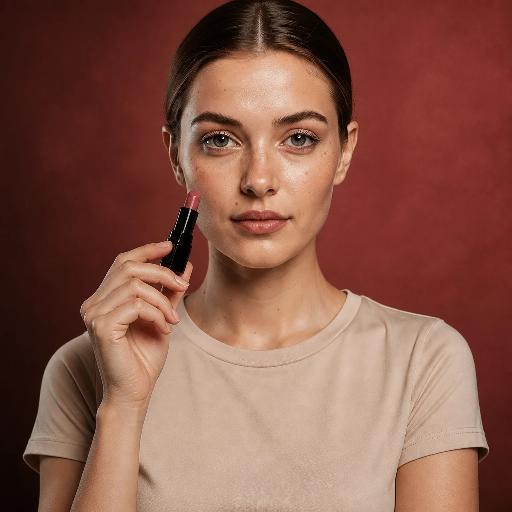
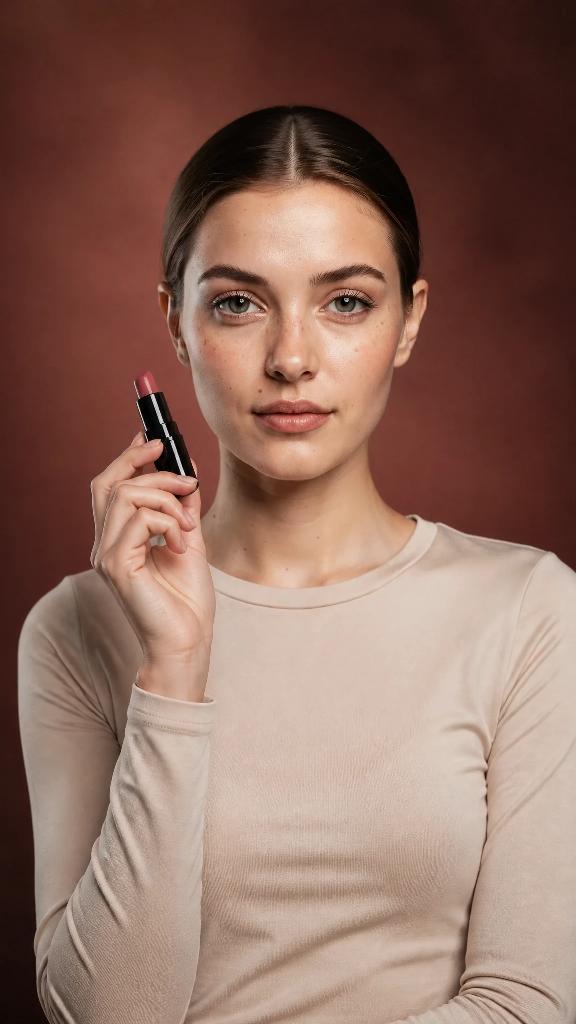
Artwurk turns one photo of your lipstick into a matching set of photos and videos: held up by a model, styled on its own, or applied in a short video when you describe that motion. The tube and the shade come from your own photo, so the set shows your product.
Each row is one batch: the product photo that went in, and the photos and video that came out.
A lipstick is tiny next to a face, so its details get few pixels. Check the shade and the tube at full size, and redo a shot that softens them.
Very small print on a tube is the hardest detail for any image tool. Bold shapes and colors hold up; tiny text may not.
Applying the product is the most convincing video for beauty. Check that the tube stays the same tube from the first frame to the last.
Yes. Describe the motion you want, such as the model applying it, and the video starts from one of the batch's photos so the shade and the tube match the stills.
Products with a clear shape work best: compacts, bottles and tubes. Very small text and see-through packaging are the hardest, so check those closely.
Yes. Leave the person out and the product sits in the scene on its own, on a counter, a ledge or a backdrop.
Add your product once, pick a scene, and get back matching photos and videos in every size.
Start free